
Get any PDF form from the DocHub library of ready-made templates - Page 280
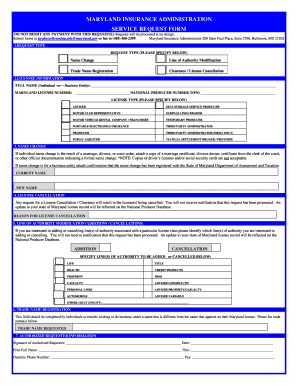
Maryland insurance administration service request form

Hospital Presumptive Eligibility Statement of - Medicaid
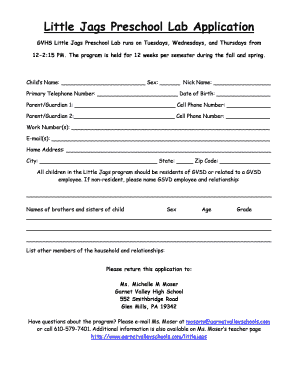
Little jags preschool
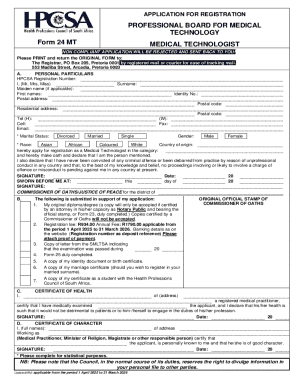
Application for Registration
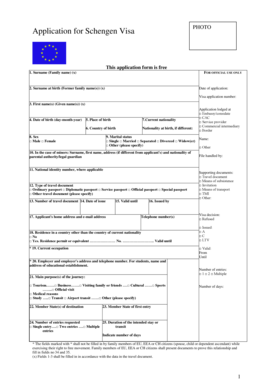
In the case of minors Surname, first name, address (if different from applicant's) and nationality o

VR-334 (11-17) - MVA - Maryland

Delaware mv809
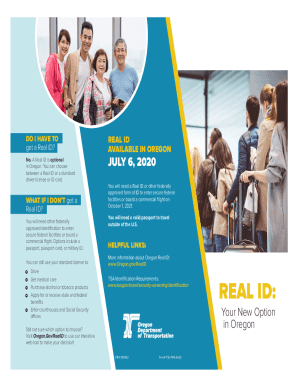
REAL ID FAQsLinks to State by State Guides - DMV
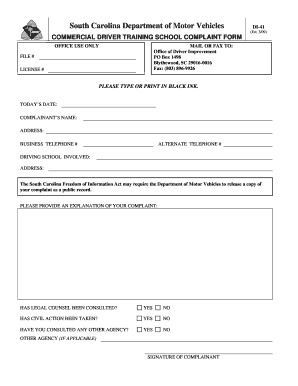
COMMERCIAL DRIVER TRAINING SCHOOL COMPLAINT FORM

Gu 1338 mass form

Mv2691

MV2845 - Wisconsin Department of Transportation

Gu1338
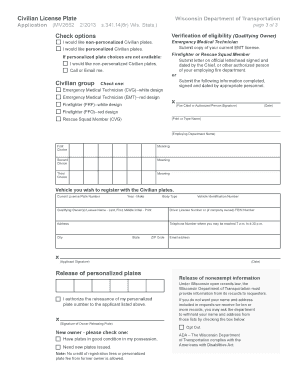
Wi mv2652 form
Mv2412
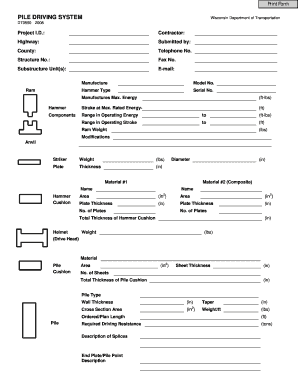
Dt3550 form
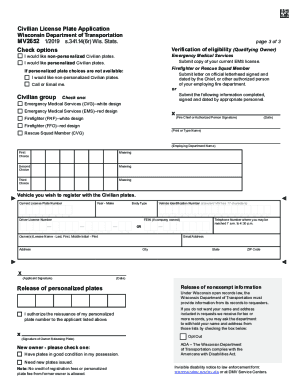
MV - Lions Club License Plate information and application, April 2010

MV2131 - Wisconsin DOT
Mv2412
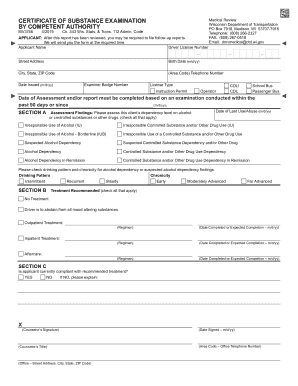
PDF certificate of substance examination by competent authority

Form mv2131 wisconsin form
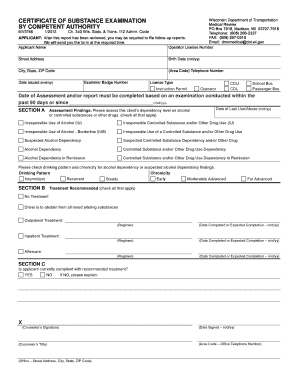
Mv3746 form

( ) original application for driver education instructor certificate

SOS - Driver Education and Testing Section - State of Michigan
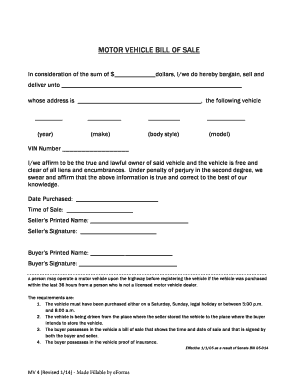
Motor vehicle bill of sale - Colorado
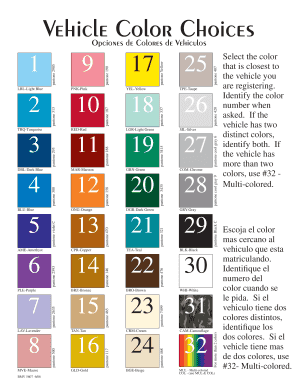
Ncic color codes
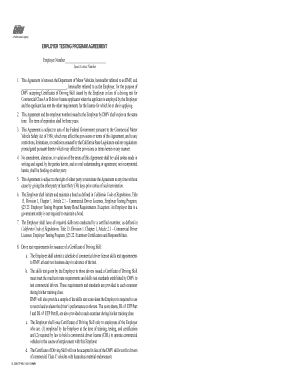
DL 520B ETP, Employer Testing Program Agreement

REG 206 I, Statment of personal history employee interstate carrier program ICP Index ready This for

OL 620, Problems with Driving School or Traffic Violator School? (TVS) Index ready This form is to b
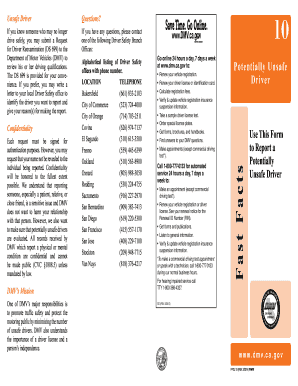
If you have any questions, please contact one of the following Driver Safety Branch Offices: Each re
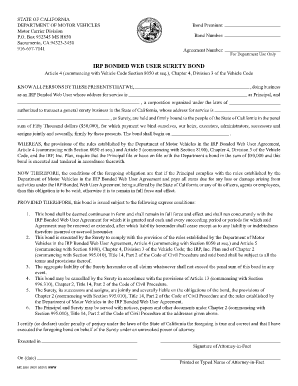
Statement of facts dmv example
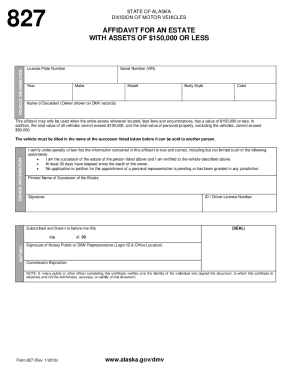
Deceased Owner, Division of Motor Vehicles, Department of
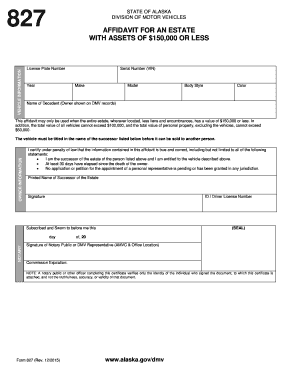
Downloadable vehicle appraisal form - amenitieskhachsan
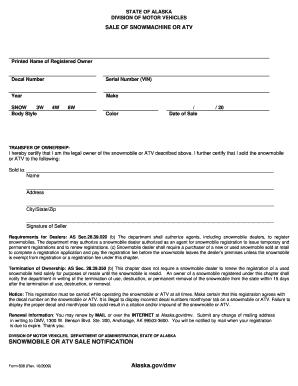
Registering Your SnowmobileDepartment of Motor Vehicles

PDF Release of Driving Records-Personal Info Express Consent Forms

Driving record montana form

Affidavit of builder dmv 62 tr form

Wv dmv forms

Wv fuel sticker decal form 2020
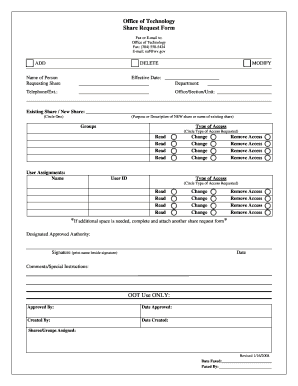
Naf wv gov
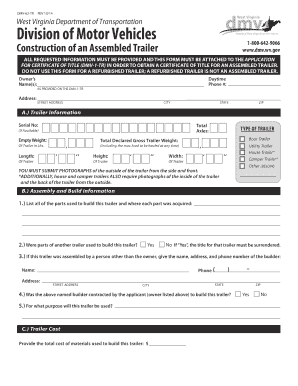
DMV-62-TR - transportation wv
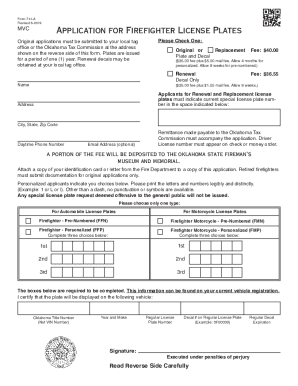
FIREFIGHTER PLATE APPLICATION - Iowa Fire Chiefs
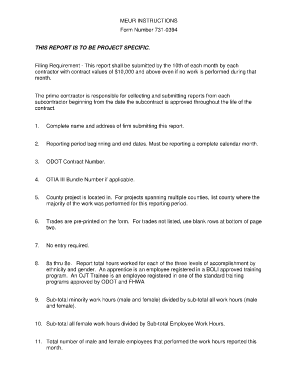
Electronic meur odot construction

150-101-157 Form OR-SOA (Rev

Maine fuel sticker
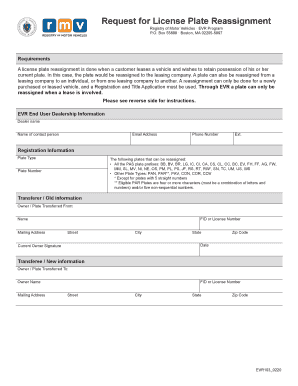
Plate reassignment form massachusetts
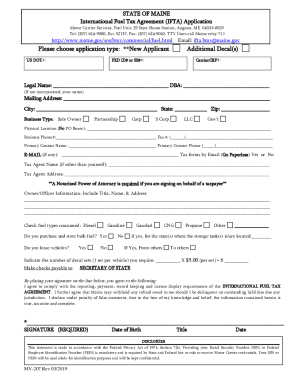
Maine fuel sticker
Massdot roadway work notification form

Plate reassignment
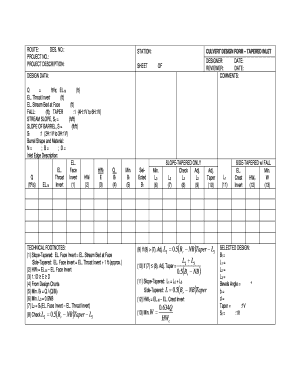
Culvert Design Form -- Tapered Inlet - in
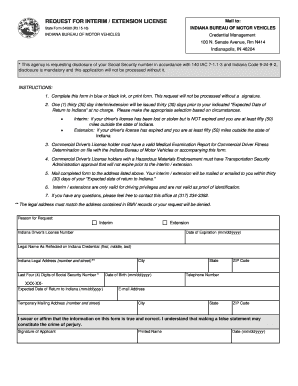
Request for interim extension license - Indiana State Forms - forms in
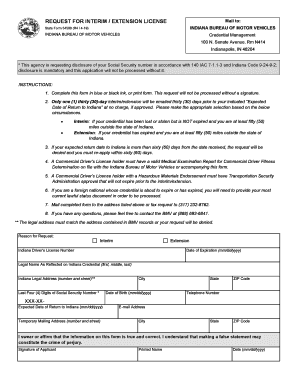
54580 doc

Kentucky uky accident report
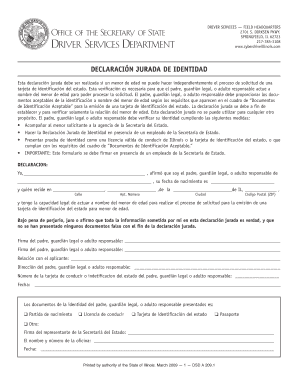
Jurada cyberdrive illinois
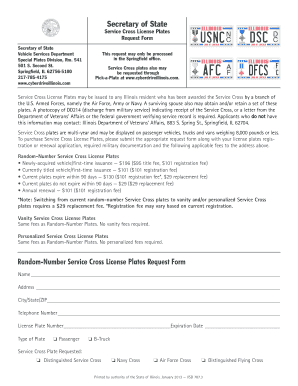
Illinois service cross

Illinois sample license template

Il traffic offenses state
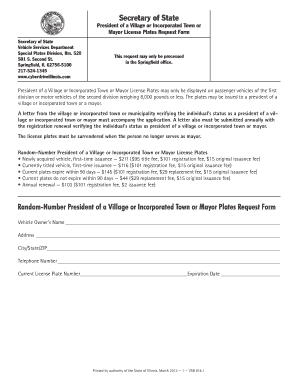
Illinois vsd village
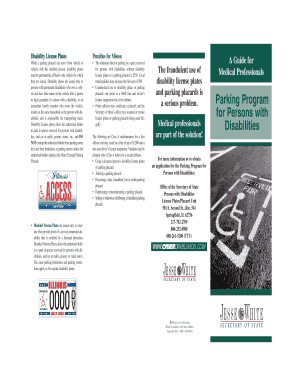
Illinois guide parking disabilities form
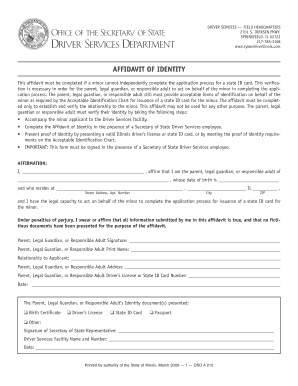
Il identity form
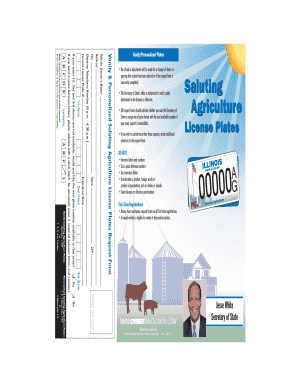
Illinois agriculture plates
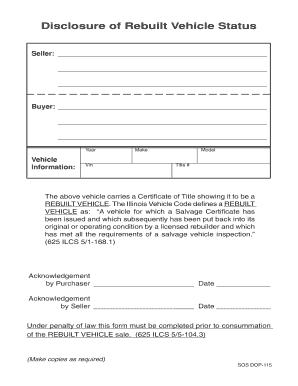
Illinois dop vehicle online

Illinois beneficiary affidavit form

Illinois signature form

Il office secretary departments form

2015 ID ITD 3203
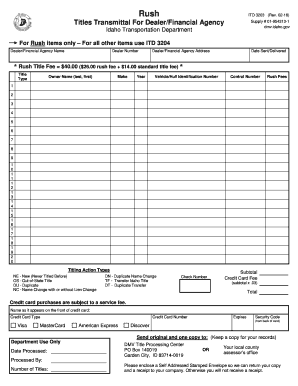
Idaho transmittal form

Georgia affidavit boat get

Ga used motor vehicle board form

Driver report accident

Florida hsmv77122 ridercoach personal form print
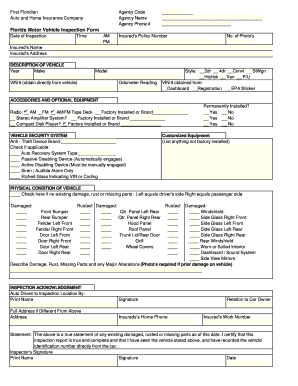
Floridian inspection form get
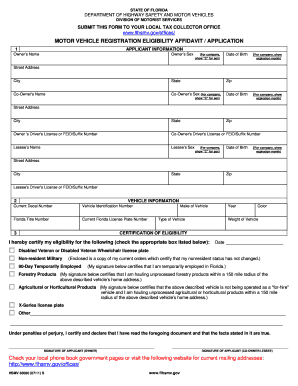
Feid suffix

Vehicle transfer affidavit format pdf
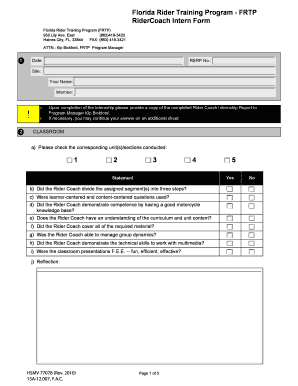
Florida ridercoach
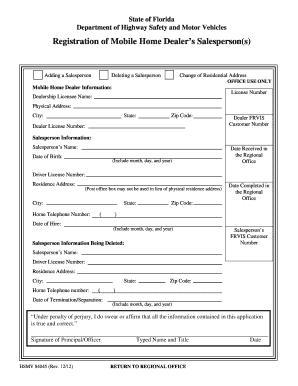
Hsmv 84045
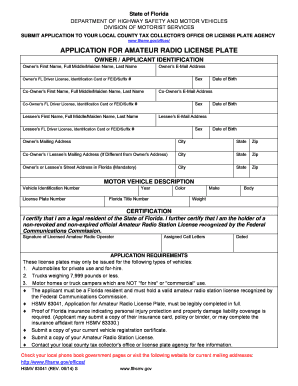
Florida application plate
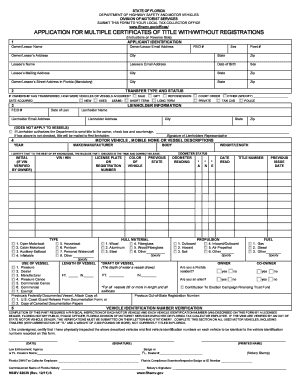
Hsmv 82039
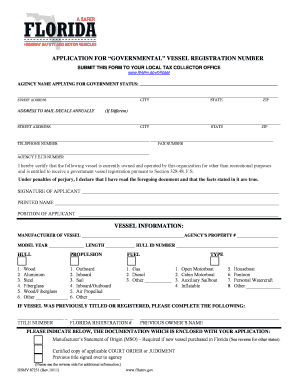
Florida governmental vessel registration
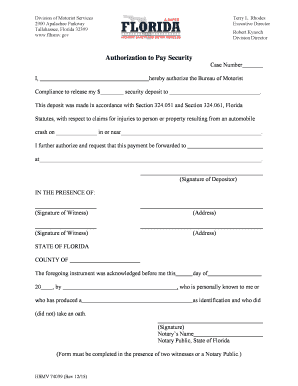
Florida authorization security form
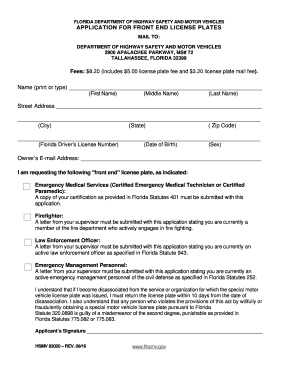
Fl end license

Florida driving commissioned
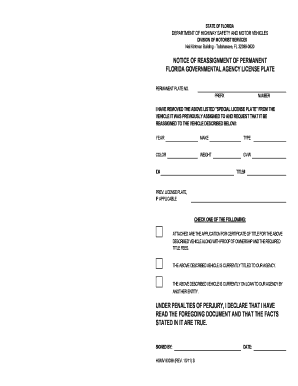
Florida permanent agency license plate
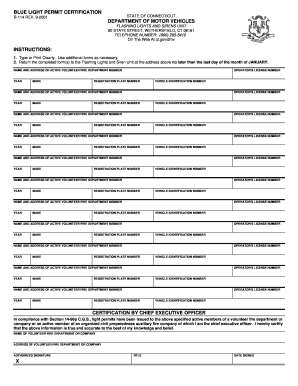
Ct r114
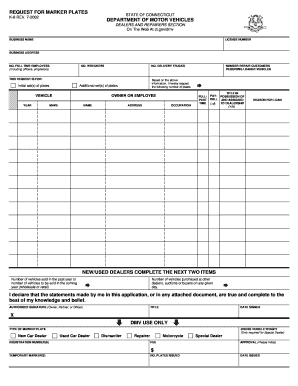
Connecticut k6 request plates form
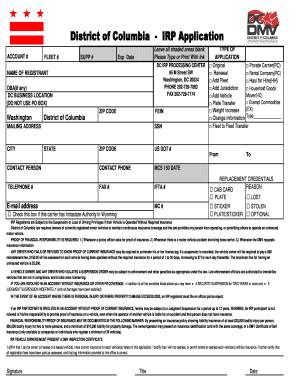
Dc irp

Connecticut transportation vehicle form
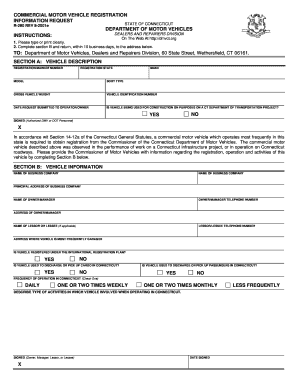
Connecticut registration commercial

Ct impoundment information record fill
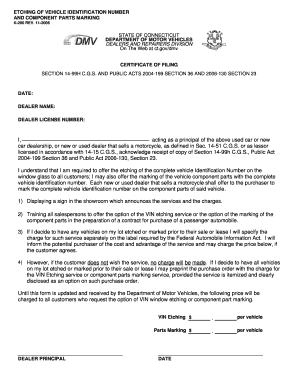
Connecticut k200 vehicle identification form fill
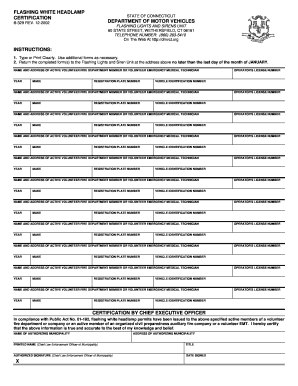
Ct flashing white headlamp form

K 26 form

Connecticut rment gov
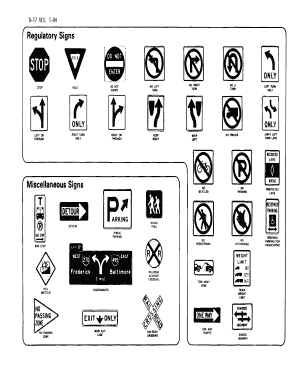
Connecticut road signs

Ct license fee active form printable
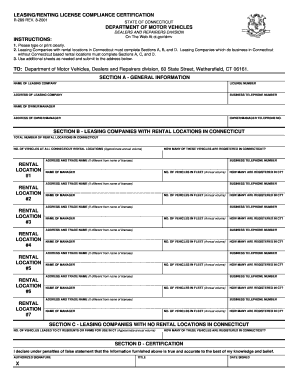
R 289 compliance certificate
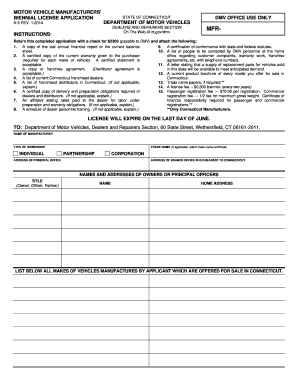
Ct motor application

Franchise notification form
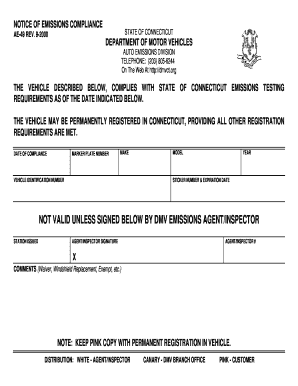
2000 ae49 emissions compliance

Fleet License Application - the State of Connecticut Website
Benefit from the DocHub online library of fillable PDF forms
Searching the PDF forms doesn't have to be a tedious and time-consuming process. With the DocHub online library, it has become easier to find the fillable PDF forms and modify them in your browser. The service allows you to adjust the document to your needs using powerful editing tools.
You can use online document editing features to modify almost any type of document with ease. You just need to find the template of your choice, open it in the editor, and use the toolbar to make the necessary corrections.
Follow this guide to get your document done with DocHub:
- Find the PDF template you need.
- Click the Get Form button to open the file in the editor.
- Use the toolbar to fill out and edit the document.
- Easily add and highlight text, insert images, checkmarks, and symbols.
- Drop new fillable fields, and rearrange or delete pages from your file.
- Save changes and download your record.
DocHub empowers everyone to streamline document editing, signing, and distribution, and form completion. Create an account and benefit from our well-organized PDF Forms library and comprehensive editor.