
Get any PDF form from the DocHub library of ready-made templates - Page 23
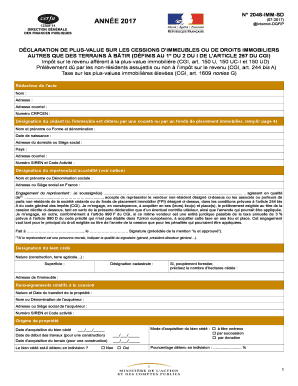
D claration de Plus-Value sur les Cessions d'Immeubles
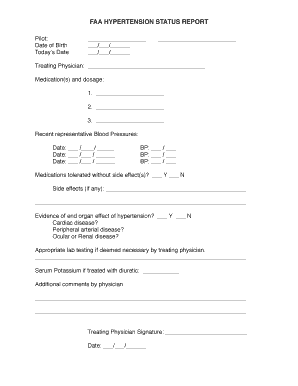
FAA Hypertension Status Report

Labcorp NonDOT Drug Test Authorization Form

Northampton County Address Change Request
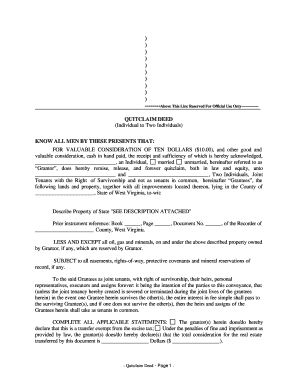
West Virginia Quitclaim Deed
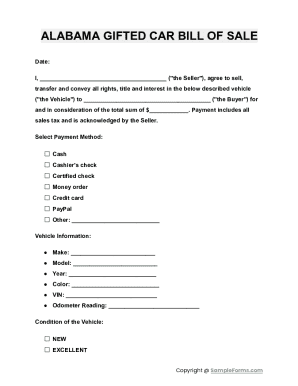
Alabama Gifted Car Bill of Sale
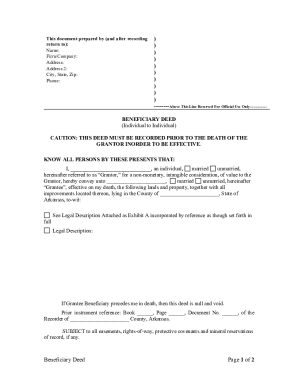
Arkansas beneficiary deed pdf

Flood Insurance Quote Form
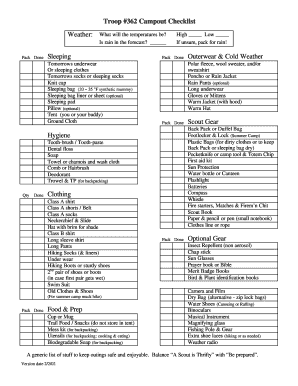
Troop 362 Campout Checklist
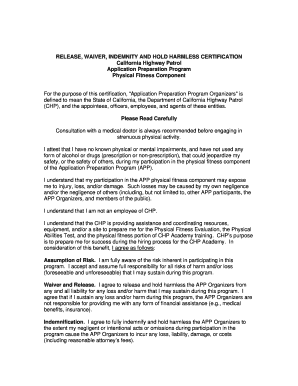
California Highway Patrol Waiver Form
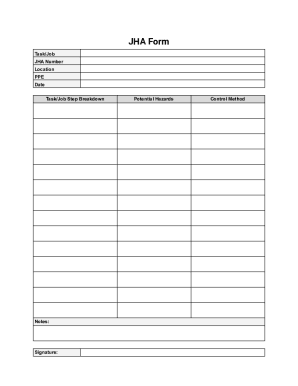
Job Hazard Analysis Form
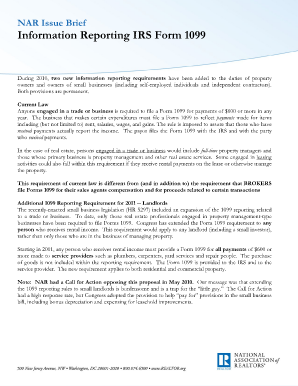
IRS Form 1099 Information Reporting

PrimusLabs Sampling Analysis Request Form
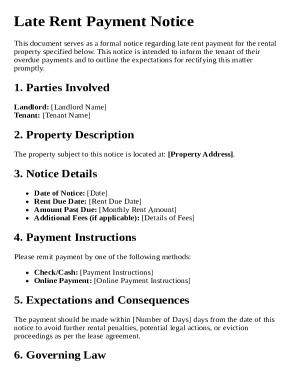
Late Rent Payment Notice Template
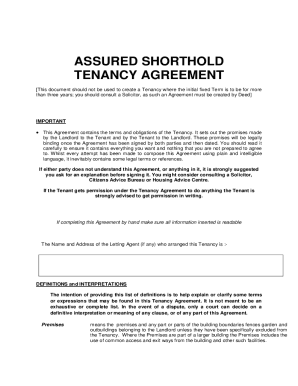
Assured Shorthold Tenancy Agreement
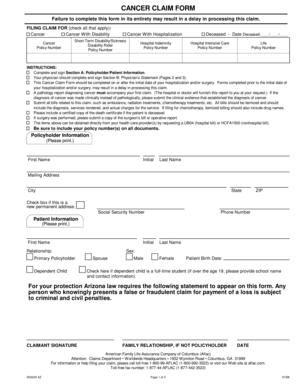
Aflac Cancer Claim Form

Missouri Disabled Person Placard Application

Texas Certificate of Title Application

Maryland Classroom Student Record and Completion Form
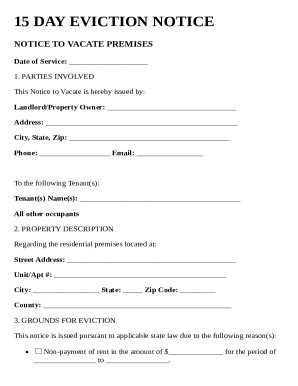
15 Day Eviction Notice Template
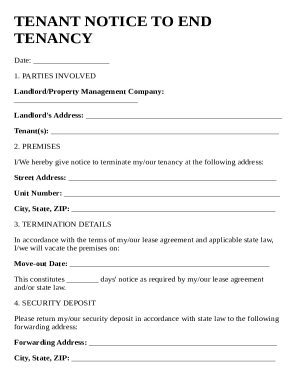
Tenant Notice to End Tenancy Template
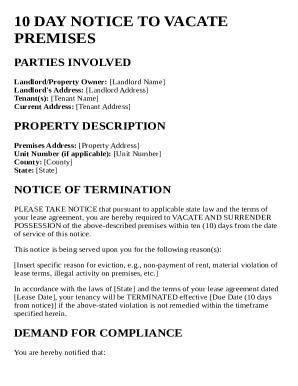
10 Day Eviction Notice Template
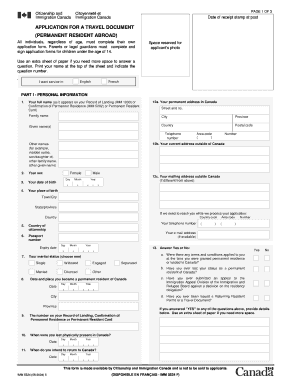
Canada Travel Document Application
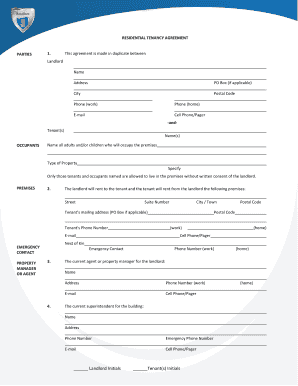
Ontario Residential Tenancy Agreement

Illinois CAAPP Annual Compliance Certification

New Supplier Request Form

Florida School Entry Health Exam
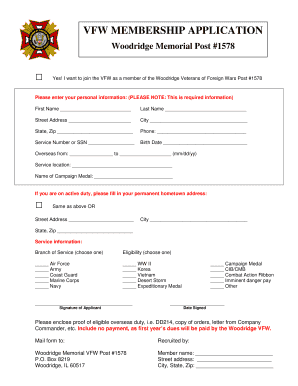
VFW Membership Application
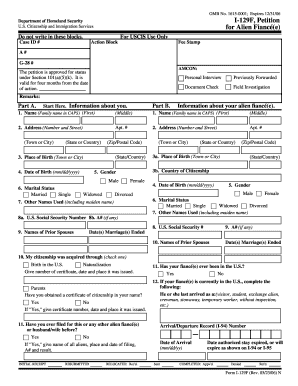
USCIS Form I-129F Petition for Alien Fianc (e)
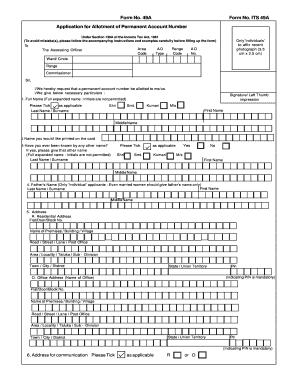
Form 49A Application for PAN
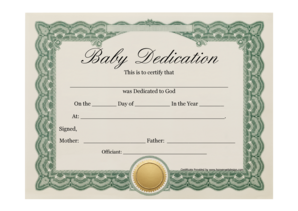
Baby Dedication Certificate
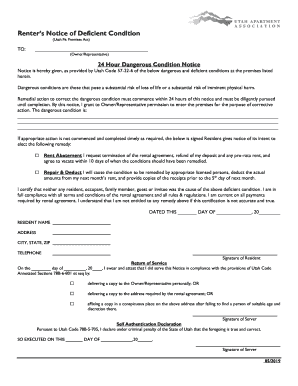
Utah Renter s Notice of Deficient Condition
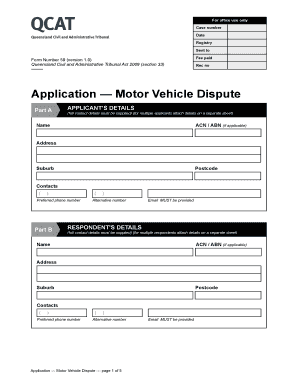
Queensland Motor Vehicle Dispute Application
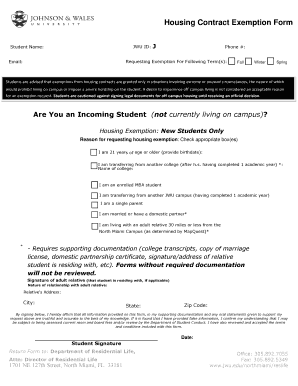
Housing Contract Exemption Form
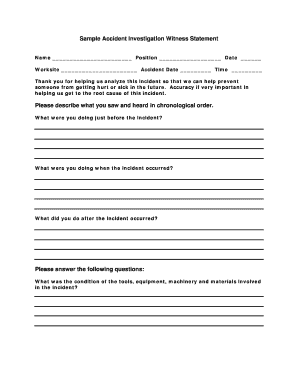
Accident Investigation Witness Statement

3-Day Notice to Comply or Vacate

Zip to pdf converter online

Wisconsin Notice to Quit

Transcript Request Form

Utility Bill: SoCalGas

Montreal Cognitive Assessment Form
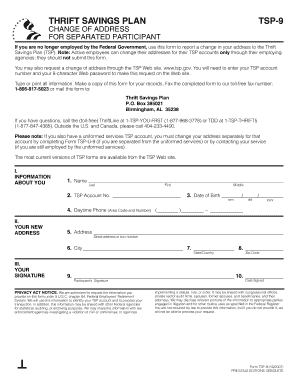
TSP-9 Change of Address Form

New Jersey Nursing License Reinstatement Application
Form 121 Declaration for Income Without Tax Deduction
Form I-192, Application for Advance Permission to Enter as a Nonimmigrant
Form I-765, Application For Employment Authorization
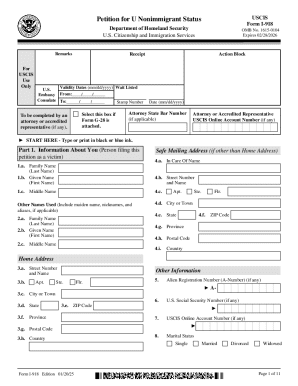
Form I-918 U Nonimmigrant Status Petition
Form I-918 Supplement A
Form I-918 Supplement B U Nonimmigrant Status Certification
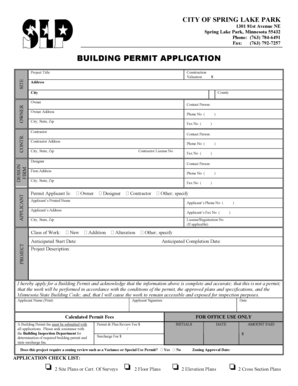
City of Spring Lake Park Building Permit Application

California Appointment Application Form

Pharmacy Technician Application

High School Concurrent Enrollment Request Form
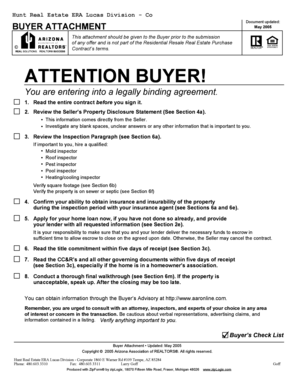
Arizona Residential Real Estate Purchase Contract
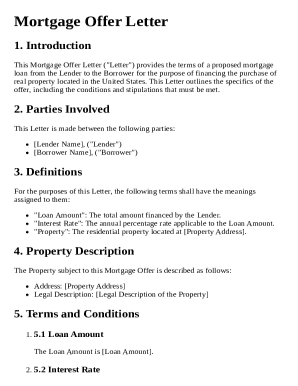
Mortgage Offer Letter Template

Business Credit Application Form
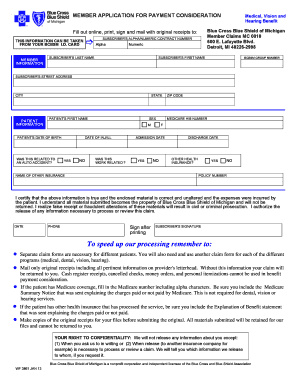
Blue Cross Blue Shield Member Application
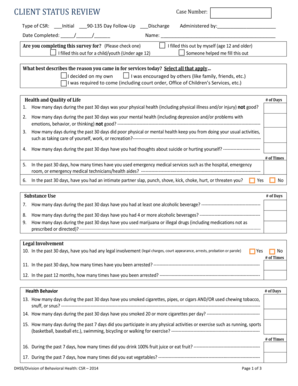
Client Status Review Form
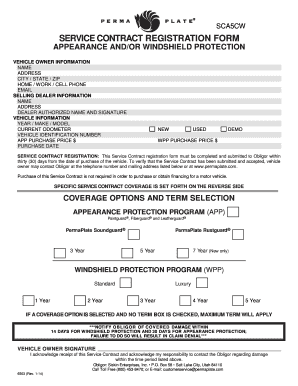
Service Contract Registration Form

Philadelphia Lead Safe Certificate
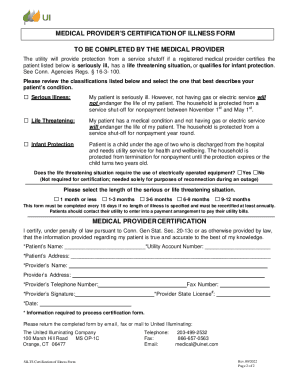
Medical Provider s Certification of Illness Form

California Resident Income Tax Return 2005
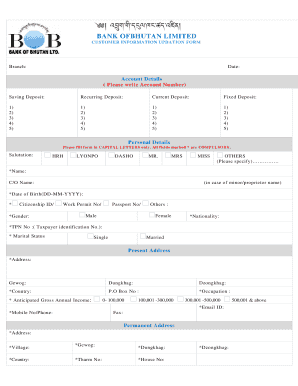
Bank of Bhutan Customer Information Updation Form
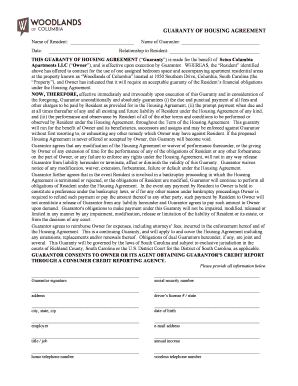
Guaranty of Housing Agreement

Client Apartment Rejection Form

Federal Employees Retirement Deductions Refund Application

DECLARACION AMISTOSA DE ACCIDENTE

IRC 6013(h) Joint Return Election
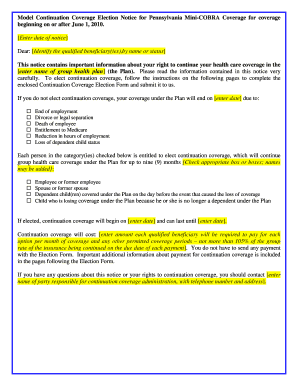
Pennsylvania Mini-COBRA Continuation Coverage Election Notice
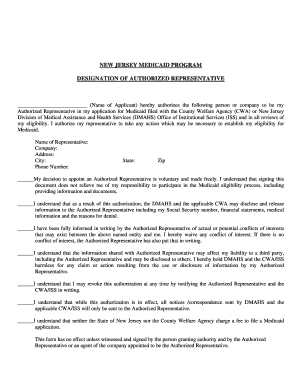
New Jersey Medicaid Authorized Representative Designation
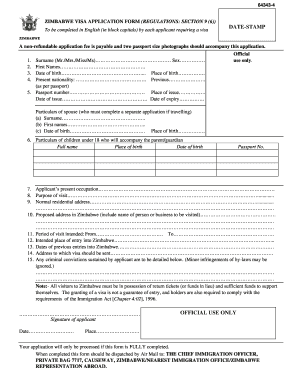
Zimbabwe Visa Application Form

California Residential Listing Agreement
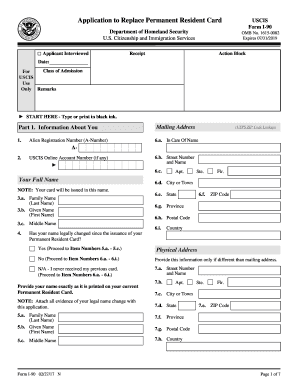
USCIS Form I-90 Application to Replace Permanent Resident Card

Transcript Request Form

ANZ Discharge and Variation Authority

Cervical Cancer Diagnostic Evaluation Form
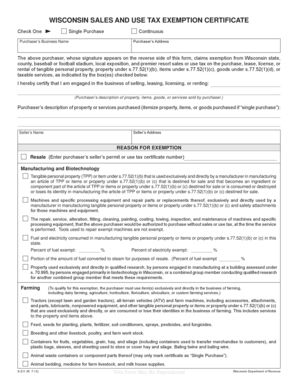
Wisconsin Sales and Use Tax Exemption Certificate

Brazil Visa Application Form
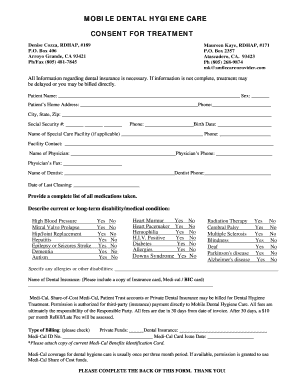
Mobile Dental Hygiene Care Consent Form
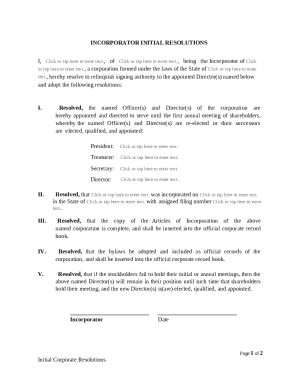
Incorporator Initial Resolutions
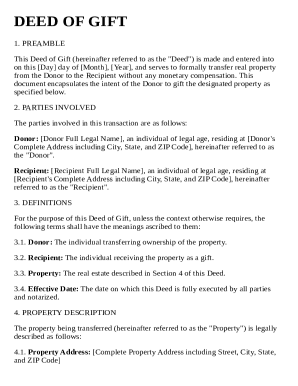
Deed of Gift Template
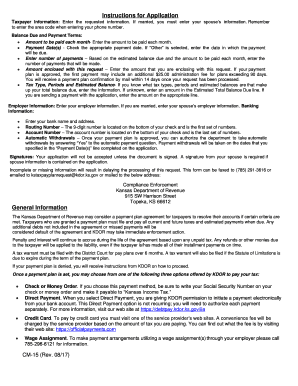
Kansas Payment Plan Request Form
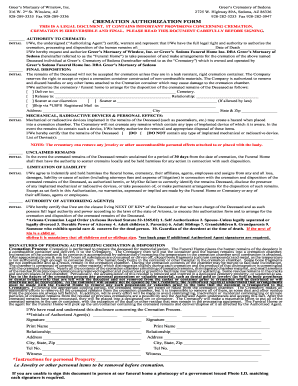
Arizona Cremation Authorization Form
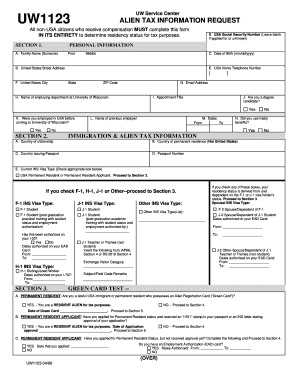
Alien Tax Information Request Form UW1123

Bargain and Sale Deed with Covenants

New Brunswick Standard Form of Lease
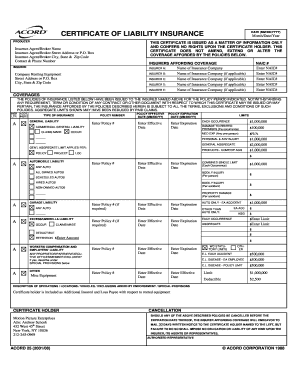
Certificate of Liability Insurance

Application for Surrender of Policy

Florida Blower Door Test Report

Paralegal Employment Verification Form

Personal Care Assistant Authorization Request Form
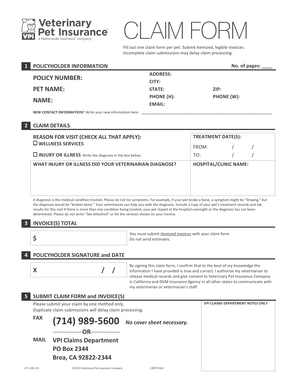
Pet Insurance Claim Form

Eritrea Visa Application Form B62 3

Waverunner Bill of Sale
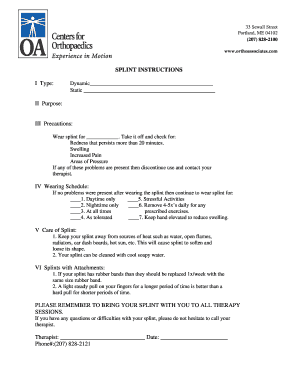
Splint Instructions
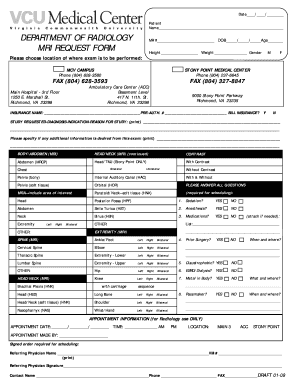
MRI Request Form

Authorization for Endometrial Biopsy and or Sonohysterogram

CIGNA Personal Representative Request Form

MetLife Vision Member Reimbursement Form
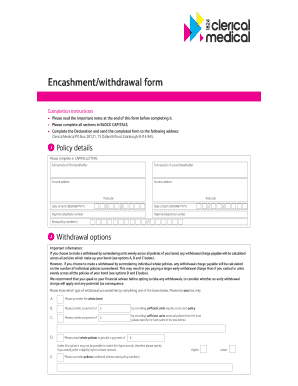
Clerical Medical Encashment Withdrawal Form
Benefit from the DocHub online library of fillable PDF forms
Searching the PDF forms doesn't have to be a tedious and time-consuming process. With the DocHub online library, it has become easier to find the fillable PDF forms and modify them in your browser. The service allows you to adjust the document to your needs using powerful editing tools.
You can use online document editing features to modify almost any type of document with ease. You just need to find the template of your choice, open it in the editor, and use the toolbar to make the necessary corrections.
Follow this guide to get your document done with DocHub:
- Find the PDF template you need.
- Click the Get Form button to open the file in the editor.
- Use the toolbar to fill out and edit the document.
- Easily add and highlight text, insert images, checkmarks, and symbols.
- Drop new fillable fields, and rearrange or delete pages from your file.
- Save changes and download your record.
DocHub empowers everyone to streamline document editing, signing, and distribution, and form completion. Create an account and benefit from our well-organized PDF Forms library and comprehensive editor.