
Get any PDF form from the DocHub library of ready-made templates - Page 24
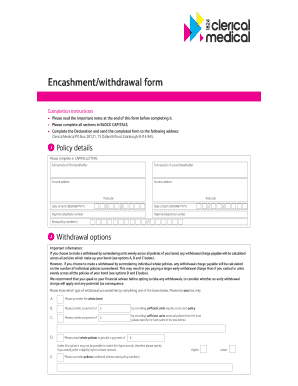
Clerical Medical Encashment Withdrawal Form
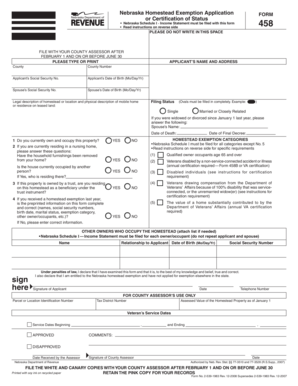
Nebraska Homestead Exemption Application

Angola Salvo Conduto Application Form

Council Tax Refund Request Form
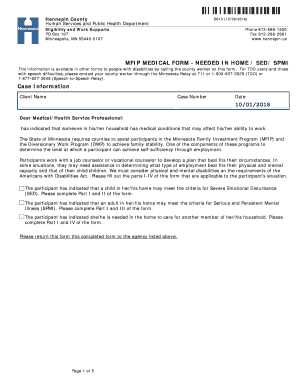
MFIP Medical Form D613
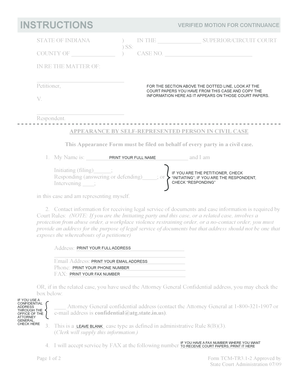
Indiana Verified Motion for Continuance

Medical Certificate for Employment Insurance Compassionate Care Benefits
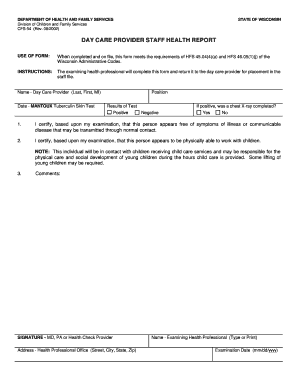
Wisconsin Day Care Provider Staff Health Report

GreenFiber Attic Insulation Installation Certificate

Maternity Non-Stress Test Form
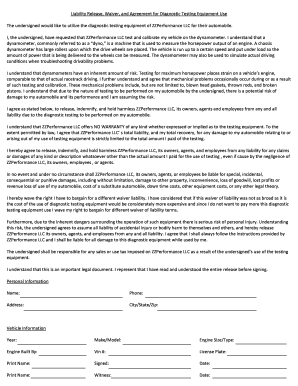
Liability Release for Diagnostic Testing Equipment Use
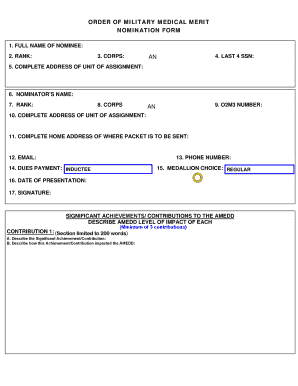
Order of Military Medical Merit Nomination Form

California Work Permit for Minors

Michigan Electrical Apprentice Application

Stuttgart High School Athletic Participation Policy

Form 29 Application for Merchant Shipping Certification
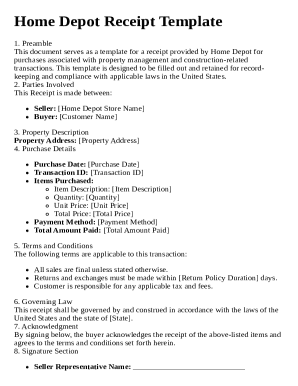
Home Depot Receipt Template

Ontario Form 6B Affidavit of Service

Sponsorship Form for The Fire Fighters Charity
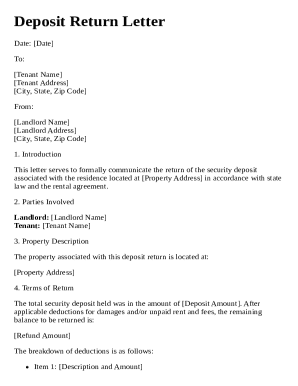
Deposit Return Letter Template

Indiana CPA Verification of Experience Form
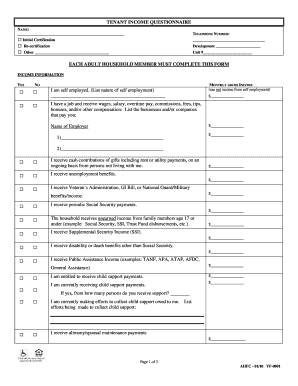
Tenant Income Questionnaire

Zillow Rental Application

Maryland Child Care Criminal History Record Check
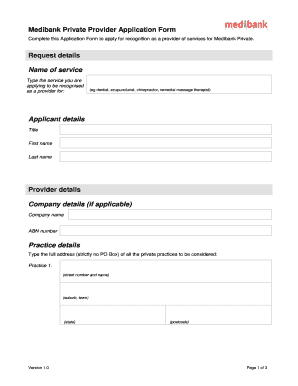
Medibank Private Provider Application Form
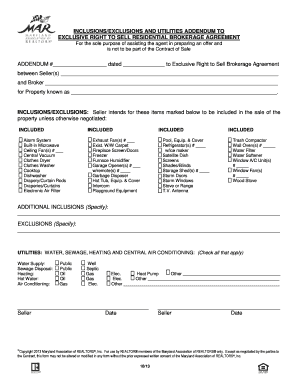
Inclusions Exclusions and Utilities Addendum

Oregon Child Support Review Modification Form

Form I-983 Training Plan for STEM OPT Students

Vacation Rental Short Term Lease Agreement

Confined Space Evaluation Form

Queensland Single Axle Trailer Self Assessment
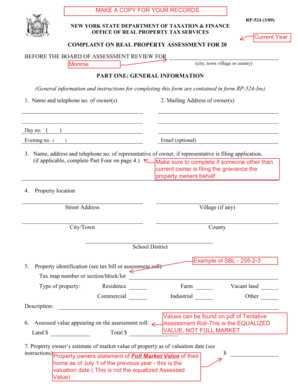
New York Real Property Assessment Complaint Form

Disability Report- Adult-Form SSA-3368-BK - socialsecurity
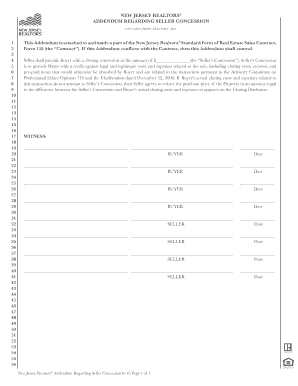
New Jersey Seller Concession Addendum
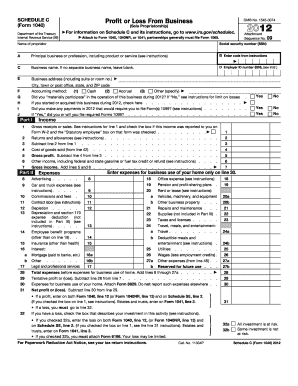
Schedule c tax form

Cox Business Account Holder Update Packet

Mortgage Down Payment Gift Letter

Parental Consent for Counseling of a Minor

Texas Ordinary Certificate of Acknowledgment
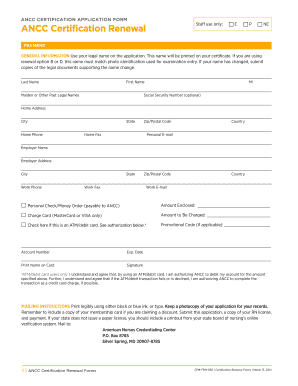
ANCC Certification Renewal Application Form

Connecticut Family Action Summons

New York State Employment Application Form S1000
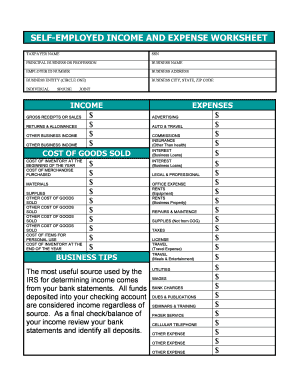
Self-Employed Income and Expense Worksheet

Shippers Security Endorsement
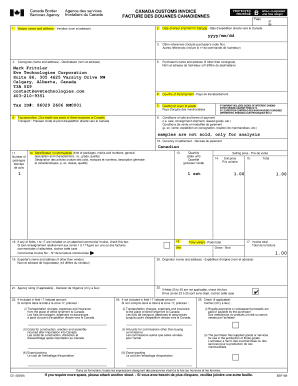
Canada Customs Invoice
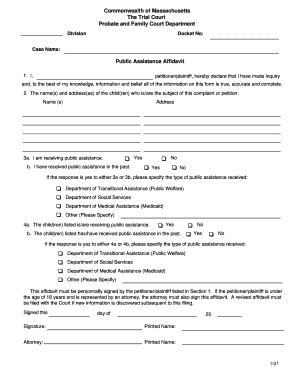
Massachusetts Public Assistance Affidavit
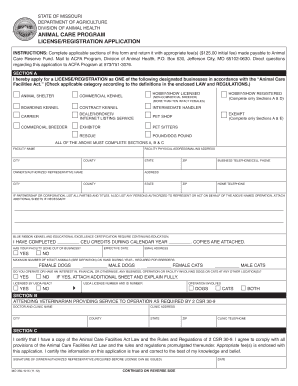
Missouri Animal Care Facility License Application
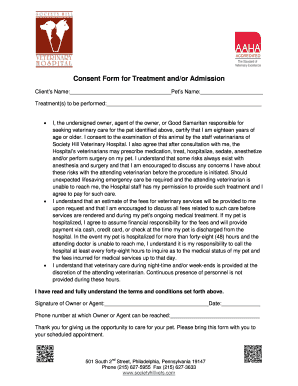
Veterinary Treatment Consent Form

Alabama Motor Vehicle Title Power of Attorney

Pinellas County Rental Increase Request Form

Parent Field Trip Informed Consent Form

Puerto Rico Firearm License Application
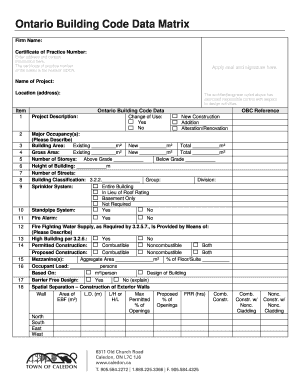
Ontario Building Code Data Matrix
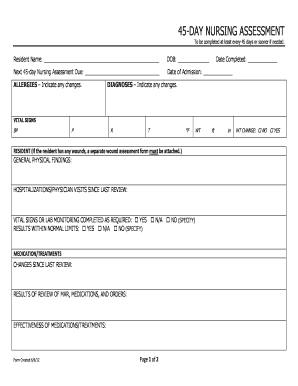
45-Day Nursing Assessment Form
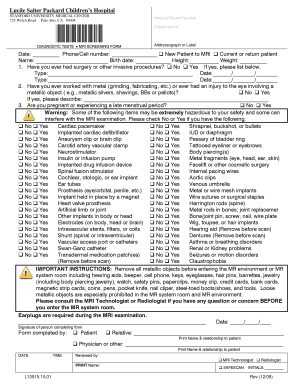
MRI Screening Form
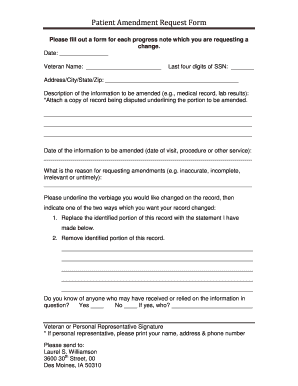
Patient Amendment Request Form

Annual Risk Awareness Tool (RAT) Form

Property Owner s Statement for New Construction
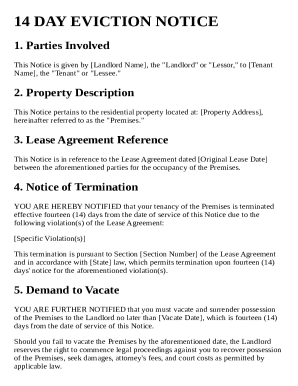
14 Day Eviction Notice Template

The UPS Store Apostille Service Form
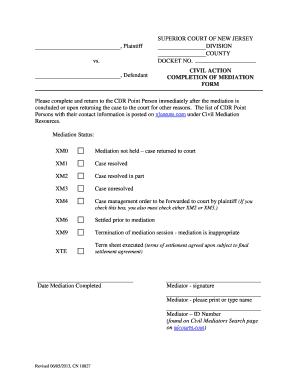
New Jersey Mediation Completion Form
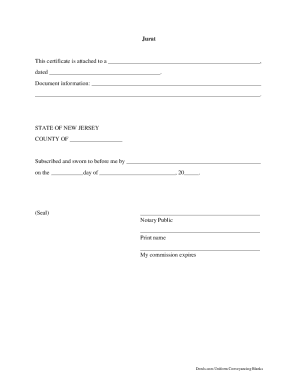
Notary Jurat Certificate

Police d assurance pour le mobilier de m nage

Social Security Representative Appointment Form

North Carolina Nonprofit Articles of Incorporation

New Jersey Child Health Record Form

Florida Auto Repair Estimate Form

HemoCue Hemoglobin Quality Control Log
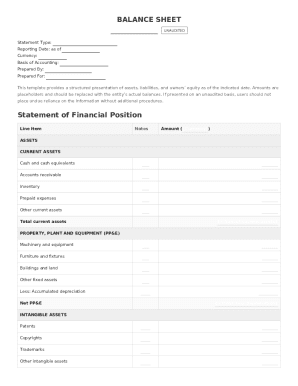
Balance Sheet Template

Sample Chain of Custody Form
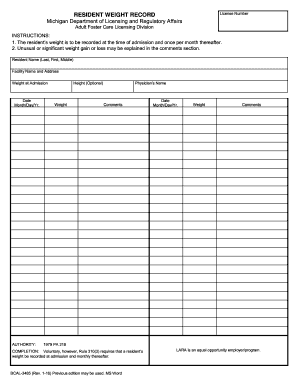
Michigan Adult Foster Care Resident Weight Record
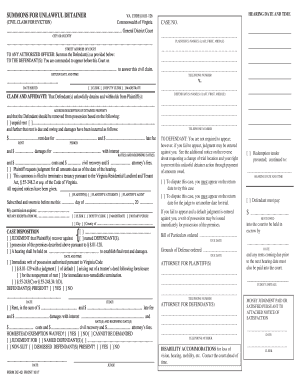
Virginia Unlawful Detainer Summons
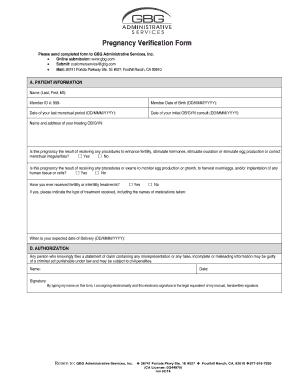
Pregnancy Verification Form

Jubilee General Insurance Claim Form

Military Pay Order Form
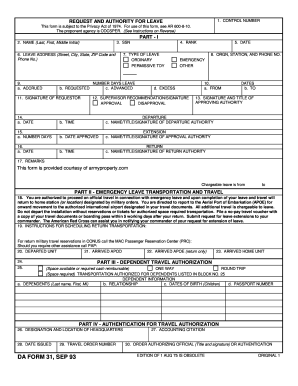
Request and Authority for Leave Form

California Inmate Package Order Form

Consent to Release Financial Information

We Owe Form

Individualized Education Program for Transition Goals

ATTESTATION SUR L'HONNEUR DE PRISE EN CHARGE
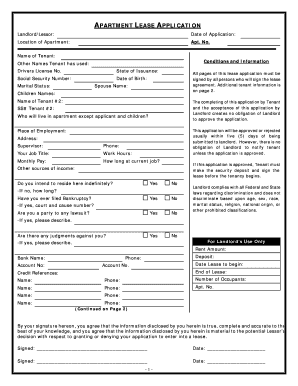
Apartment Lease Application

Maryland Affidavit of Ownership for Vehicle Transfer

Child Emergency ID Card
California Corrections Training Participation Sign-In Sheet
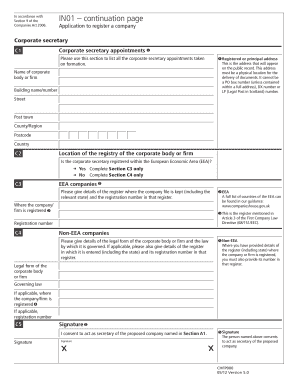
UK Corporate Secretary Appointment Form
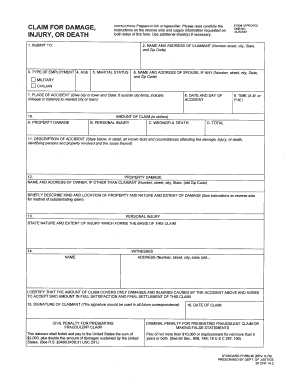
Standard Form 95 Claim for Damage
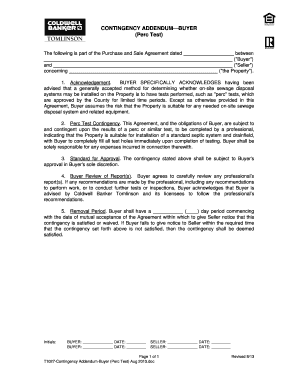
Contingency Addendum Buyer Perc Test

Cooling Chart for Prepared Foods

SEPA Lastschrift Widerspruch Form

PSSLAI Membership Application Form

Car Sale Contract Template

Campaign Contribution Disclosure Form

East Midlands Trains Delay Repay Form

Healthcare Provider Referral Order Form

Mississippi Articles of Incorporation
VA Form 21P-534EZ
2026 Form 1040-ES

Youth Sports Registration Form

Swiss Family Allowance Application Form
Benefit from the DocHub online library of fillable PDF forms
Searching the PDF forms doesn't have to be a tedious and time-consuming process. With the DocHub online library, it has become easier to find the fillable PDF forms and modify them in your browser. The service allows you to adjust the document to your needs using powerful editing tools.
You can use online document editing features to modify almost any type of document with ease. You just need to find the template of your choice, open it in the editor, and use the toolbar to make the necessary corrections.
Follow this guide to get your document done with DocHub:
- Find the PDF template you need.
- Click the Get Form button to open the file in the editor.
- Use the toolbar to fill out and edit the document.
- Easily add and highlight text, insert images, checkmarks, and symbols.
- Drop new fillable fields, and rearrange or delete pages from your file.
- Save changes and download your record.
DocHub empowers everyone to streamline document editing, signing, and distribution, and form completion. Create an account and benefit from our well-organized PDF Forms library and comprehensive editor.