
Get any PDF form from the DocHub library of ready-made templates - Page 1093

Ucc 1 form california pdf
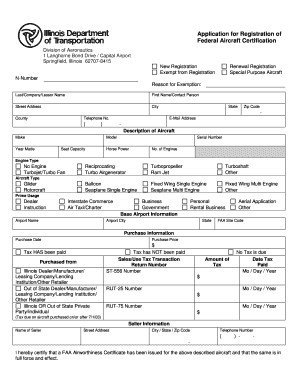
Illinois aircraft registration
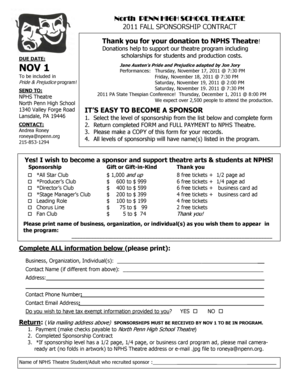
North PENN HIGH SCHOOL THEATRE 2011 FALL SPONSORSHIP CONTRACT Thank you for your donation to NPHS Th
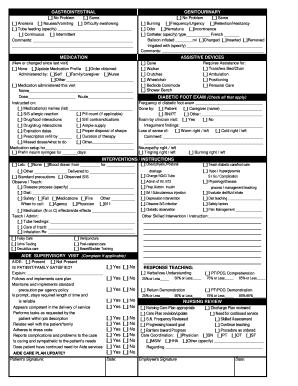
Skilled Nurse Visit note BACK - Pacific Home

Imtap pdf
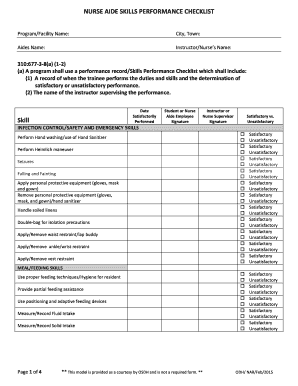
NURSE AIDE SKILLS PERFORMANCE CHECKLIST - ok
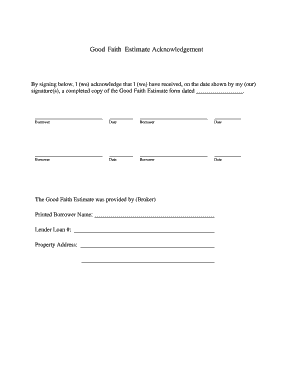
Good faith estimate form fillable
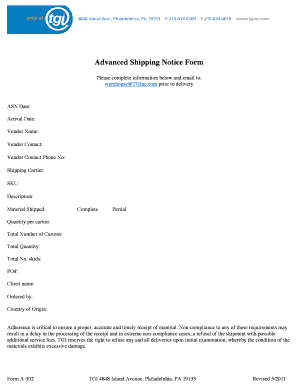
Advanced Shipping Notice Form - TGI
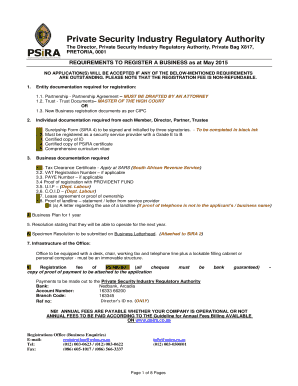
Psira application form

Mercy AHA Training Center Roster - mchs
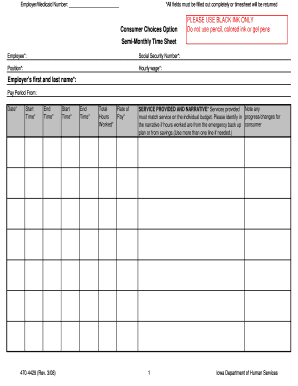
Veridian cco
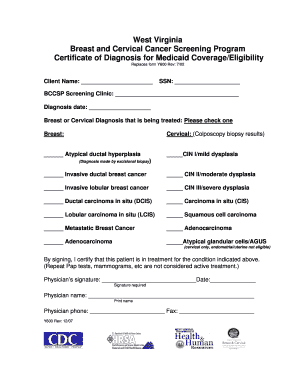
Certificate of diagnosis
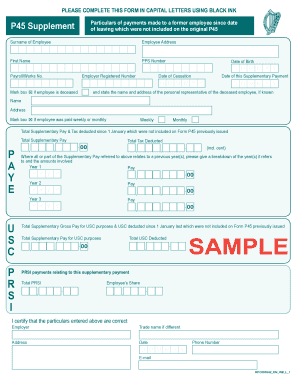
Ireand form p45
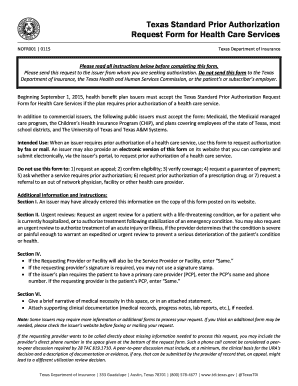
Texas standard auth form
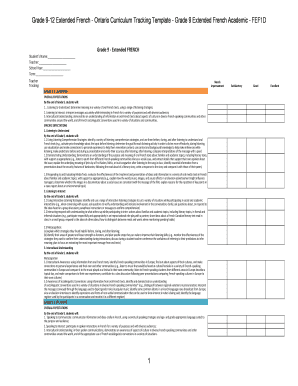
Sample report card comments ontario

Texas Voter Registration Form

Lift truck operator's daily weekly inspection report

Wisconsin 1cns

Azdot mandatory insurance
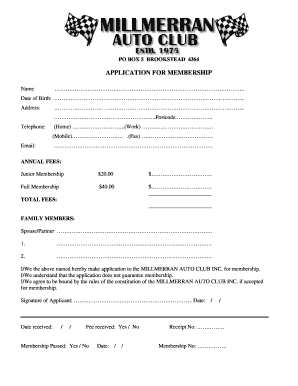
Millmerran auto club
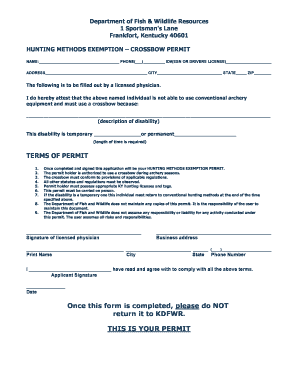
Kentucky crossbow permit
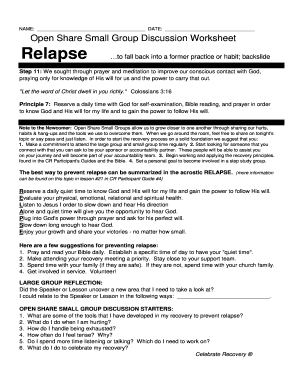
Celebrate recovery open share small group discussion worksheet
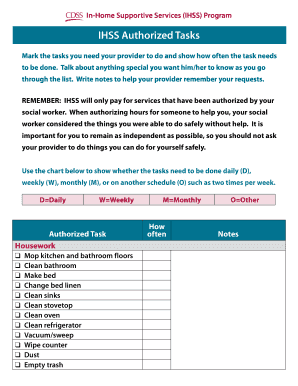
IHSS Authorized Tasks - cdss ca

Authorized signatory
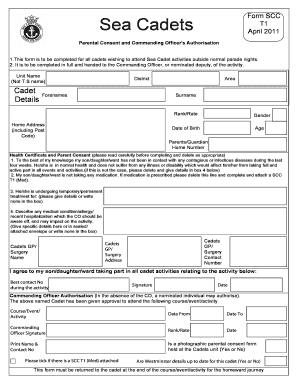
Sea Cadets T1 April 2011 - sea-cadets
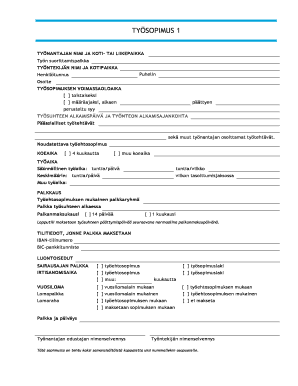
TY SOPIMUS 1 - yrittajat fi
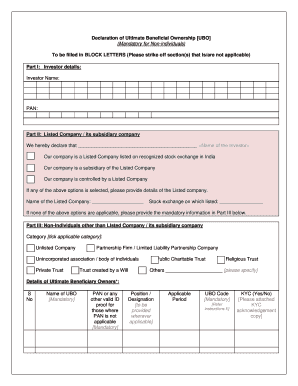
Ubo declaration letter
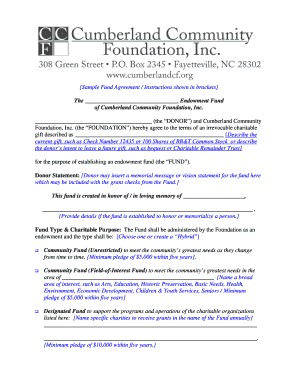
Describe care you will provide for family sample letter
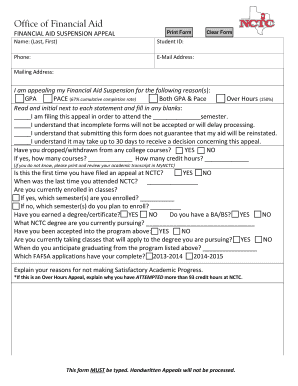
SAP Appeal Form - nctc

Form 12 motor dealer

Workers comp authorization to treat form
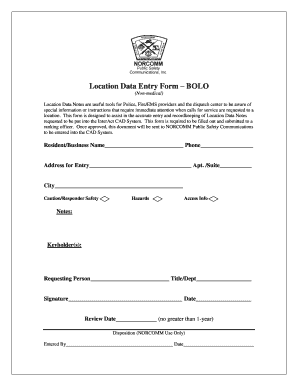
Bolo template
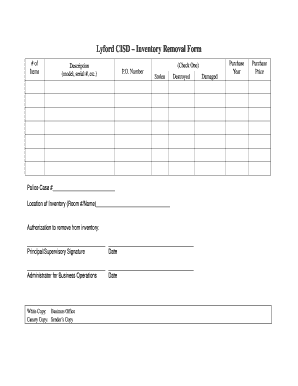
Inventory removal form
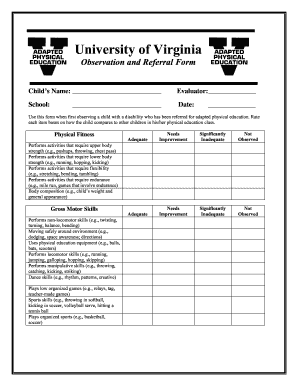
Parent daily
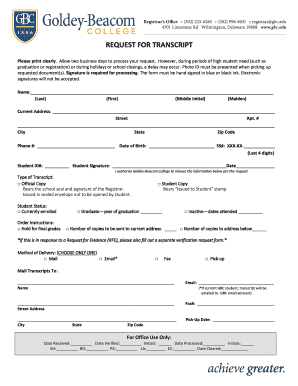
Goldey beacom transcript request form
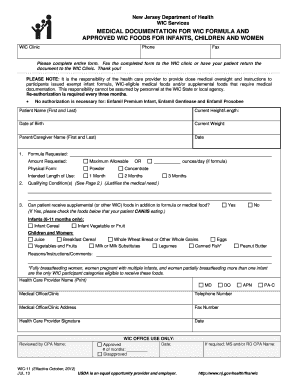
Wic formula form
Beneficiary questionnaire fhlbc pdf
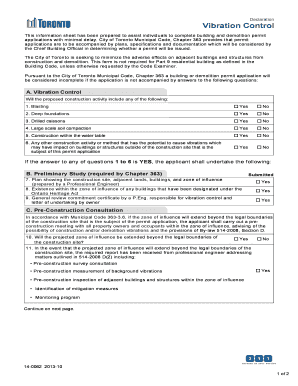
Vibration Control - City of Toronto
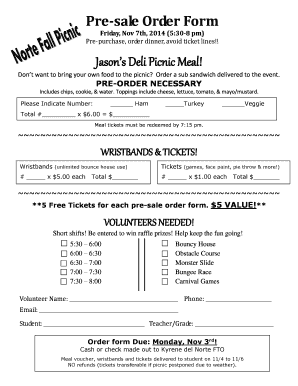
Pre order dinner templates
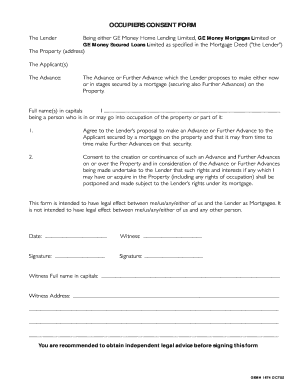
Occupiers consent form template
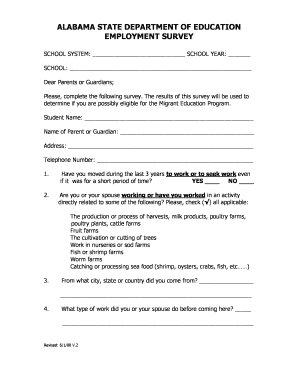
ALABAMA STATE DEPARTMENT OF EDUCATION EMPLOYMENT SURVEY

Party not appearing form (PDF) - Hennepin County - co hennepin mn
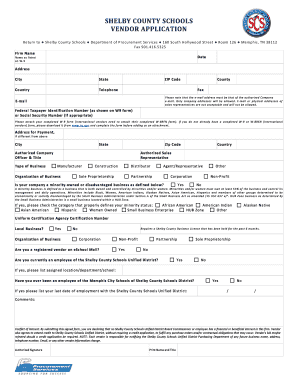
SHELBY COUNTY SCHOOLS VENDOR APPLICATION - mcsk12
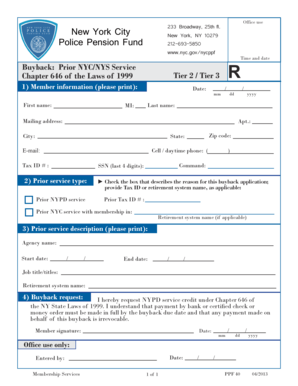
New York City Police Pension Fund Buyback: Prior NYC NYS Service Chapter 646 of the Laws of 1999 MI:
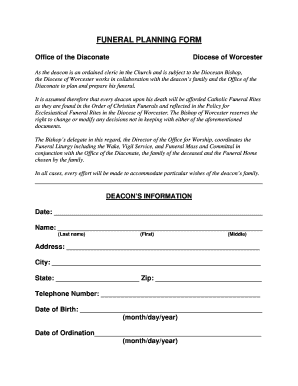
Funeral planning declaration form

Quantiferon gold requistion
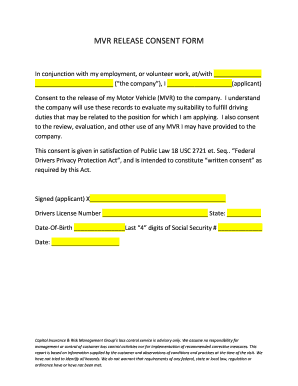
Mvr release form
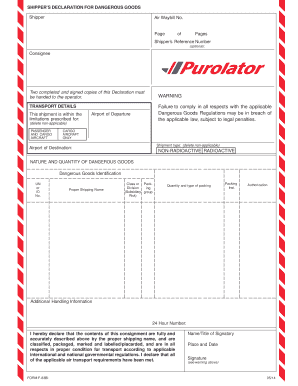
Purolator dangerous goods form
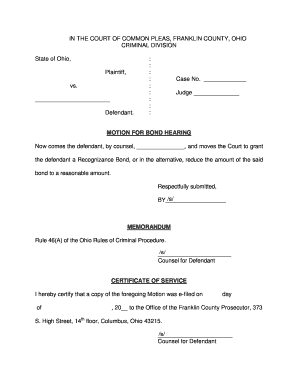
Sample motion for bond hearing georgia
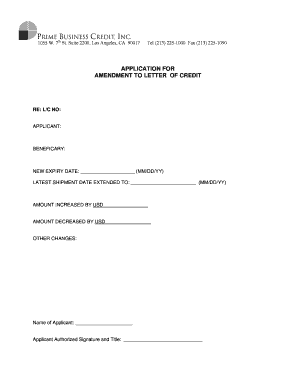
Lc amendment letter format in word
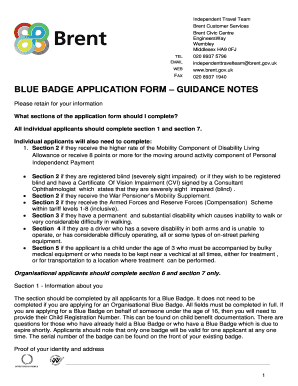
Brent blue badge application form
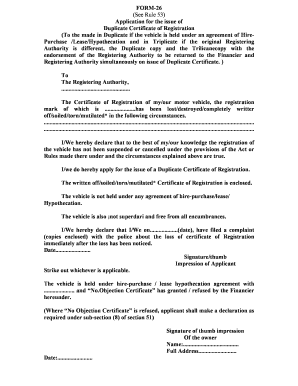
Duplicate certificate subject found palo alto
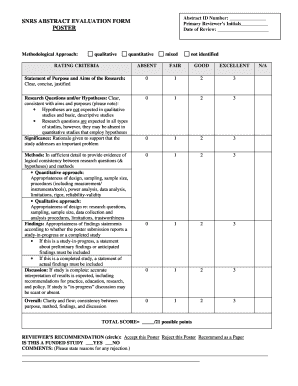
Abstract evaluation form
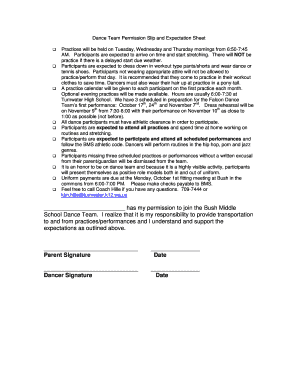
Drill Team Permission Slip and Expectation Sheet
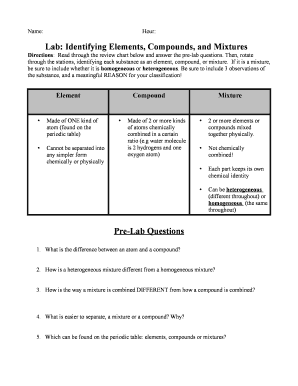
Lab identifying elements compounds and mixtures answer key
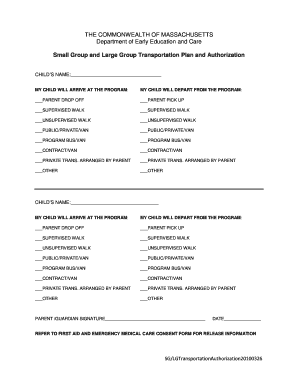
Small Group and Large Group Transportation Plan and Authorization - eec state ma
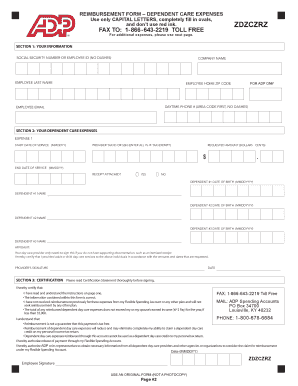
Dependent Care FSA Claim Form - ADP Flexible Spending Accounts
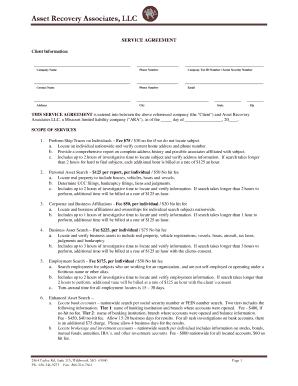
Asset recovery associates
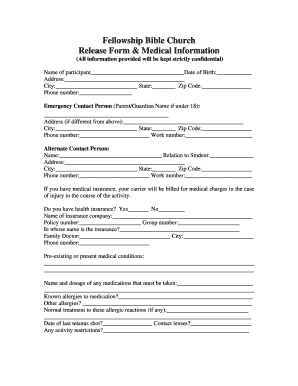
Medical Release Form - Fellowship Bible Church Youth Group - fellowshipbcyouth

Ecar to pdf
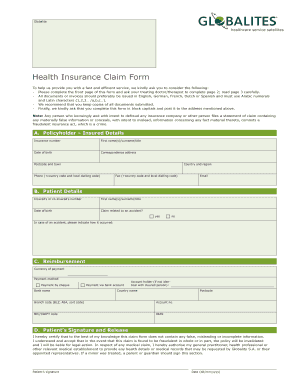
Globality claim form

Sport psychology informed consent form printable
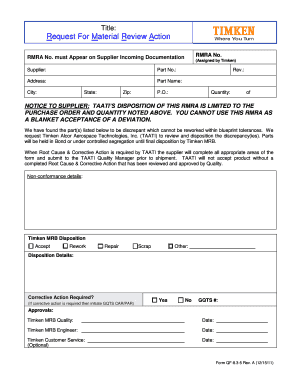
Material review board template
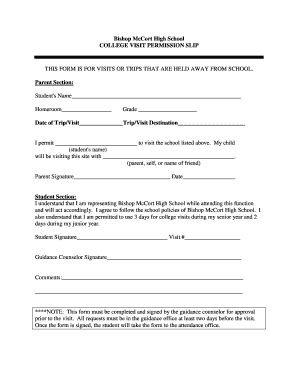
College visit form
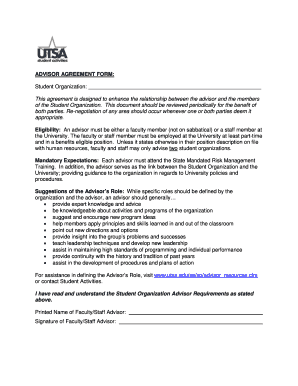
ADVISOR AGREEMENT FORM - University of Texas at San Antonio - utsa
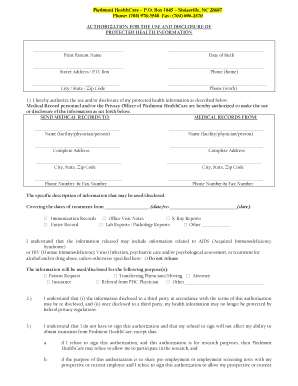
(date) to (date) - Piedmont HealthCare
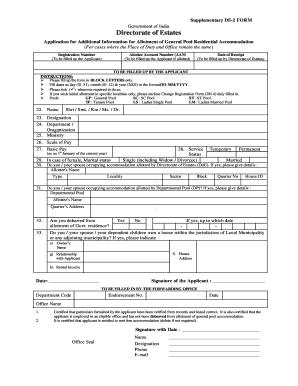
E awas online form
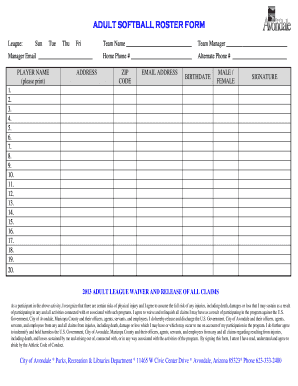
Softball roster form
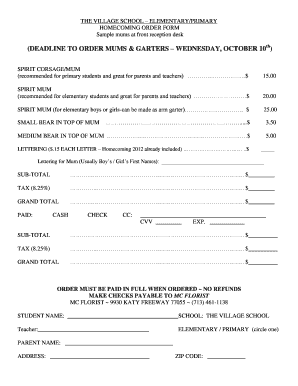
Homecoming mum order form template
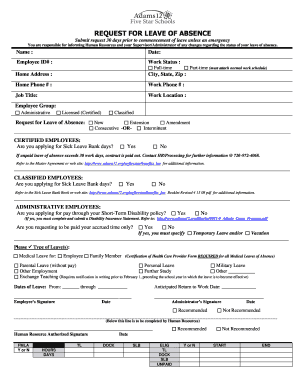
REQUEST FOR LEAVE OF ABSENCE - Adams 12 Five Star Schools - adams12
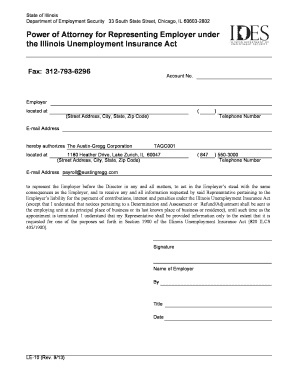
Simple dealer agreement template
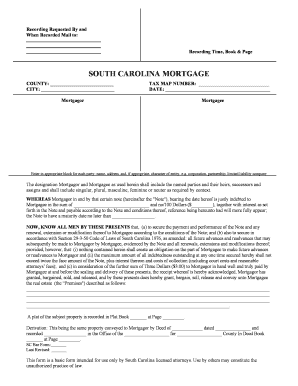
SOUTH CAROLINA MORTGAGE - South Carolina Bar Association - scbar
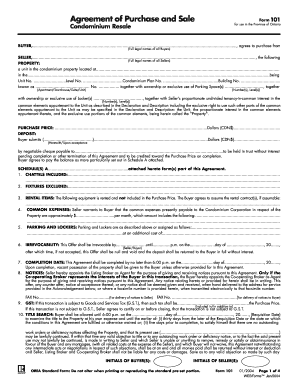
Orea form 101 pdf

Student behavior report sample pdf
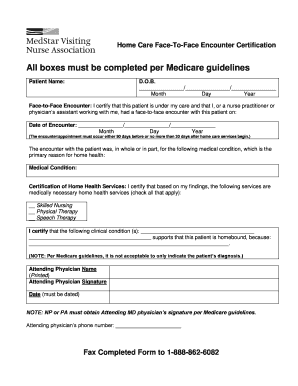
Medicare face to face form pdf
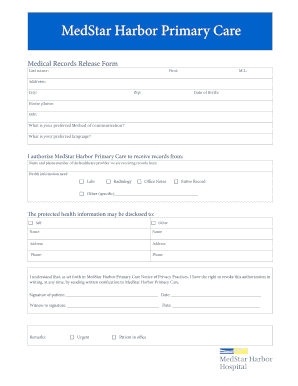
Medstar medical records release form
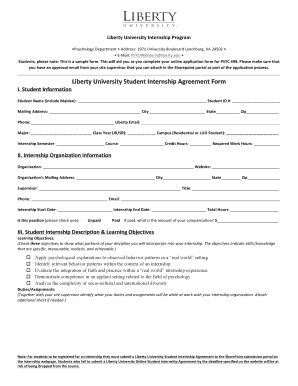
Liberty University Student Internship Agreement Form - liberty
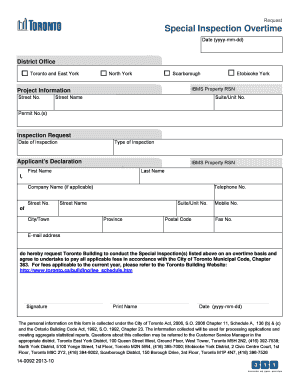
Special Inspection Overtime Request - City of Toronto

Pinellas county sports physical form

Change of Use Application - Town of Leland
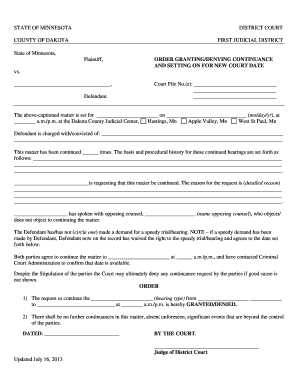
Dakota county continuance request
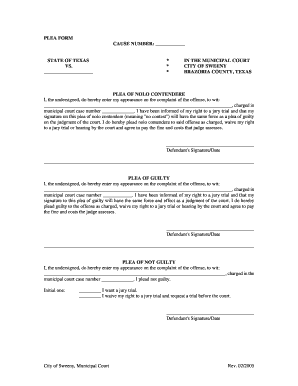
PLEA FORM - City of Sweeny, Texas
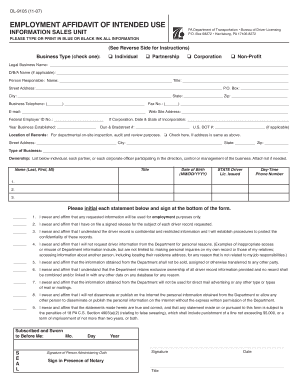
Pennsylvania form dl 9105
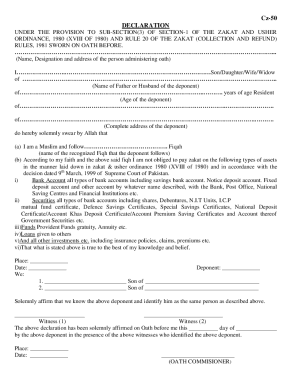
Zakat declaration form meezan bank
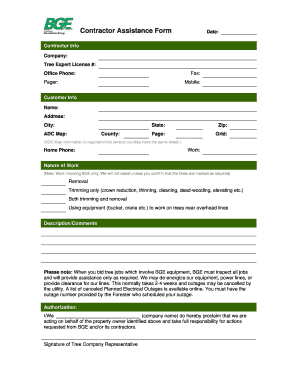
Bge assistance form
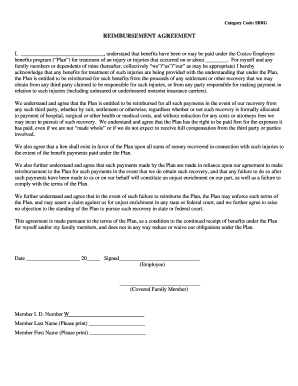
Costco subrogation information

DOD Form dod-dd-2656-5 RESERVE COMPONENT SURVIVOR BENEFIT PLAN (RCSBP) ELECTION CERTIFICATE PRIVACY

Garage Sale Permit Application - leandertx

Newborn declaration form centrelink

Snap interim report form
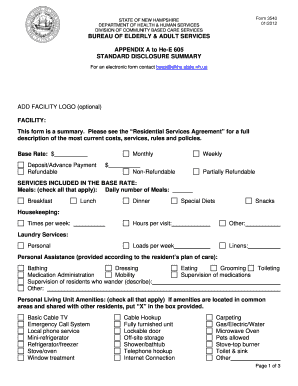
Standard Disclosure Form - New Hampshire Department of Health
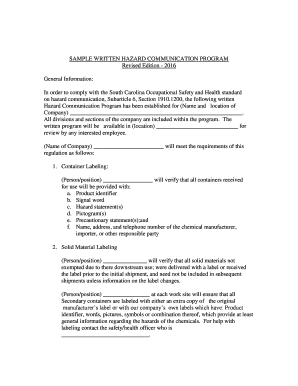
Guideline for osha written hazard communication plan
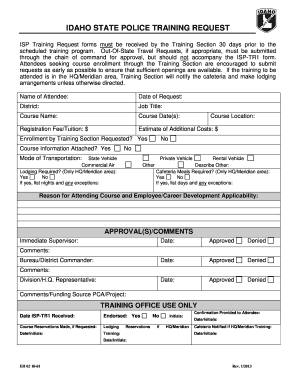
Training request form sample
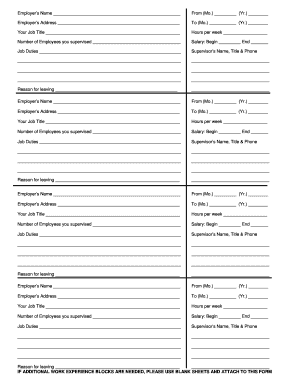
Work history form
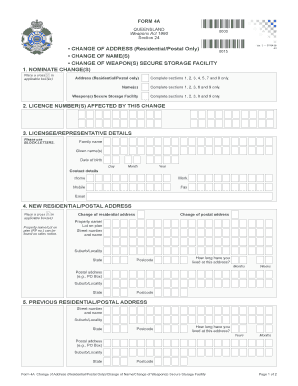
Qld weapons licence change of address
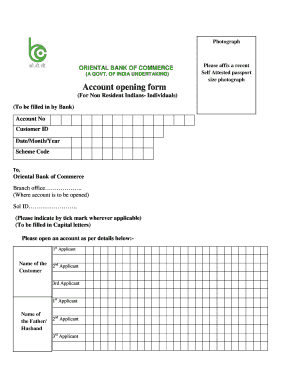
Oriental bank of commerce account opening form

Building Permit Applications - Town of Auburn
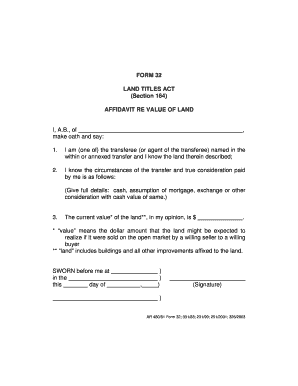
FORM 32 - Service Alberta - servicealberta
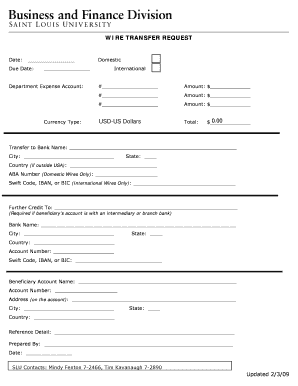
Wire check tutorial pdf
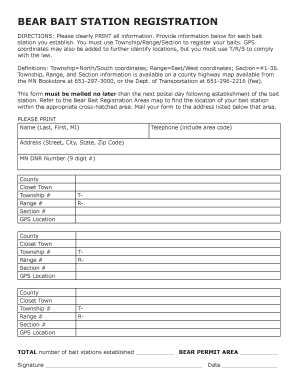
Mn bear bait registration
Benefit from the DocHub online library of fillable PDF forms
Searching the PDF forms doesn't have to be a tedious and time-consuming process. With the DocHub online library, it has become easier to find the fillable PDF forms and modify them in your browser. The service allows you to adjust the document to your needs using powerful editing tools.
You can use online document editing features to modify almost any type of document with ease. You just need to find the template of your choice, open it in the editor, and use the toolbar to make the necessary corrections.
Follow this guide to get your document done with DocHub:
- Find the PDF template you need.
- Click the Get Form button to open the file in the editor.
- Use the toolbar to fill out and edit the document.
- Easily add and highlight text, insert images, checkmarks, and symbols.
- Drop new fillable fields, and rearrange or delete pages from your file.
- Save changes and download your record.
DocHub empowers everyone to streamline document editing, signing, and distribution, and form completion. Create an account and benefit from our well-organized PDF Forms library and comprehensive editor.