
Get any PDF form from the DocHub library of ready-made templates - Page 1012

- courts state co
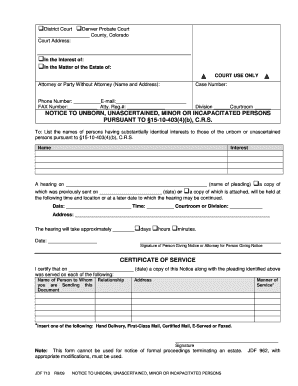
Co jdf713

Jdf453
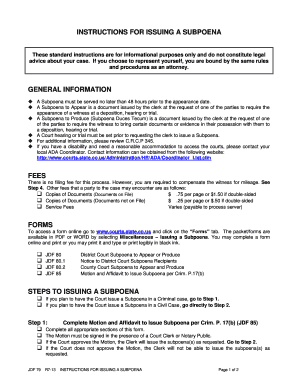
Co jdf79

Photo :: Kuva - Garage's Street Cars ry
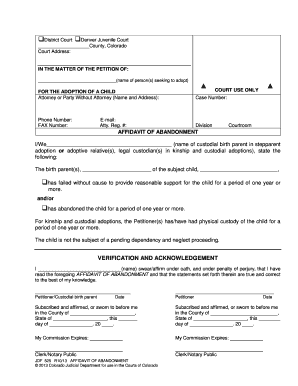
Jdf525 affidavit abandonment
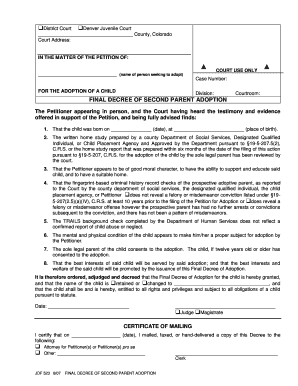
NEW JERSEY JUDICIARY - NJ Courts
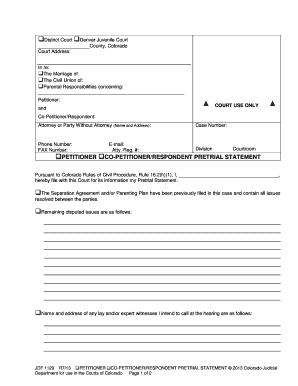
Colorado jdf 1129 pretrial statement
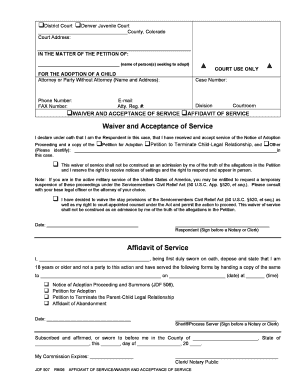
Service waiver acceptance
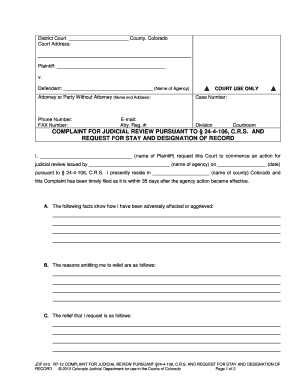
Jdf 610

Eviction notice form colorado

- courts state co
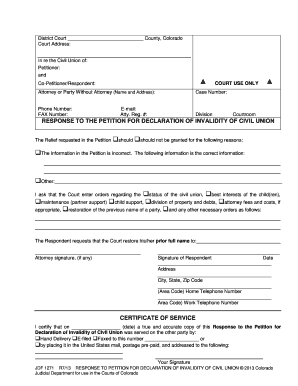
Co petition

- courts state co
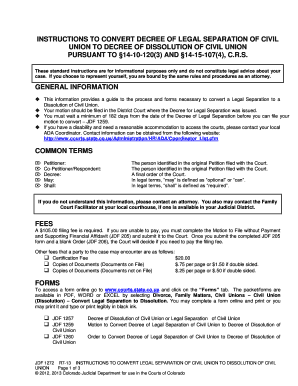
Instructions legal separation union
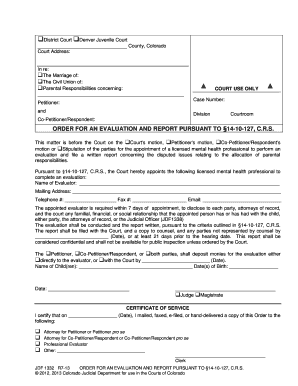
Jdf 1332
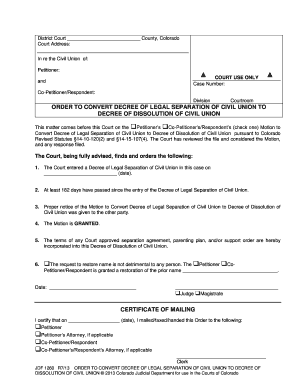
- courts state co
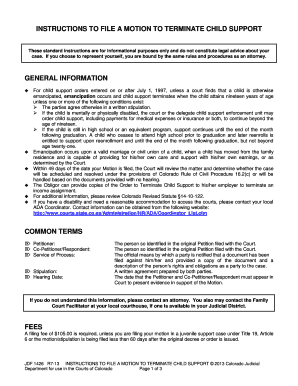
- courts state co
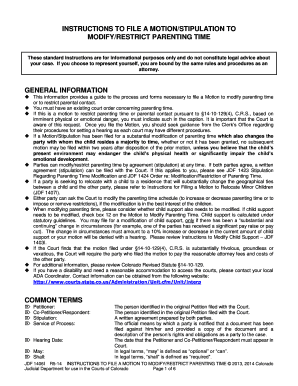
Jdf1406i
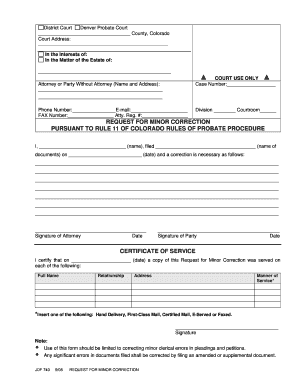
- courts state co
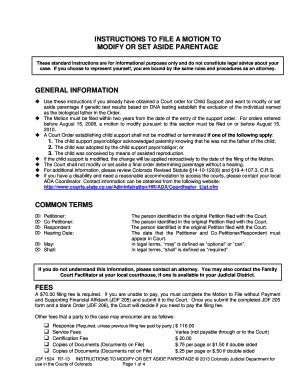
Jdf 1524
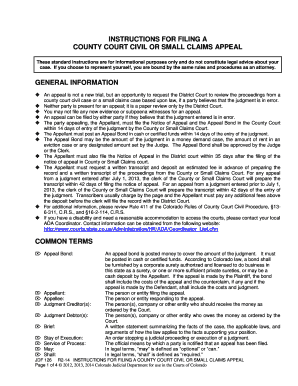
Overview Of Small Claims - Civil Law Self-Help Center - courts state co
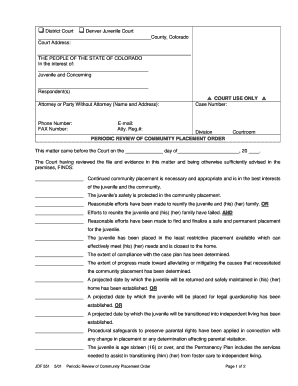
Colorado periodic placement
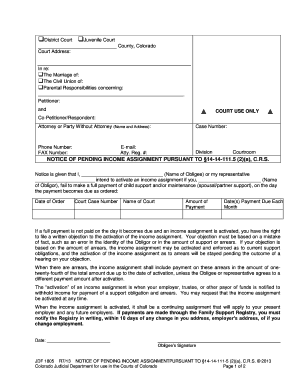
Colorado pending income

- courts state co
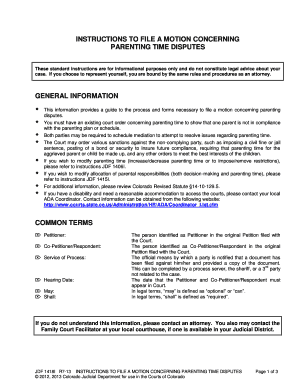
Co concerning parenting

Co jdf 1121

Jdf 1126 authorization blank

Information to pro se divorce W CHILDREN - courts state co
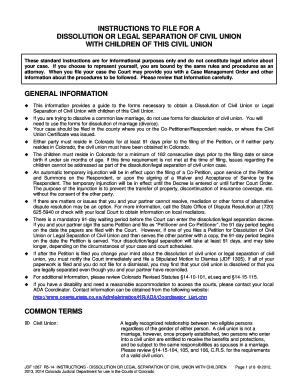
Information to pro se divorce W CHILDREN - courts state co
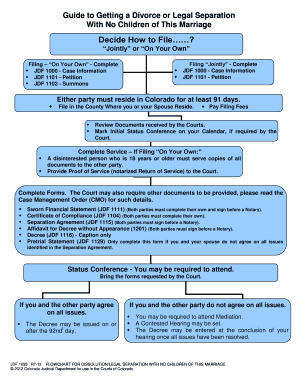
Jdf 1095
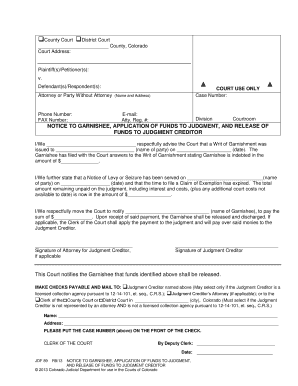
Name ChangeClerk & Comptroller, Palm Beach County
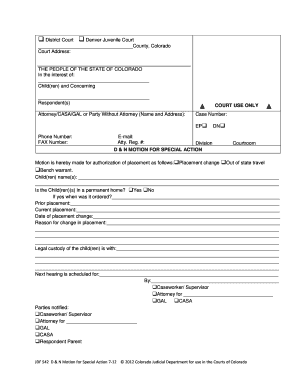
Jdf542 form
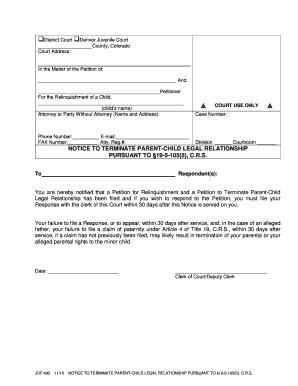
- courts state co
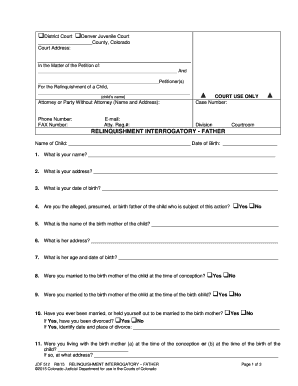
Relinquishment interrogatory
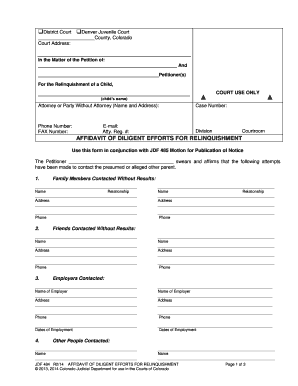
- courts state co
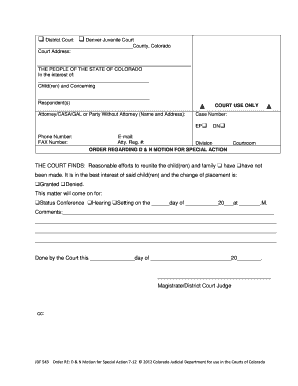
- courts state co
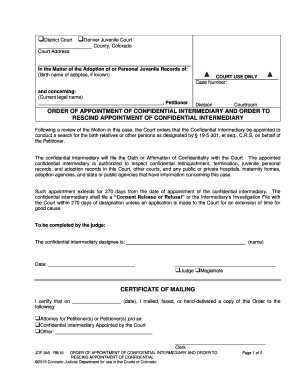
Jdf 345
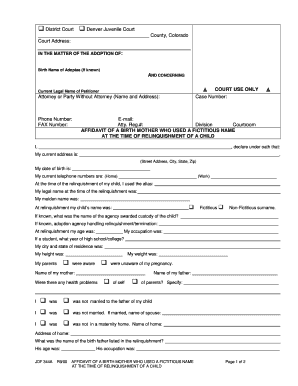
Motion And Affidavit To Open Adoption File By Adoptee JDF
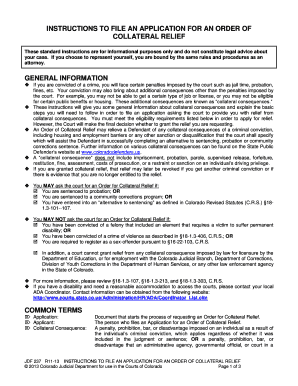
Jdf 237 instructions
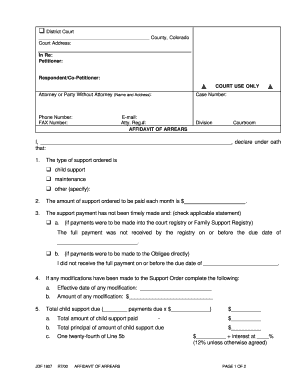
Affidavit arrears
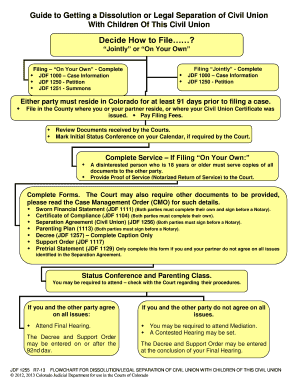
- courts state co
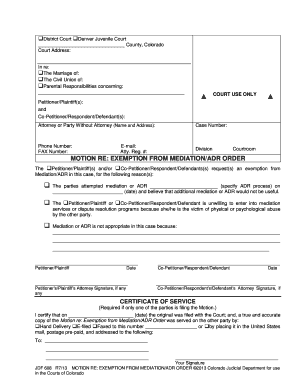
Exemption unwilling colorado
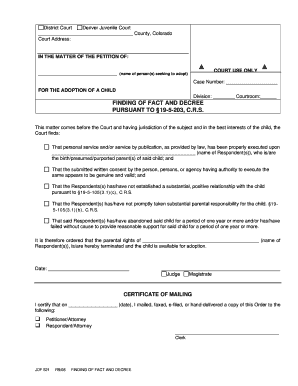
- courts state co
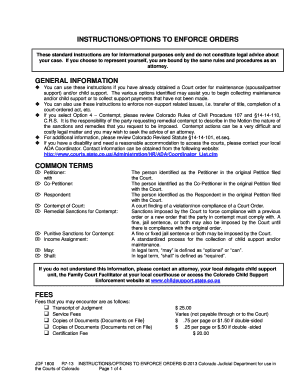
Jdf 1800
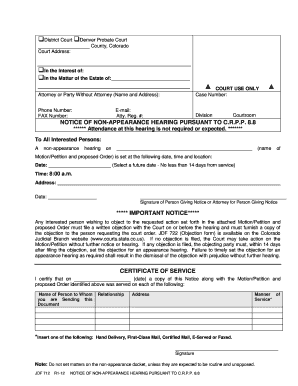
- courts state co
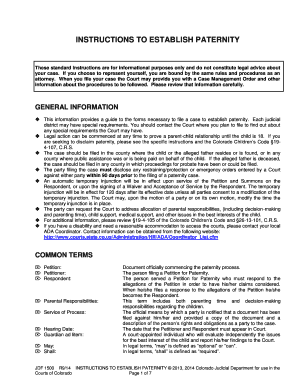
Jdf 1500 form
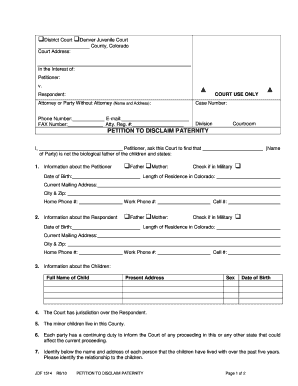
Colorado jdf 1514 form

District CourtCounty, ColoradoCourt Address:In

Court of Appeals, State of Colorado2 East 14th Ave

- courts state co

Motion for Hearing to Correct One-Third Over-Appraisal Error of Non-Residence Homestead Property

Form 480 60 EC 20 20 - Pr
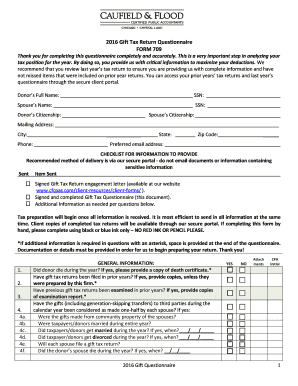
2016 Gift Tax Return Questionnaire FORM 709
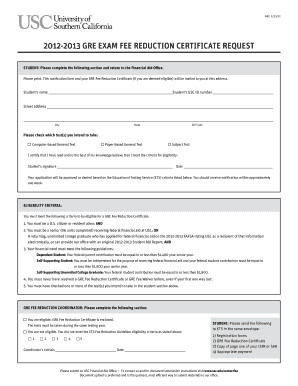
Gre certificate sample
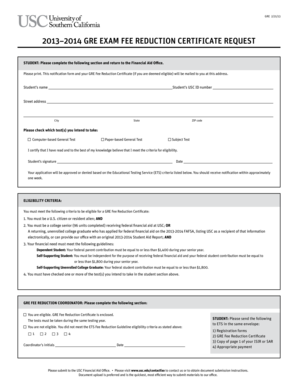
2013 2014 GRE EXAM FEE REDUCTION CERTIFICATE REQUEST - usc
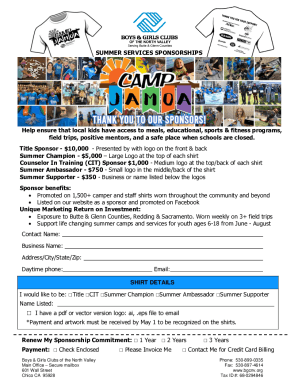
SFSP Best Practices - ActivitiesFood and Nutrition Service
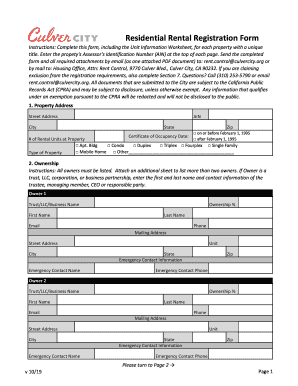
Residential Rental Registration Form - City of Culver City

Harris Glen Community Center Reservation Request
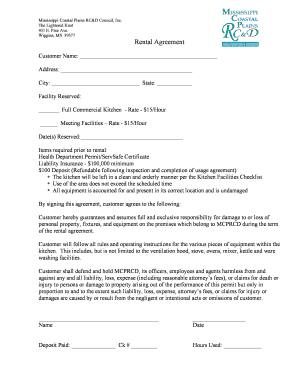
Kitchen Rental Agreement - mcprcd
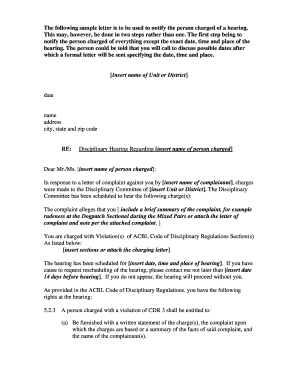
Sample letter to prosecutor to dismiss charges
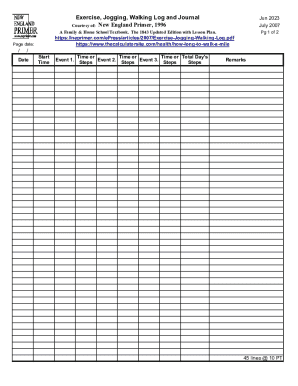
The New-England primer, improved, or, An easy and
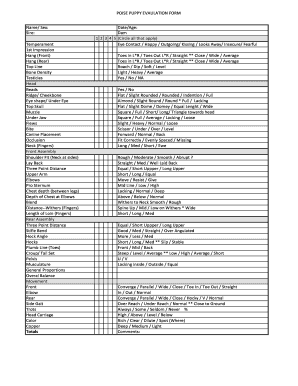
Puppy evaluation form
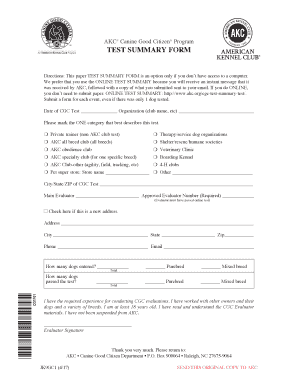
Akc herding regulations

WHITBY IROQUOIS SOCCER CLUB GAME SHEET Fax 905-6662431-
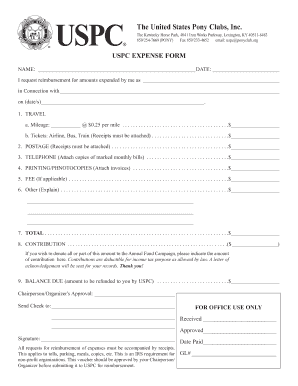
Expense Form - United States Pony Clubs, Inc - ponyclub
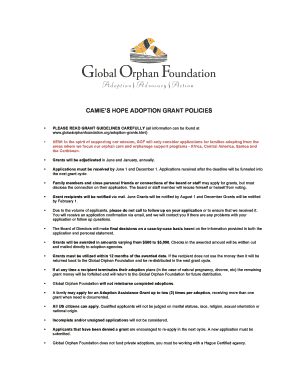
CAMIE S HOPE ADOPTION GRANT POLICIES - globalorphanfoundation
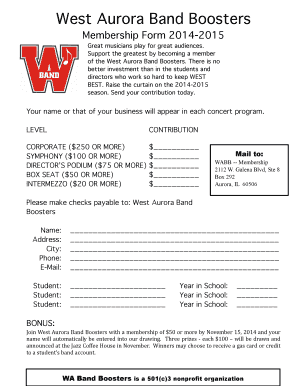
WABB Membership Form 14-15 pages - West Aurora High School - bands wahsvpa
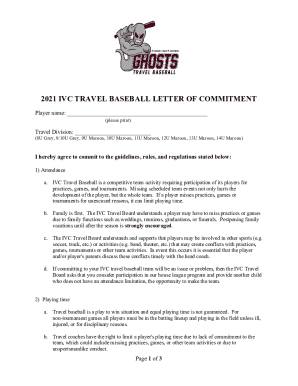
Congratulations to the players and - IVC Travel Baseball
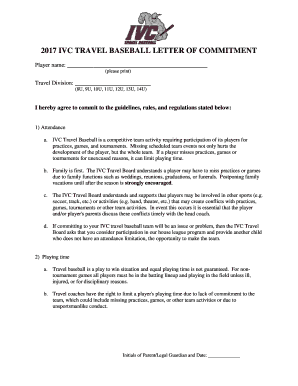
Travel ball commitment form
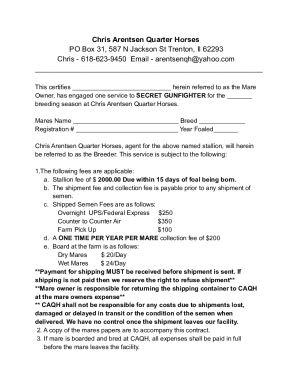
Chris Arentsen Quarter Horses
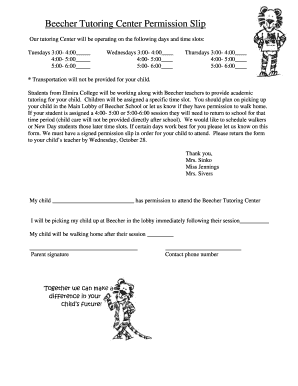
Tutoring permission slip template

Henry County Water Authority Backflow Prevention Test Report

Fillable Online srlsys Bookmark Contest bFORMbpdf - Satilla
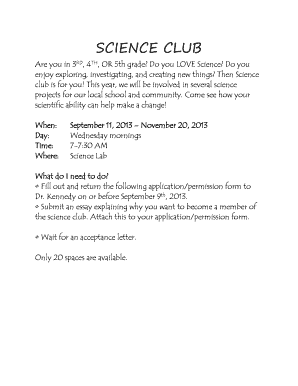
Science club application
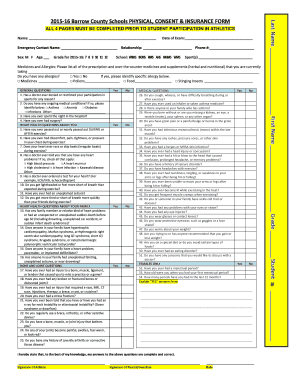
Athletic Physical Form - Barrow County Schools

Henry County Water Authority Backflow Test Report

DocHub form-library510019Physical Form - Barrow County Schools - Fill and Sign

FCCS After School Enrichment Class Enrollment Form

Fop lodge 176
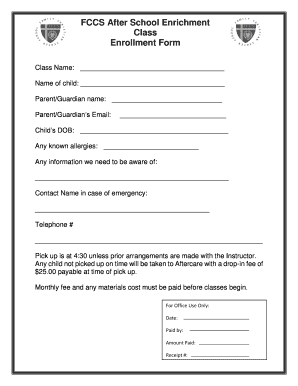
After school enrollment forms
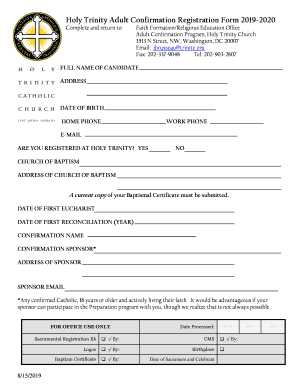
Holy Trinity Adult Confirmation Registration Form 2019-2020
Application form - Buffalo City TVET College

Holy Trinity Adult Confirmation Registration Form

JM Climate Pro A2400 BIBS Certificate - Johns Manville

How the team behind NORAD's Santa Tracker prepares for
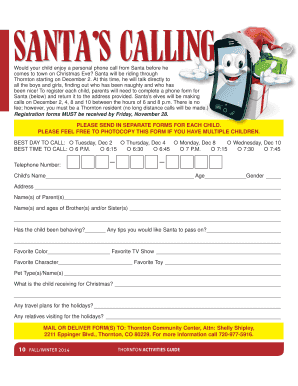
Santas Calling - City of Thornton - cityofthornton
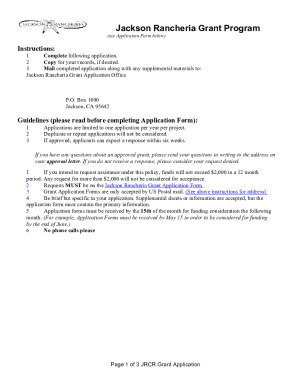
Grant Application Form-Revised $2k 080620
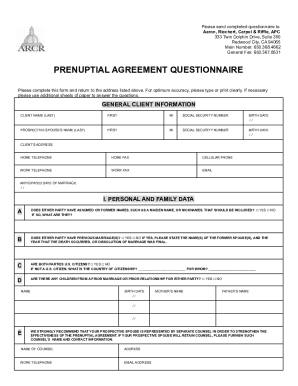
Prenuptial Agreement Questionnaire
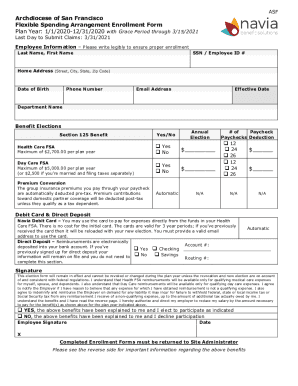
FSA Enrollment Form docx
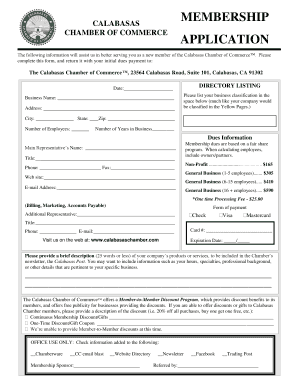
MEMBERSHIP CALABASAS CHAMBER OF COMMERCE APPLICATION
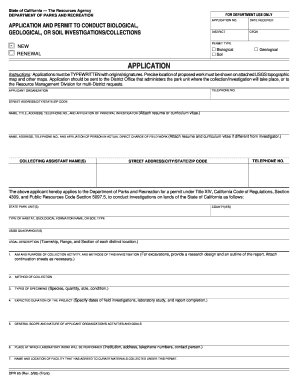
DPR 65 Application in pdf format - California State Parks - State of - parks ca

Prenuptial agreement template pennsylvania

Shift trade request form
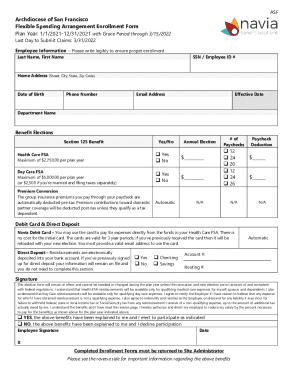
Archdiocese of San Francisco Flexible Spending

Mayor's Proclamation of COVID-19 Local Emergency and
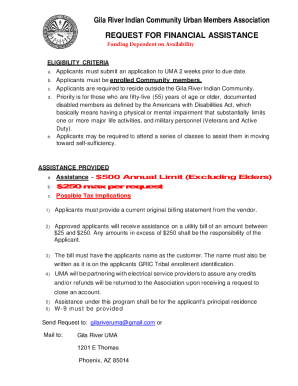
Funding Dependent on Availability
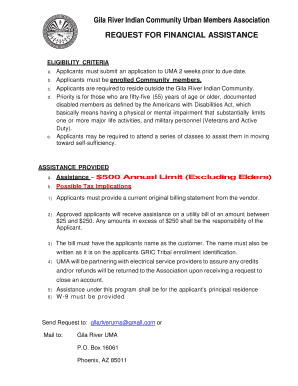
Gila river urban members association

ASA-ADM-Form-01 0004

OFGC New Membership Application 2023proposed docx
Benefit from the DocHub online library of fillable PDF forms
Searching the PDF forms doesn't have to be a tedious and time-consuming process. With the DocHub online library, it has become easier to find the fillable PDF forms and modify them in your browser. The service allows you to adjust the document to your needs using powerful editing tools.
You can use online document editing features to modify almost any type of document with ease. You just need to find the template of your choice, open it in the editor, and use the toolbar to make the necessary corrections.
Follow this guide to get your document done with DocHub:
- Find the PDF template you need.
- Click the Get Form button to open the file in the editor.
- Use the toolbar to fill out and edit the document.
- Easily add and highlight text, insert images, checkmarks, and symbols.
- Drop new fillable fields, and rearrange or delete pages from your file.
- Save changes and download your record.
DocHub empowers everyone to streamline document editing, signing, and distribution, and form completion. Create an account and benefit from our well-organized PDF Forms library and comprehensive editor.