
Get any PDF form from the DocHub library of ready-made templates - Page 946

Acop form 2012

Medical cannabis

Canada score

Community Pharmacy Assessment Criteria - Ontario College
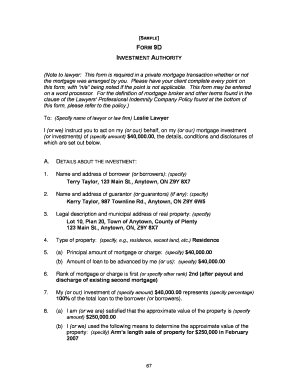
Private mortgage form 9d 2007

Form 6AB , WorkSafeBC

Tdvisa 2009 form
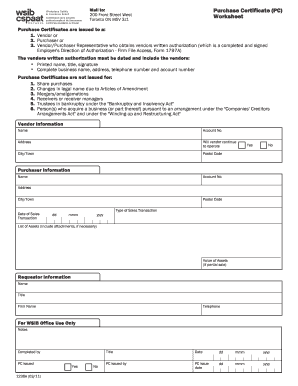
Purchase certificate pc worksheet wsib form

A 0361 a0 request for an evaluation 2012 form
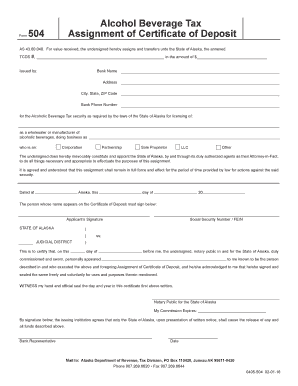
504 alcohol tax certificate
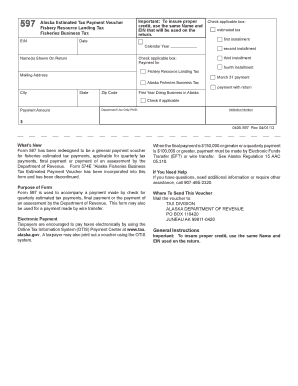
Estimated voucher landing
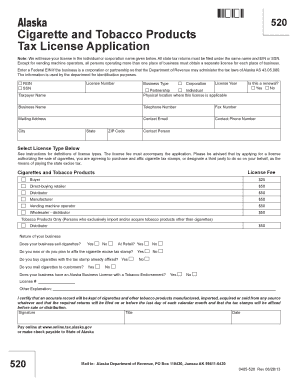
Alaska tobacco license
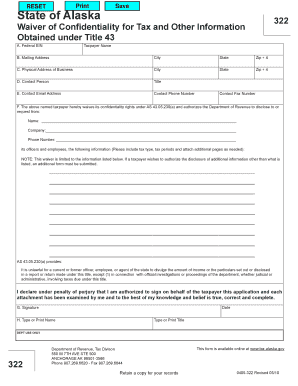
Ak 322 information

Alaska oil designated applicant search
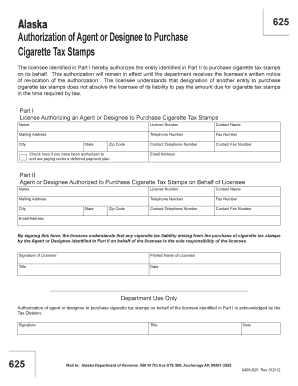
Alaska form authorization agent
Alaska prize receipt

Ak form instructions passenger sample
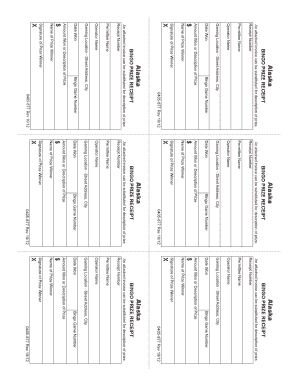
Alaska bingo receipt
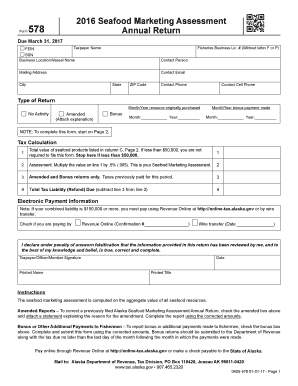
Ak annual return
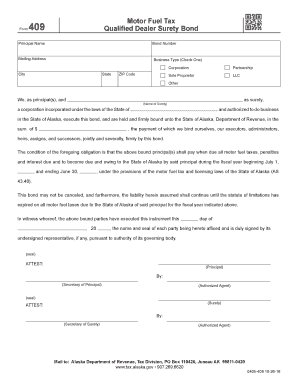
Ak qualified dealer surety bond
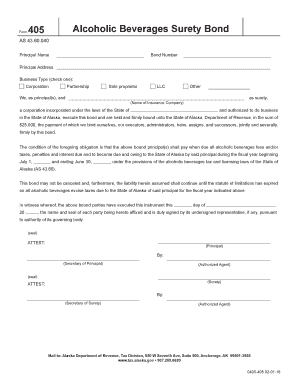
Alaska 405 surety bond template
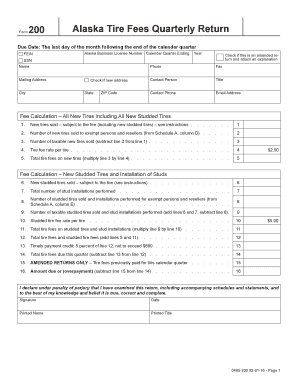
Alaska tire fees form

Alaska fees certificate form

Alaska form cigarette printable
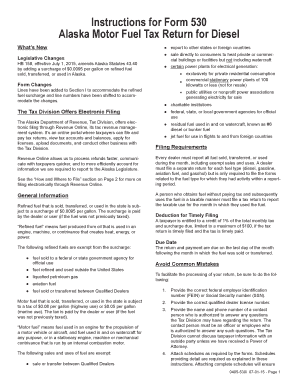
Alaska 530 tax
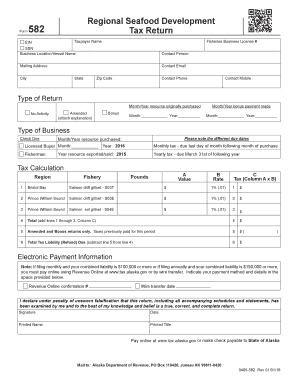
- tax alaska
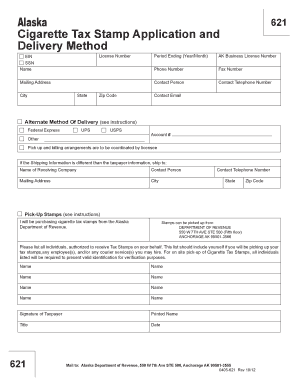
Alaska stamp application method online

Alaska 062 fisheries business tax bond
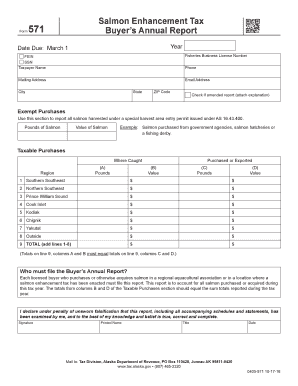
- tax alaska
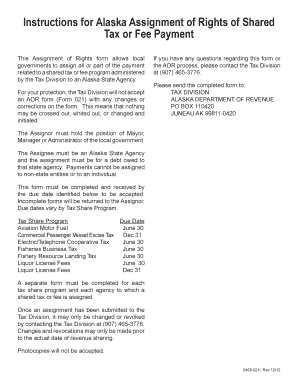
- tax alaska

Alaska qualified motor form
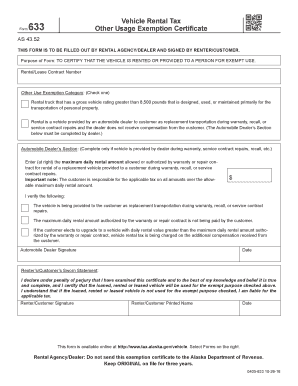
Ak tax other exemption certificate
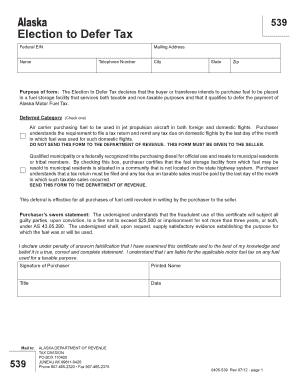
Alaska 539 form
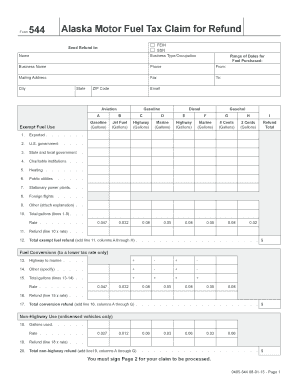
Alaska motor tax
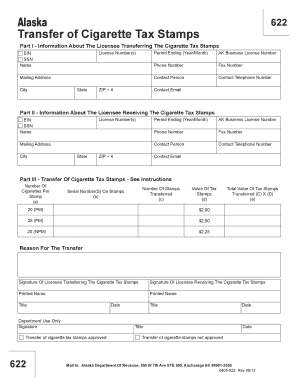
Alaska transfer cigarette
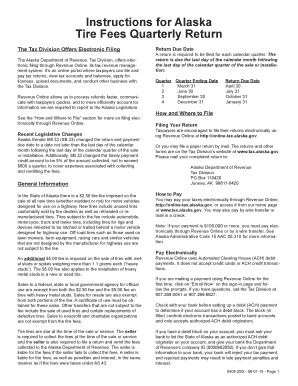
- tax alaska
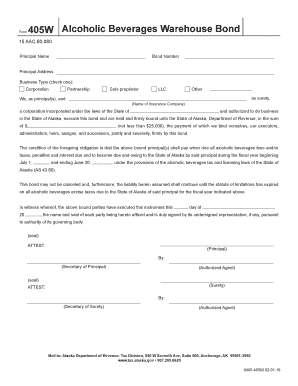
Alaska 405w bond

- tax alaska
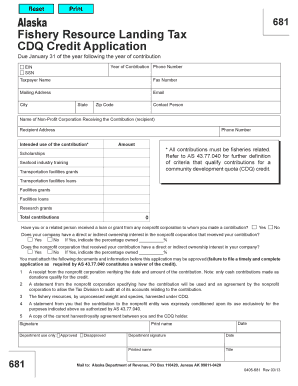
Alaska 681 credit 0405 form
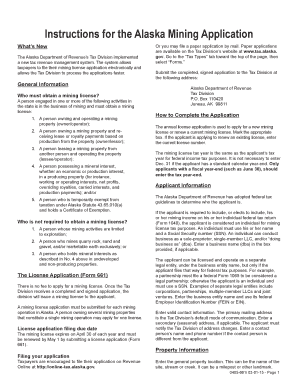
Alaska instructions mining
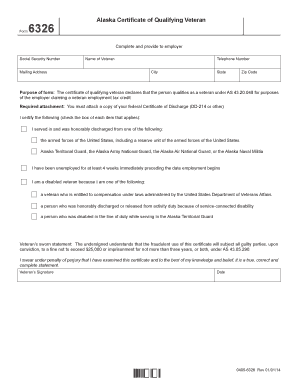
Alaska form qualifying
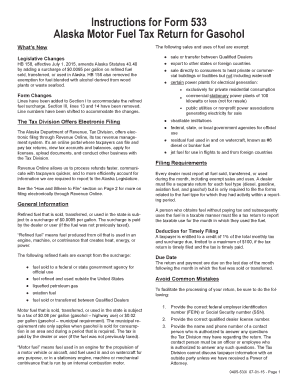
Alaska instructions motor fuel return
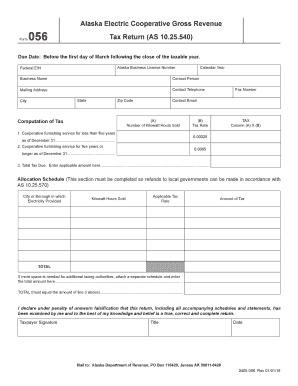
Alaska electric gross
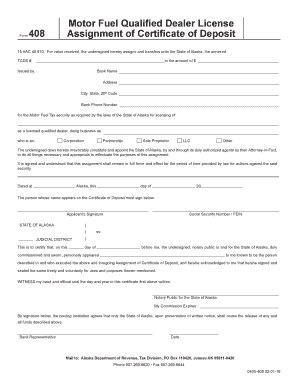
Alaska motor qualified license
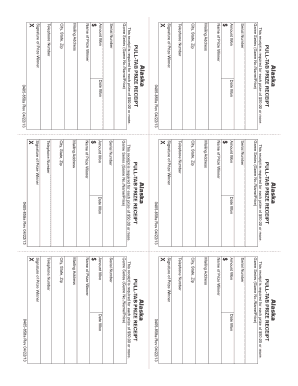
Ak prize form
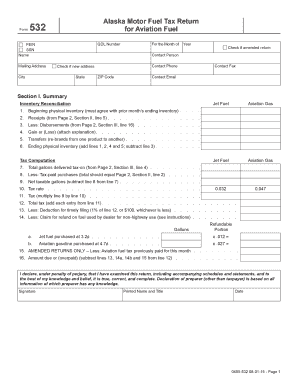
Alaska form 532
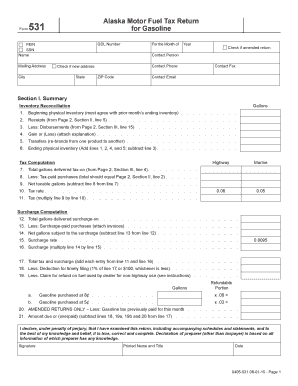
Alaska form gasoline
Alaska location code maps
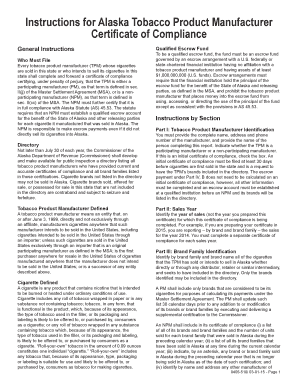
Alaska instructions compliance template

Alaska fish bond
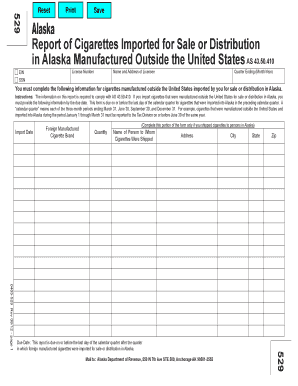
Alaska 529 529 manufactured
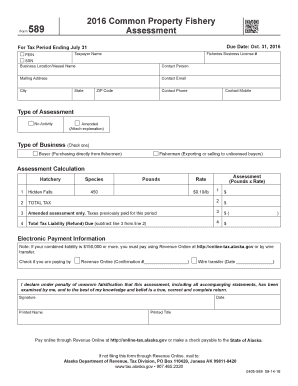
Ak common property fishery

- tax alaska

Alaska form pull tab
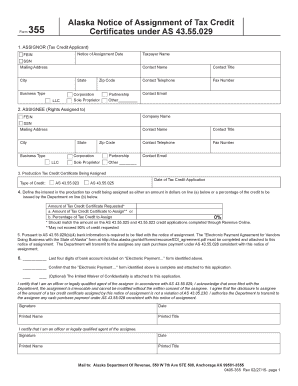
Alaska form credit certificates
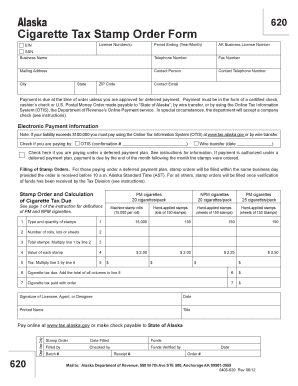
Alaska form tax order
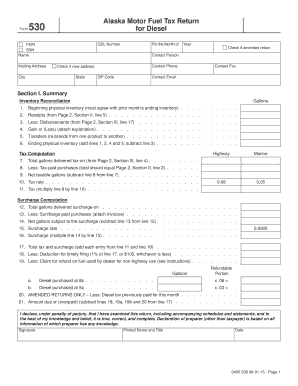
Alaska fuel tax diesel
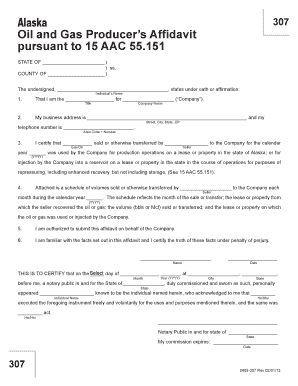
- tax alaska
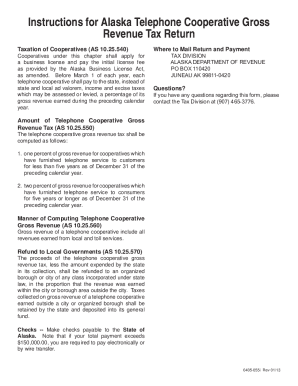
Ak gross revenue
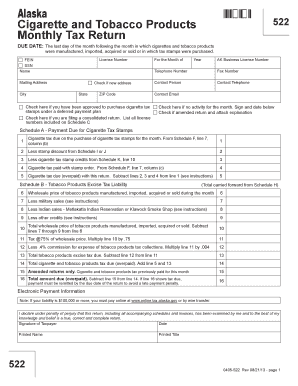
Ak tobacco tax

Alaska 021 021 tax

Maine mbbe na application bar form printable
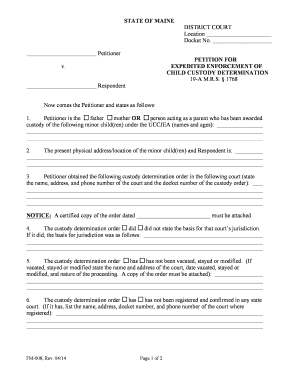
Fm petition enforcement court create
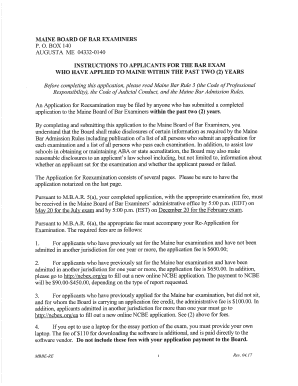
Re-Application for Examination - Maine Board of Bar Examiners
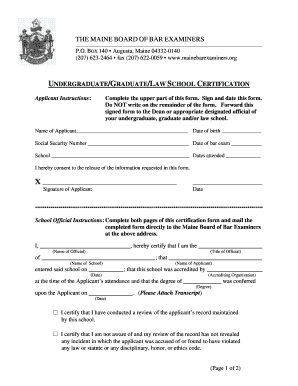
Maine undergraduate law certification form bar fillable

Pretrial intervention pti
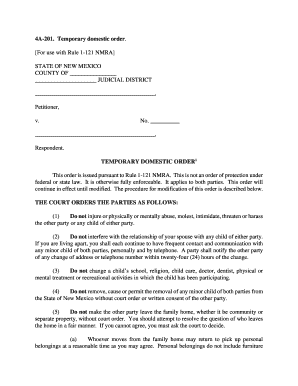
New mexico temporary domestic order
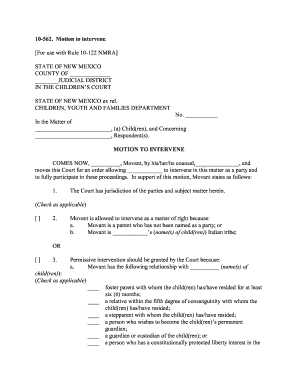
New mexico motion intervene
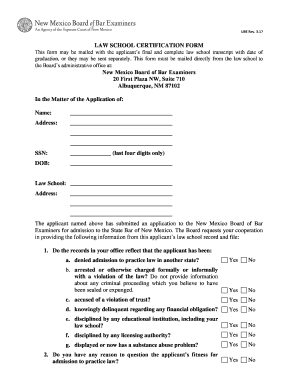
New mexico bar law school certification form

Nm bar rt board examiners
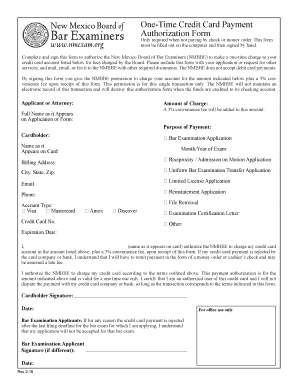
One-Time Credit Card Payment
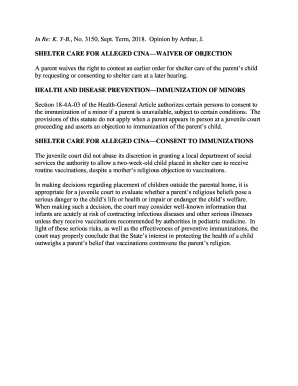
Shelter Care - Washington State Courts - Court Forms

Md admission bar bar examination

Americans with disabilities accommodation maryland court form
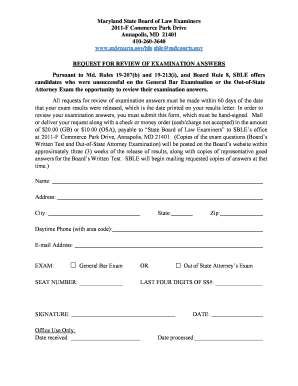
Maryland examination answers

Dc scaled form

District of columbia court of appeals committee on - DC Courts

Dc non aba admission form
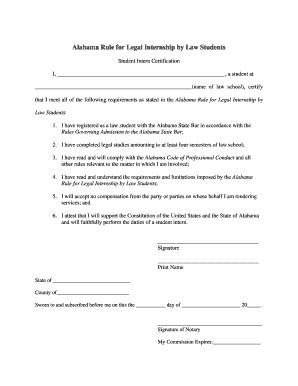
Alabama certification internship
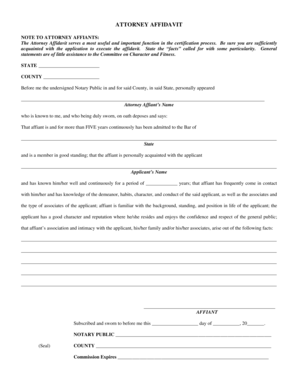
Affiant arise
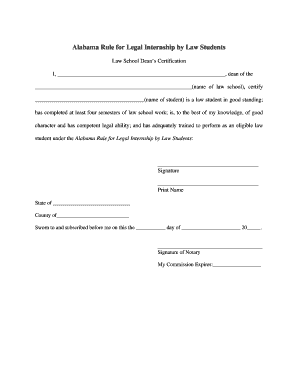
Legal Internship - Dean's Certification
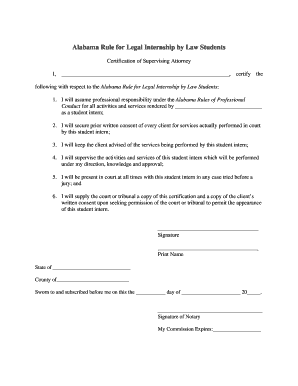
Certification of Supervising Attorney - Alabama bar exam
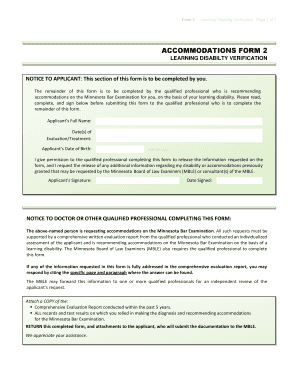
Minnesota disabilty verification form

HI 1F-P-1026

Form k contest form

Regarding support hi

1cp858 request access court form
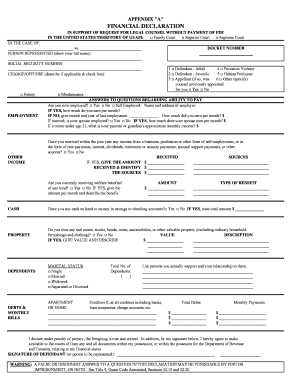
Financial Declaration 1 - Unified Courts of Guam - guamcourts

Guam form temporary order protection

IN THE CIRCUIT COURT FOR THE ELEVENTH JUDICIAL CIRCUIT IN

1048 bill fiscal statement form
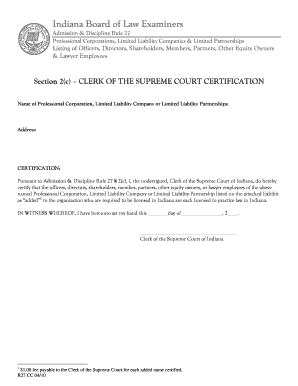
Wisconsin Court System - Board of Bar Examiners
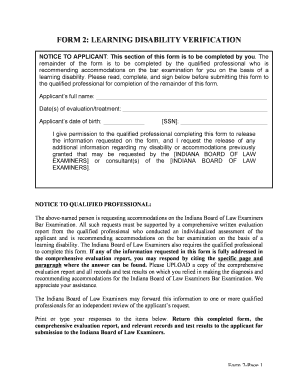
Form board disability verification form

Form 7 medical
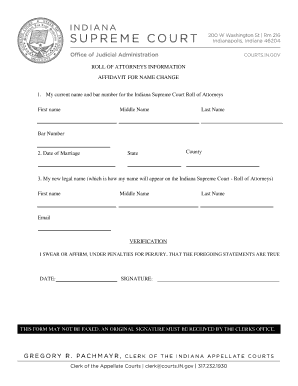
Indiana affidavit roll attorneys
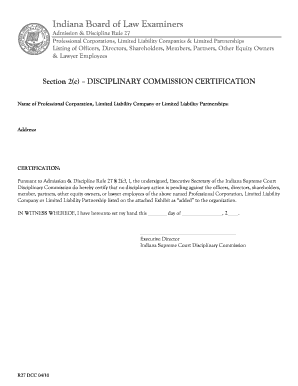
Technologies - State Bar of California - State of California
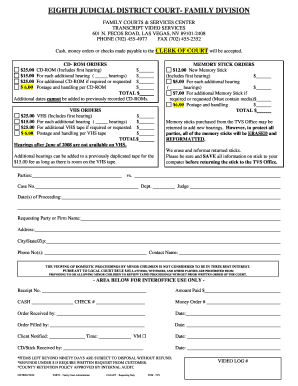
Nv requisition eighth judicial district family

Nevada 49 in house counsel request template
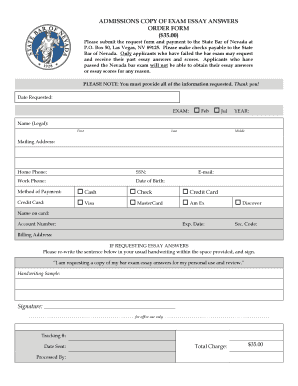
Nevada bar exam answers
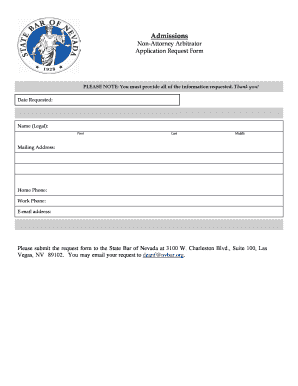
Library Of Forms - State Bar of Nevada
Benefit from the DocHub online library of fillable PDF forms
Searching the PDF forms doesn't have to be a tedious and time-consuming process. With the DocHub online library, it has become easier to find the fillable PDF forms and modify them in your browser. The service allows you to adjust the document to your needs using powerful editing tools.
You can use online document editing features to modify almost any type of document with ease. You just need to find the template of your choice, open it in the editor, and use the toolbar to make the necessary corrections.
Follow this guide to get your document done with DocHub:
- Find the PDF template you need.
- Click the Get Form button to open the file in the editor.
- Use the toolbar to fill out and edit the document.
- Easily add and highlight text, insert images, checkmarks, and symbols.
- Drop new fillable fields, and rearrange or delete pages from your file.
- Save changes and download your record.
DocHub empowers everyone to streamline document editing, signing, and distribution, and form completion. Create an account and benefit from our well-organized PDF Forms library and comprehensive editor.