Type text, add images, blackout confidential details, add comments, highlights and more.
02. Sign it in a few clicks
Draw your signature, type it, upload its image, or use your mobile device as a signature pad.
03. Share your form with others
Send 530i motor tax return create via email, link, or fax. You can also download it, export it or print it out.
How to use or fill out Alaska 530 tax with our platform
Ease of Setup
DocHub User Ratings on G2
Ease of Use
DocHub User Ratings on G2
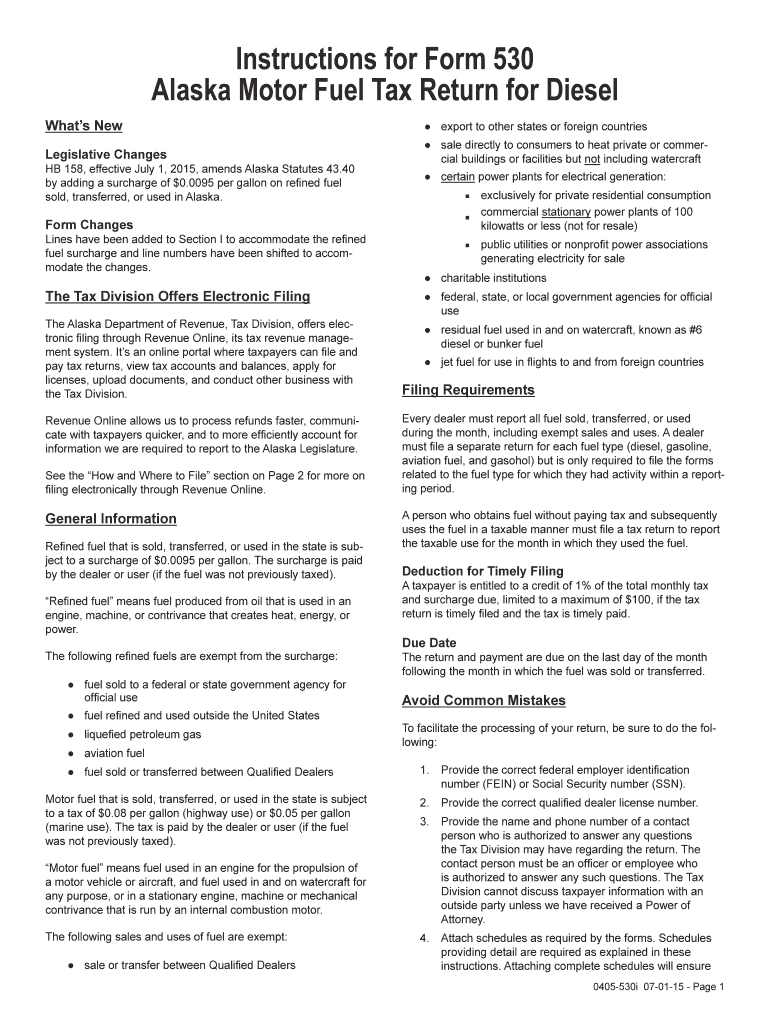
Click ‘Get Form’ to open the Alaska 530 tax form in the editor.
Begin with Section I, where you will enter your beginning physical inventory from the previous month. Follow this by inputting receipts and disbursements as instructed.
In Section II, report all transactions in whole gallons. Enter details for in-state refinery production, tax-on gallons received, and any imports from other states or foreign countries.
Proceed to Section III to document disbursements. Ensure you accurately report gallons used and delivered to various entities, including government agencies and charitable institutions.
Finally, review all entries for accuracy before signing the return. Utilize our platform's features to attach any required schedules and invoices seamlessly.
Start filling out your Alaska 530 tax form today for free using our editor!
Oil and Gas, Natural Resources, and Energy Journal Alaska
by RJ Morgan 2016 Tax Credit; Etc.is a bill that addresses royalty and tax credit incentives relating to the oil and gas industry. AS Section 31.05.030 y must refund
Jan 9, 2026 This publication explains how you treat items such as settlement and closing costs, real estate taxes, sales taxes, home mortgage interest, andRead more
Cookie consent notice
This site uses cookies to enhance site navigation and personalize your experience.
By using this site you agree to our use of cookies as described in our Privacy Notice.
You can modify your selections by visiting our Cookie and Advertising Notice.