
Get any PDF form from the DocHub library of ready-made templates - Page 9

Certificate of Current Cost or Pricing Data
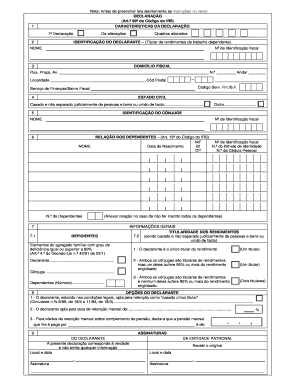
Declara o de IRS

Non-Resident Pakistani Biometric Verification Exemption Undertaking
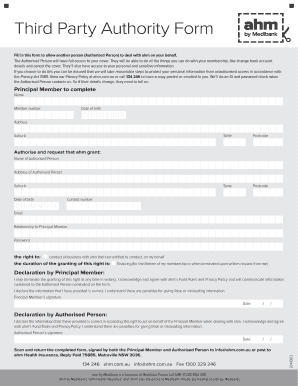
Third Party Authority Form
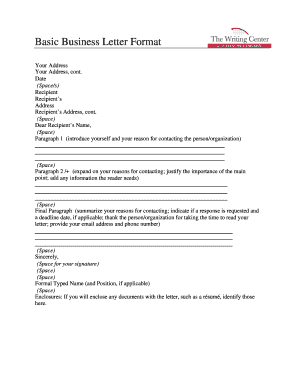
Business Letter Format
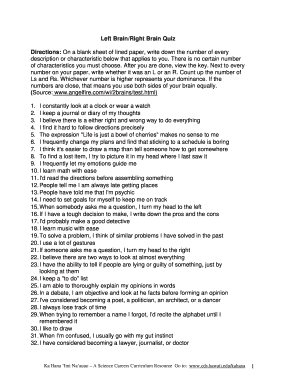
Left Brain Right Brain Quiz
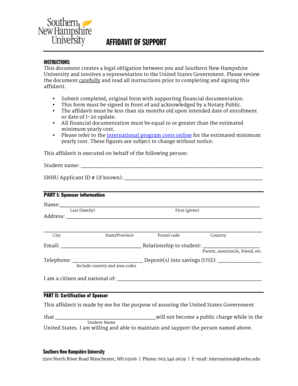
Affidavit of Support for SNHU
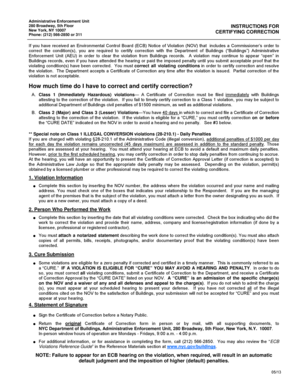
Certificate of Correction Form

The Hartford Mental Health Attending Physician s Statement

Aspira Drainage System Discharge Prescription Form

M C Dean Vendor and Subcontractor Survey

VA Form 40-1330M

ROYAL EMBASSY OF SAUDI ARABIA IN PARIS MEDICAL REPORT - dsachs
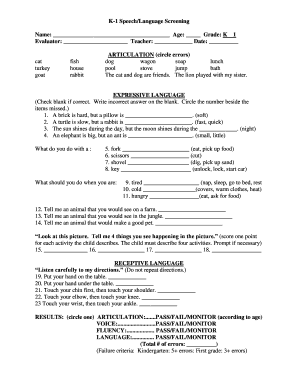
K-1 Speech Language Screening Form
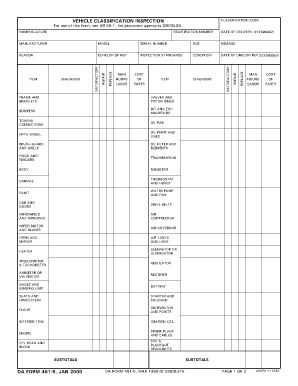
Vehicle Classification Inspection Form
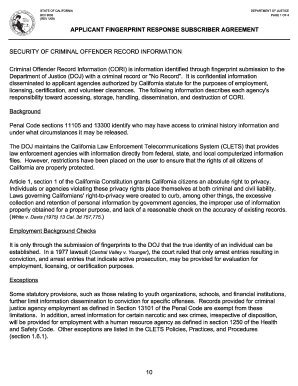
California Applicant Fingerprint Response Subscriber Agreement
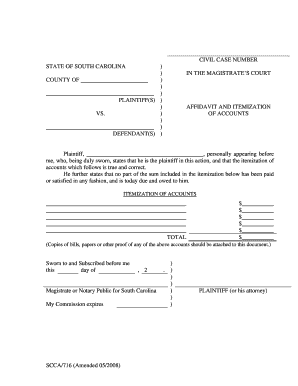
South Carolina Affidavit and Itemization of Accounts
Therapy Daily Log
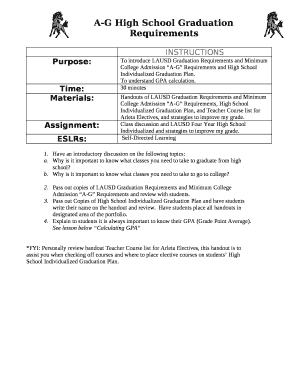
LAUSD A-G High School Graduation Requirements
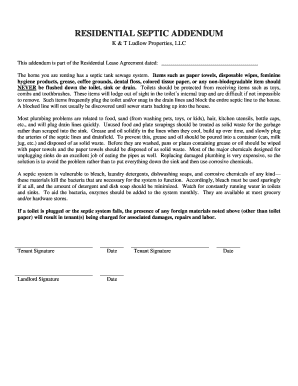
Residential Septic Addendum

New York Rifle Shotgun Permit Application

New York Notice to Quit for Non-Compliance
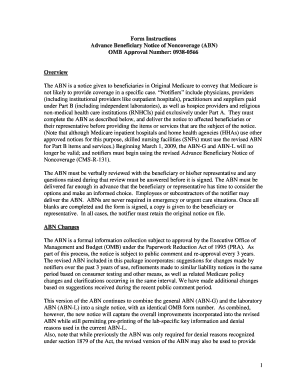
Advance Beneficiary Notice of Noncoverage
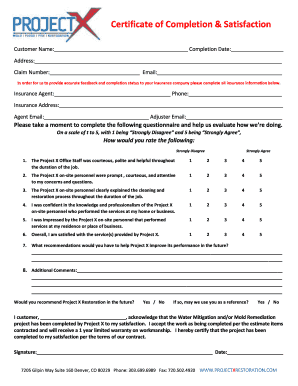
Certificate of Completion and Satisfaction

Roommate Agreement

Vanguard Restore Account Access Form
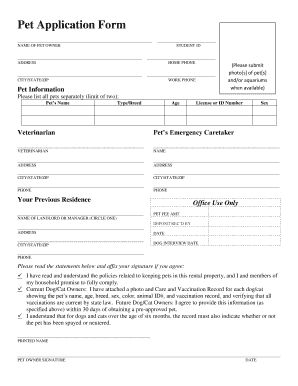
Pet Application Form

Power of the Pyramids Graph Paper
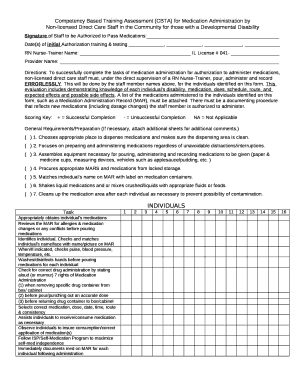
Competency Based Training Assessment for Medication Administration

Louisiana Informed Consent for Abortion Form

Consent Form for Case Reports

Adult Proxy Form
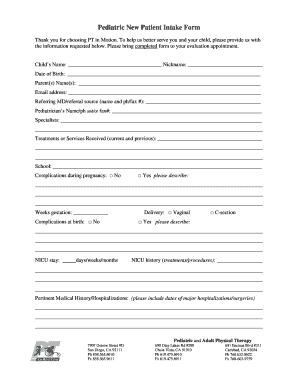
Pediatric New Patient Intake Form
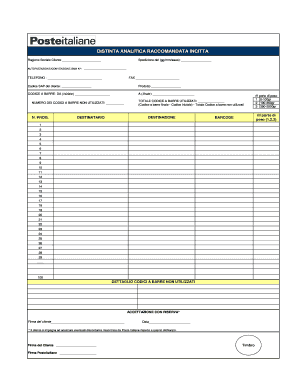
Distinta Analitica Posta Registrata
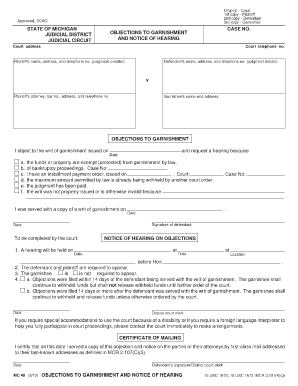
Michigan Objections to Garnishment Form
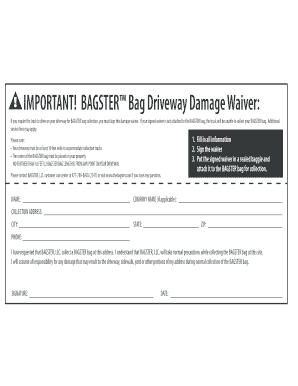
BAGSTER Driveway Damage Waiver
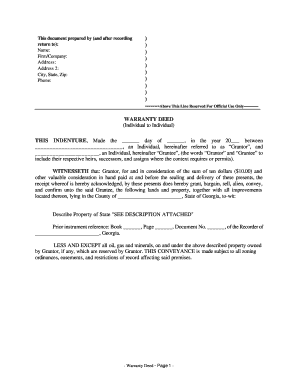
Georgia Warranty Deed

New York Servicemark Registration Form
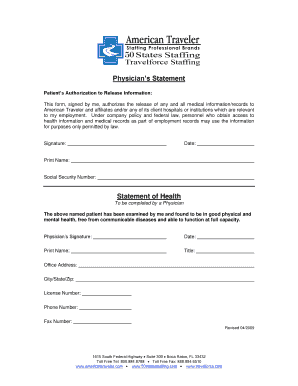
Physician s Statement Authorization

Medicare ASCA Waiver Request Form

Den Chief Service Award Form

Kentucky Certificate of Title Application
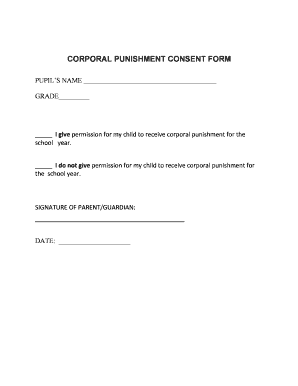
Corporal Punishment Consent Form

2025 Form M1X Amended Minnesota Income Tax

Increasing Decreasing Constant Worksheet
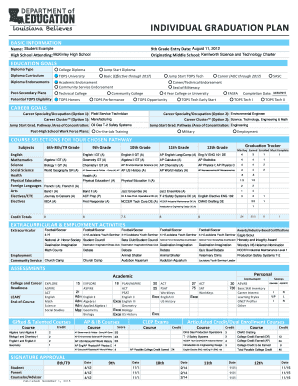
Louisiana Individual Graduation Plan
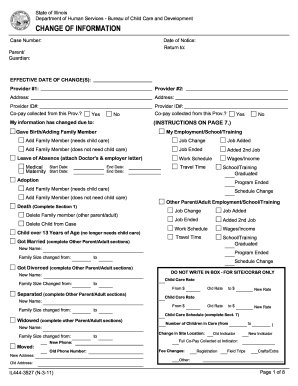
Illinois Child Care Change of Information Form
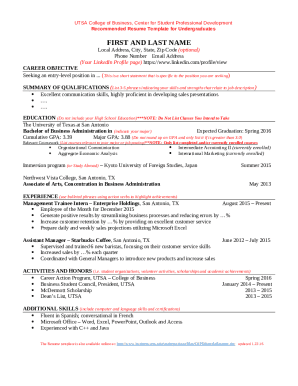
UTSA Resume Template for Undergraduates

DRA Observation Guide for The Wonderful Day
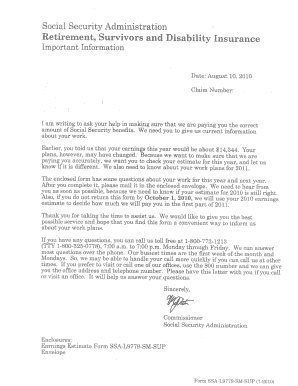
Ssa l9781 sm 7 2022
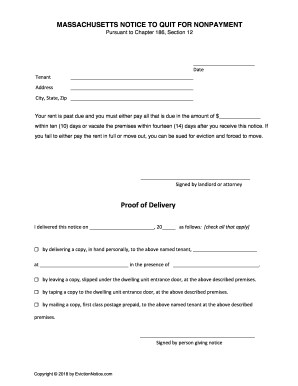
Massachusetts Notice to Quit for Nonpayment
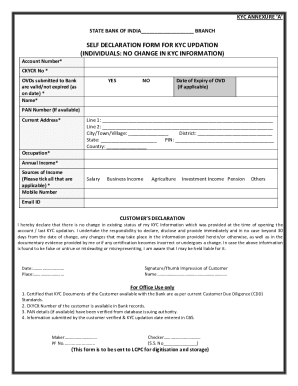
KYC Self Declaration Form
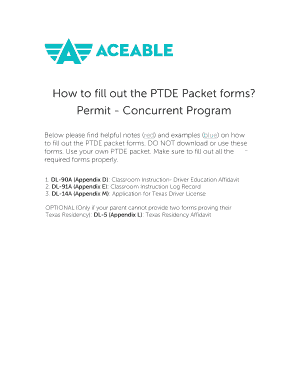
Texas Driver Education Affidavit

BMI Calculator Form

De La Salle University Manila Admission Consent Form
Alberta Automobile Insurance Motor Vehicle Inspection Report

Peanut Butter and Jelly Sandwich How-To
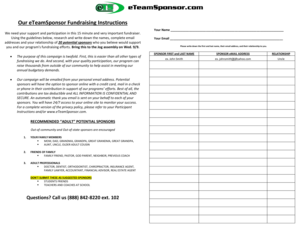
ETeamSponsor Fundraising Instructions

Construction Performance Bond
European Breakdown Cover Claim Form
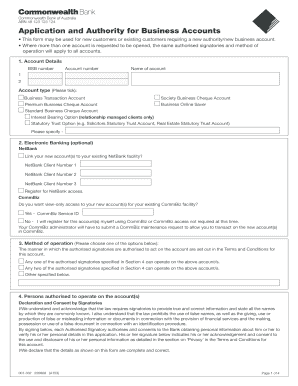
Business Account Application Form
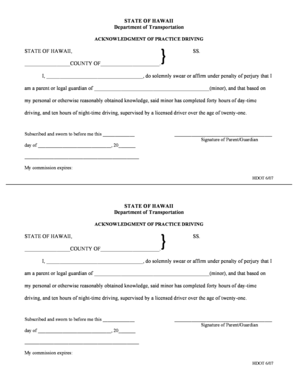
Hawaii Practice Driving Acknowledgment
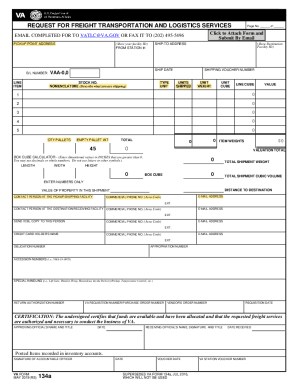
VA Form 134a Freight Transportation Request

Pag-IBIG Member's Contribution Remittance Form
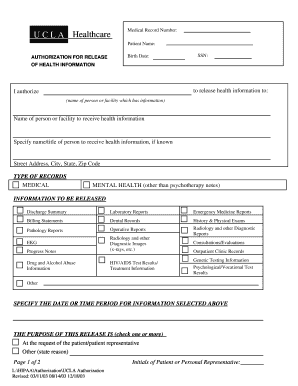
UCLA Healthcare Authorization for Release of Health Information

Washington State Collateral Information Form
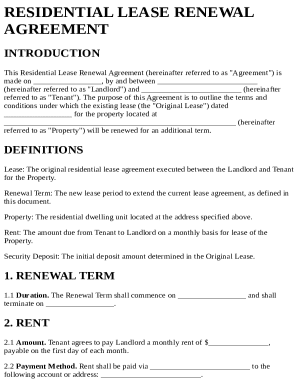
Residential lease renewal agreement
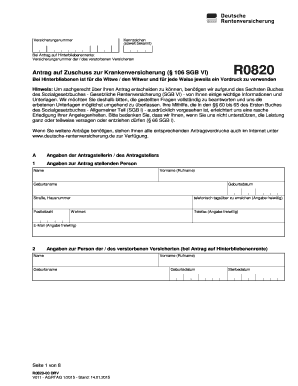
Antrag auf Zuschuss zur Krankenversicherung
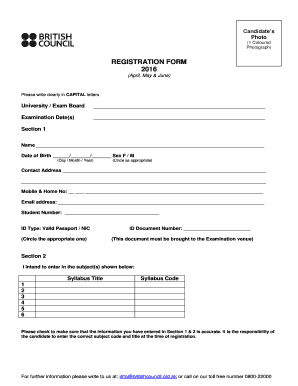
British Council Exam Registration Form
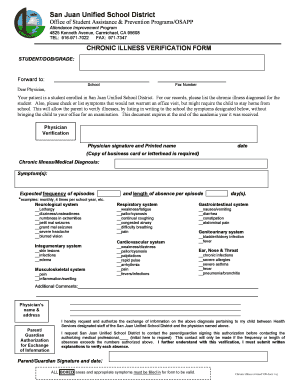
Chronic Illness Verification Form

Special Power of Attorney for Pag-IBIG Housing Loan

Oxford House Rating Form

Skin Monitoring Daily Check Form
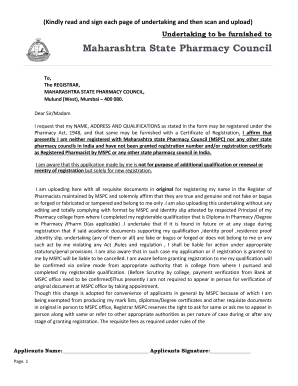
Undertaking for Maharashtra State Pharmacy Council Registration

Small Business Loan Application
Western Australia Fuel Support Payment Application
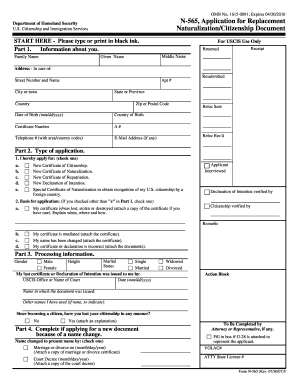
USCIS N-565 Application for Replacement

Saskatchewan Health Services Card Change of Information

Proof of Service of Document

Pharmacy Medication Return Form

RBL Bank Customer Request Form
Georgia Lot Land Seller's Property Disclosure Statement
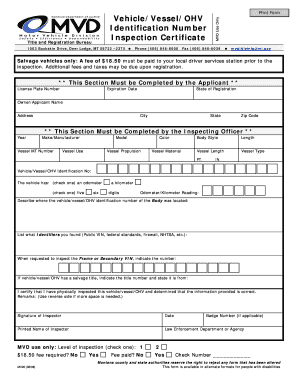
Montana Vehicle Vessel OHV Inspection Certificate
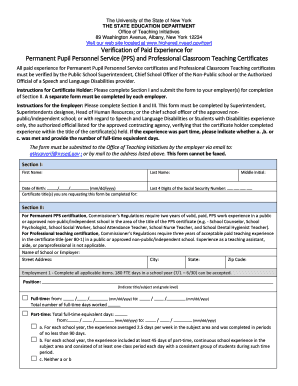
Verification of Paid Experience for NY Teaching Certificates
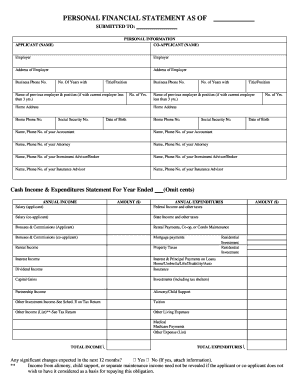
Personal Financial Statement Form

New Jersey Certificate Of Withdrawal
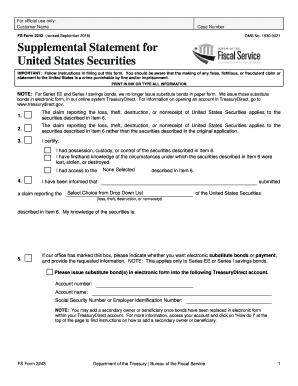
FS Form 2243 US Securities Claim

Chronic Medicine Application Form
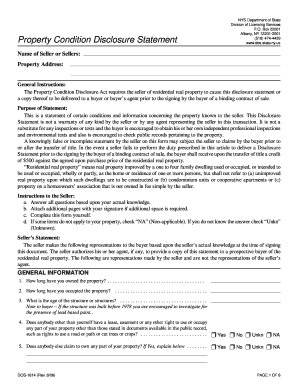
New York Property Condition Disclosure Statement

Application for Endorsement (JM33 42)
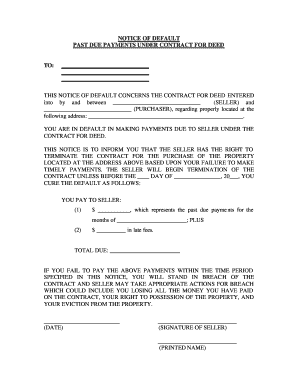
Notice of Default for Contract for Deed
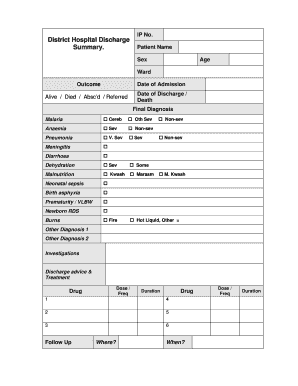
Hospital Discharge Summary Form
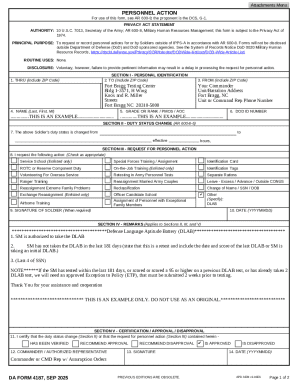
DA Form 4187 Personnel Action
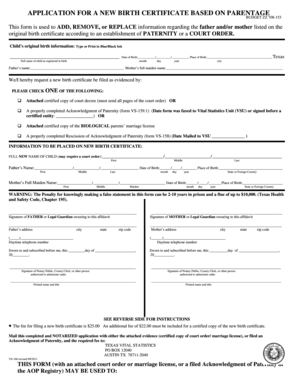
Texas Birth Certificate Application
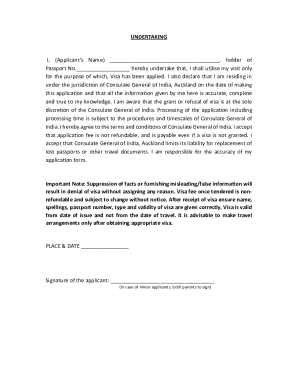
India Visa Application Undertaking
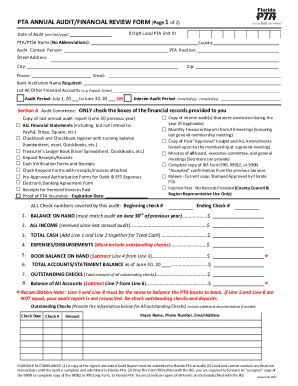
Florida PTA Annual Audit Form

Letter of Authorization

Biometric Health Screening Form
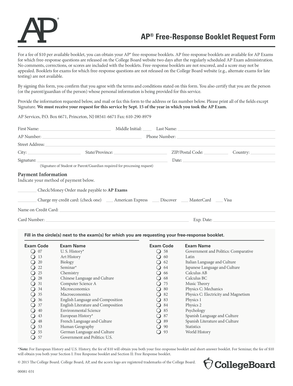
AP Free-Response Booklet Request Form

Pearson VUE Authorized Center Log Sheet
Benefit from the DocHub online library of fillable PDF forms
Searching the PDF forms doesn't have to be a tedious and time-consuming process. With the DocHub online library, it has become easier to find the fillable PDF forms and modify them in your browser. The service allows you to adjust the document to your needs using powerful editing tools.
You can use online document editing features to modify almost any type of document with ease. You just need to find the template of your choice, open it in the editor, and use the toolbar to make the necessary corrections.
Follow this guide to get your document done with DocHub:
- Find the PDF template you need.
- Click the Get Form button to open the file in the editor.
- Use the toolbar to fill out and edit the document.
- Easily add and highlight text, insert images, checkmarks, and symbols.
- Drop new fillable fields, and rearrange or delete pages from your file.
- Save changes and download your record.
DocHub empowers everyone to streamline document editing, signing, and distribution, and form completion. Create an account and benefit from our well-organized PDF Forms library and comprehensive editor.