
Get any PDF form from the DocHub library of ready-made templates - Page 682

California food license application

California Bureau of Security and Investigative Services

Karuk tribe enrollment form

DepartmentsTemecula CADepartmentsTemecula CATemecula CAOfficial WebsiteTemecula CAOfficial Website

Encroachment Permit Application - City of Dublin

California permit application work
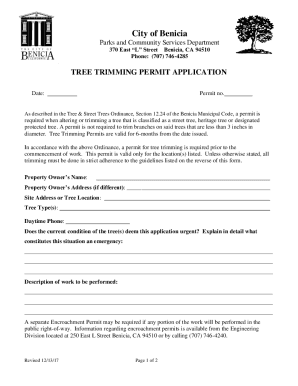
Parks and Community Services - Benicia, California

Support microsoft en-usofficeFind out when your Microsoft 365 subscription expires

Troop Finance Report
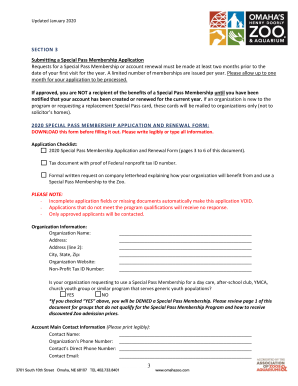
Charity Navigator - IRS Data for Omaha's Henry Doorly Zoo
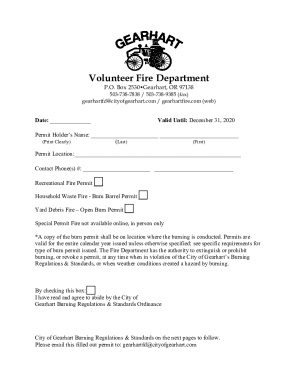
Volunteer Fire Department - City of Gearhart

APPLICATION FOR ZONE CHANGE - Polk County Oregon

VARIANCE APPLICATION - Polk County Oregon

FARM DWELLING APPLICATION

Medfordoregon files assetsMedford Armory Event Packet
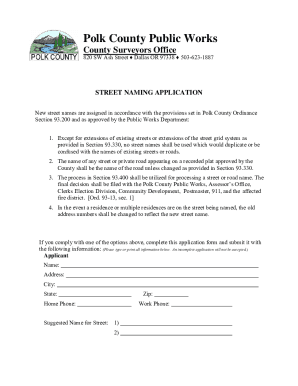
Co polk or uspwpublic-works-formsPublic Works Forms and DocumentsPolk County Oregon Official

Application forms xls

Co polk or usjuvenileJuvenilePolk County Oregon Official Website

Redmond Fire and Rescue 341 NW Dogwood Ave, Redmond, OR
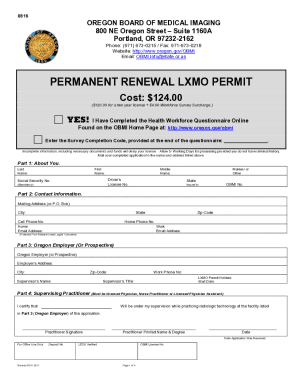
DocHub encatalog20 Printable weekly activity report template excel Forms

Non-Dental Surgical Consent Form - Broadview Animal Clinic

University of California, Davis Department of Pathology
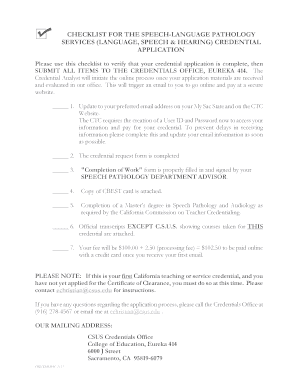
Application Checklist for Speech-Language Pathology and
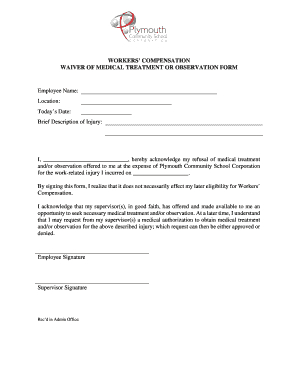
WAIVER OF MEDICAL TREATMENT OR OBSERVATION FORM

Shelbycity oh hist-pres-app-for-certificateHist Pres App for Certificate of AppropriatenessRevised

Environmental Occupational Health Compliance

121 Hopkins Road, West Greenwich, RI 02817 P 401-392-3580 F 201-392-3595

Motor Vehicle Damage Appraiser Application Instructions and

PDF Registration to Participate in Laptop Program - Alaska Bar Association

Print Artwork Approval Form

Kamp-kanine wp-contentuploadsDoggie Daycare Agreement - Kamp Kanine

Fillable Online New Applicator - Pest Management Division

L040

Duplicate w2 in az form

Ia sign permit application polk

Medical Group Practice Directory for Clarksville, TN

PCI DSS Compliance Shop Direct; A Case Study - SlideShare

UCN-22338 - Representations and Certifications UCN-22338 - Representations and Certifications

Coursehero tutors-problems PhilosophySolved static1 squarespace static

AOCS respects the privacy of its members and other visitors to its - aocs

JOINT VENTURES WITH DBEs - State of Oregon

Application for Membership - Universities Federation for Animal

Prelicensure Nursing Application Final 2012 - nursing appstate

FORM 10-K INTUIT INC - Analist be - analist

Topic Point Provide guidance to contractors - State of Oregon

Teachers Superannuation Fund A Spousal Allowance B - gov pe
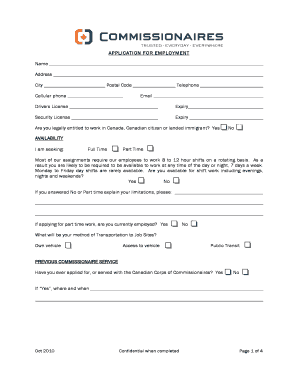
APPLICATION FOR EMPLOYMENT Name Address City Postal

WinZip Courier 4 Delivers Fast and Secure - Corel Corporation

Rodney Natural Heritage Fund Application Form - Auckland Council - aucklandcouncil govt

OSBN CNA application for RNs and LPNs - State of Oregon

Guide for Assessing Integrity - State of Oregon

Cert Renewal Application revised 122010 pdf free ebook download

CALIFORNIA HEALTH CARE SYMPOSIUM - California Symposium

The Newsletter ofthe No NASIGNET GOPHER WORST SERIAL n

AHIP Application form - environment nsw gov

OCHA annual report2009,revised

Other names site number 2 Location NPS Form 10-900 OMB No - pdfhost focus nps

The following applications can be viewed online at www

Website Change Form - southalabama

COMTO Chicago Scholarship Application 2010

2010 EARTH Award Application and Program Guidelines - BOMA SF - bomasf

IAAP Mobile Chapter - Office of the President - southalabama

628 Recruiters Within the State of California - SuperJobSearch

3170- Food Insight Sep Oct 2003 - International Food Information

V I P Zip

The 2007 Child Care Licensing Study District of Columbia - DriveHQ

Application for Limited Water Use License - State of Oregon

University of South Alabama College of Nursing Master of Science in - southalabama

PERMANENT INITIAL RADIATION THERAPIST - State of Oregon

178 Recruiters Within 150 miles of zip code 92821 (Sorted by City and Recruiter Name)

Vietnam Veterans Receive Long Overdue - State of Oregon

2003 Instructions for Form 41, Oregon Fiduciary - State of Oregon

Session 5 - NYC gov - nyc

Job Application Process Job Application Process Job Description Job - webmedia unmc

MRI State of the Art 06 - New York University Medical Center - med nyu

E*Value Instructions for Evaluators - hopkinsmedicine

This booklet is available in English and Spanish from the office of the court clerk in the superior

Services - CA Department of Rehabilitation

Immunization Record Form Immunization Record Form

Chapter 4 Activity- SMART Goal docx - Adapted worksheet

Student ID Number or Date of Birth

Ccc 185

FL-328 Notice Regarding Confidentiality of Child Custody Evaluation Report

FL-345 PROPERTY ORDER ATTACHMENT TO JUDGMENT (Family Law)

FL-2 Case Management Conference Report 2021 01 01 doc

VOCATIONAL REHABILITATION (VR) SERVICES APPLICATION

Medicare prior authorization pre-service review guide

Leaf structure lab
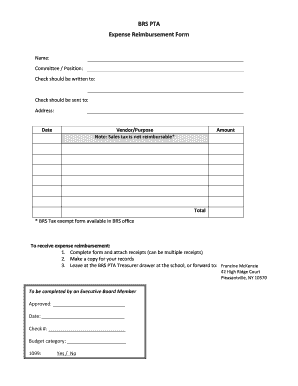
Pta expense reimbursement form

Dol 402 formDocHubcom

Dol agenciesetaContactU S Department of Labor

Bank OZK Overdraft Notice and Consent Form

PAYROLL DEDUCTION AUTHORIZATION FORM

Maine driver's license application form

Fingerprint form - OMB 0705-0002

Da 5016
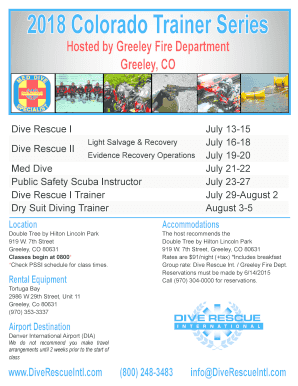
2018 Summer Training Series Greeley, CO - Dive Rescue International

Welcome to E-permits - City and County of Denver

Anacs submission form
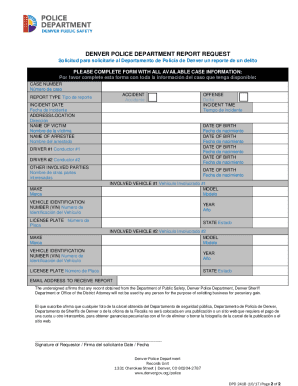
CO DPD 241B
Benefit from the DocHub online library of fillable PDF forms
Searching the PDF forms doesn't have to be a tedious and time-consuming process. With the DocHub online library, it has become easier to find the fillable PDF forms and modify them in your browser. The service allows you to adjust the document to your needs using powerful editing tools.
You can use online document editing features to modify almost any type of document with ease. You just need to find the template of your choice, open it in the editor, and use the toolbar to make the necessary corrections.
Follow this guide to get your document done with DocHub:
- Find the PDF template you need.
- Click the Get Form button to open the file in the editor.
- Use the toolbar to fill out and edit the document.
- Easily add and highlight text, insert images, checkmarks, and symbols.
- Drop new fillable fields, and rearrange or delete pages from your file.
- Save changes and download your record.
DocHub empowers everyone to streamline document editing, signing, and distribution, and form completion. Create an account and benefit from our well-organized PDF Forms library and comprehensive editor.