
Get any PDF form from the DocHub library of ready-made templates - Page 663

Lansing Urgent Care Patient Registration Form

SV-109 Notice of Court Hearing (Private Postsecondary School Violence Prevention)

BEFORE COMPLETING THE APPLICATION PACKAGE, read each of the 4 steps below in the order that they are

Stop work order

Loan Application and Approval for Farm Storage and

Form CMS-116, CLIA APPLICATION FOR CERTIFICATION Form CMS-116, CLIA APPLICATION FOR CERTIFICATION

The State Bar Of California California Attorney Complaint Form

LPG BROKEN SEAL REPORT
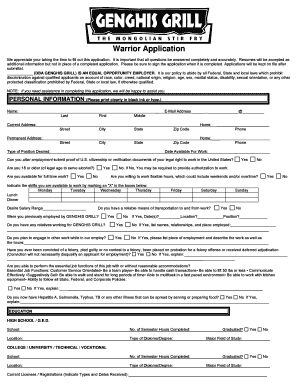
Genghis grill application

Patient Name:DOB:Form filled out by: Mom Dad Guardian Other:

PREMIER PEDIATRICS NEW PATIENT HISTORY FORM

Nuviva cancellation
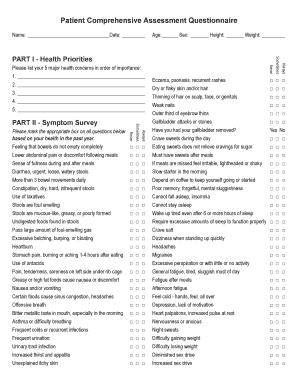
Comprehensive health assessment template

Download Volunteer Application - StoneCrest Medical Center
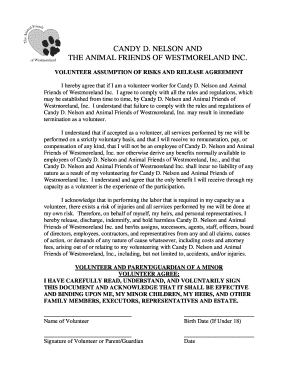
Animalfriendswestmoreland

PATIENT INFO: Please fill in all requested information Name

Psychologist information form
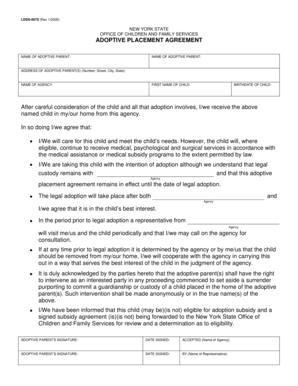
Adoptive Placement Agreement (PDF) - New York State Office of - ocfs state ny
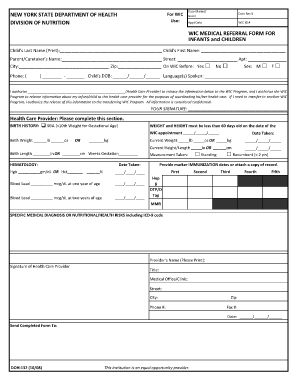
Wic referral form

Form la paf 0658

LA-PAF-0658 - Outpatient Prior Authorization Form Outpatient Prior Authorization Form

LHC - Outpatient Prior Authorization Fax Form Outpatient Prior Authorization Fax Form

Volunteer intake form

Regent soccer club
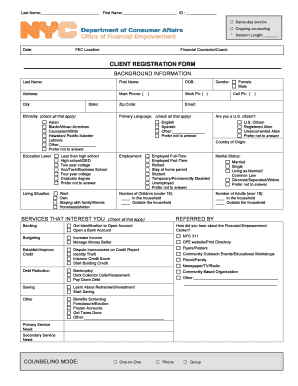
D ii Financial Counseling Client Intake Form

Villagebhi
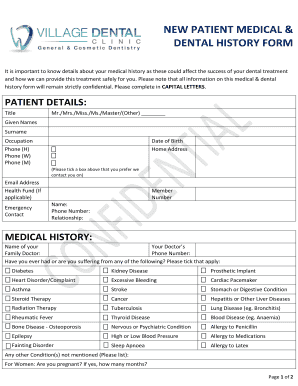
Dental case sheet pdf
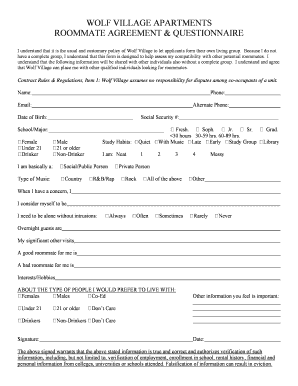
Roommate questionnaire for adults pdf

Use this schedule if:
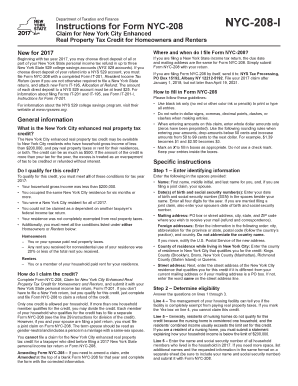
Nyc 208

RFQ DSS21-002 Emergency Shelter Services as posted 2-
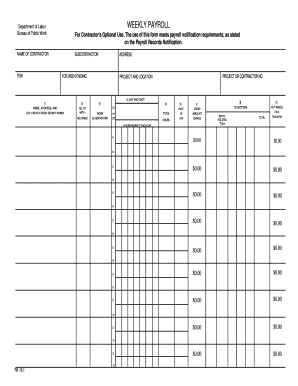
Nystate wage rate fillable template form
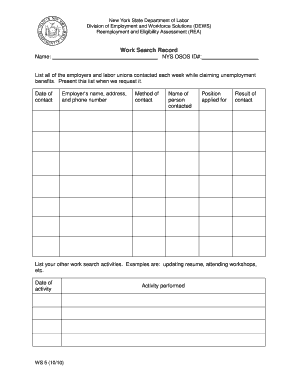
What is online record fill work form

Enhanced Form NYC-208, Claim for New York City Enhanced Real

Form DTF-17-ATT Schedule of Business Locations For a Consolidated Filer Revised 1 24
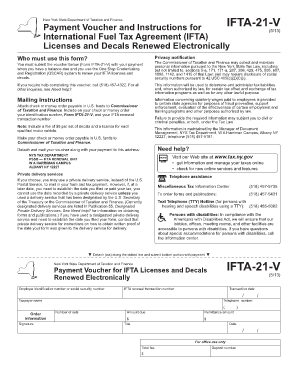
International payment voucher number

Application for a Boat Title

Wh 38 fillable form

CM-011 Confidential Cover Sheet False Claims Action Judicial Council forms

EA-109 Notice of Court Hearing Judicial Council Form

EM-130 Declaration of EmancipationAfter Hearing

DV-145 S Judicial Council forms

SC-224 Response to Declaration of Defaultin Payment of Judgment(Small Claims) Judicial Council forms

Adopt a stepchild or relative

CLETS-001 Confidential Information for Law Enforcement Judicial Council forms

Adopt 215 FormFill Out Printable PDF Forms Online

DISC-001 Form Interrogatories - General

Form 13 Streamlined Request for Extension of Time to File

GV Response to Firearms Restraining Order Petition GV 120
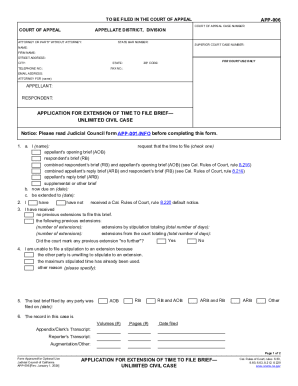
Attorney Resource: Filing Direct Appeals of New York City

APP-002 NOTICE OF APPEAL CROSS-APPEALUNLIMITED CIVIL CASE(Appellate) Judicial Council forms

SV-120-INFO How Can I Respond to a Petition for PrivatePostsecondary School Violence Restraining Ord

GV-700 Request to Renew GunViolence Restraining Order(Gun Violence Prevention)

Gun Violence Restraining Order (GVRO) Step 1 Packet

GV-710 Notice of Hearing on Request to Renew

DV-520-INFO Get Ready for Your Restraining Order Court Hearing (Domestic Violence Prevention) Judici

Judicial Council Form JV-200 - courtinfo ca

EA-200 Proof of Personal Service Judicial Council form

Solicitud para renovar orden de restriccin Judicial Council forms

EA-800-INFO How Do I Turn In, Sell, or Store My Firearmsand Firearm Parts? Judicial Council forms

Find Your Court Forms

EJ-156 Current Dollar Amounts of Exemptions From Enforcement of Judgments

DE-315 ORDER DETERMINING SUCCESSION TO REAL PROPERTY

California Small Estate Declaration

QUALIFIED MEDICARE BENEFICIARY (QMB), SPECIFIED LOW

Forms

California Pre-Kindergarten and School Immunization Record

Ca Board ComplaintFill Out Printable PDF Forms Online

Copy of 497-UP-2 9 26 16 xls

Notice Of No Trespass Tennessee - Fill Online, Printable

Untitled

Nys coastal assesment form

Application for Weighmaster License - agriculture ny
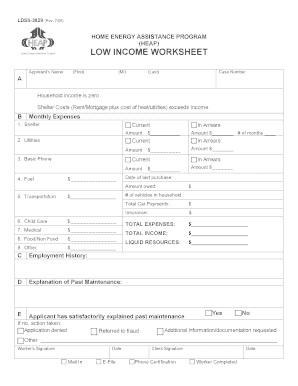
Printable heap form ldss 3829

Vaccine Manufacturer Follow-Up Information Sheet - health ny

Charleston, WV Vet CenterVeterans Affairs
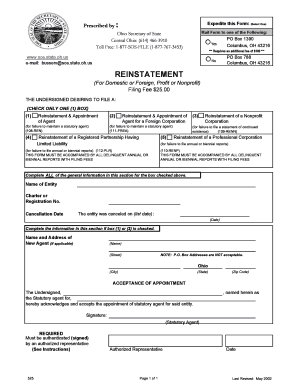
Download PDF Version of form 525 - Ohio Secretary of State - sos state oh

Alternative noise mitigation plan application - NYC

DOS-1507 - New York State Department of State - dos ny

Woodbury High School Senior All Night Party Ticket Form

Noise mitigation form

Preliminary Statement of Complaint - NYS Department of State

2020 All Night Grad Party Waiver and Release Form

Maryland DDA Application - dda dhmh maryland

FCC Assistant Application and Checklist - Mass - mass

Settlement Agreement (Tenant Vacates) Settlement Agreement (Tenant Vacates)

APPLICATION FORM FOR INDUSTRIAL TRAINING - petrosains my

Remark in application form

Tp 301

Fillable Online MEMBERSHIP APPLICATION - modularorg Fax
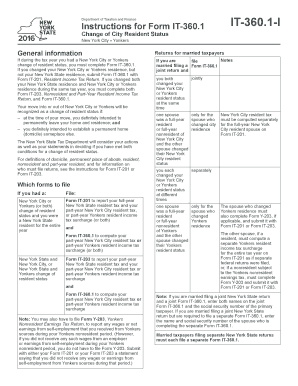
It360 1 instructions

Form TP-301, Income Tax Worksheet

NYS-50-T-NYC:1 16:New York City Withholding Tax Tables and - tax ny
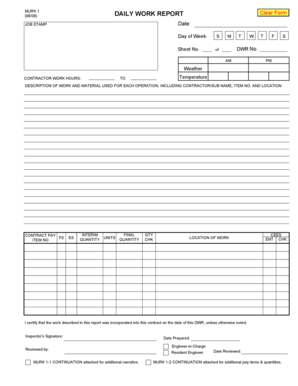
DAILY WORK REPORT - dot ny

Conflict Resolution Questionnaire - Department of Labor and - lwd dol state nj

The Self-Employment Assistance Program Individual Services Verification Form (ES 161 4)

The Self-Employment Assistance Program (SEAP) Individual Services Verification Form The Self-Employm

State of New York Department of Civil Service Employee Benefits Division Albany, NY 12239 EMPLOYEE B

Pto cash out form

Medical Imaging Requisition - Vancouver Coastal Health
Benefit from the DocHub online library of fillable PDF forms
Searching the PDF forms doesn't have to be a tedious and time-consuming process. With the DocHub online library, it has become easier to find the fillable PDF forms and modify them in your browser. The service allows you to adjust the document to your needs using powerful editing tools.
You can use online document editing features to modify almost any type of document with ease. You just need to find the template of your choice, open it in the editor, and use the toolbar to make the necessary corrections.
Follow this guide to get your document done with DocHub:
- Find the PDF template you need.
- Click the Get Form button to open the file in the editor.
- Use the toolbar to fill out and edit the document.
- Easily add and highlight text, insert images, checkmarks, and symbols.
- Drop new fillable fields, and rearrange or delete pages from your file.
- Save changes and download your record.
DocHub empowers everyone to streamline document editing, signing, and distribution, and form completion. Create an account and benefit from our well-organized PDF Forms library and comprehensive editor.