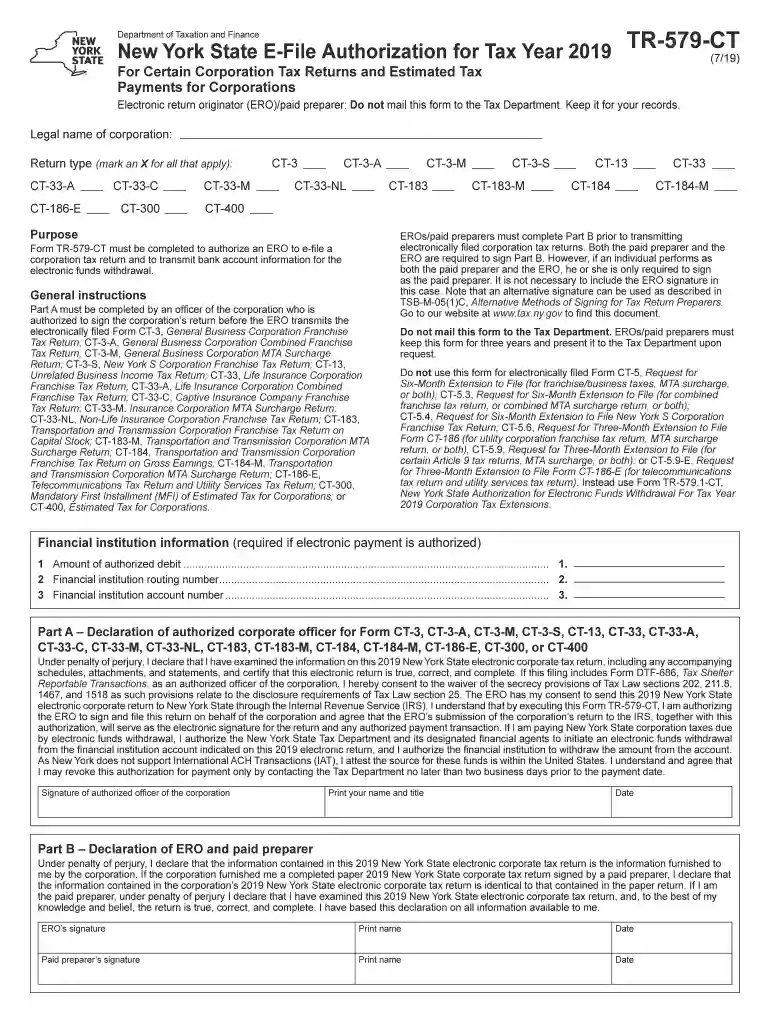
Fillable Online MEMBERSHIP APPLICATION - modularorg Fax 2026

Get Form
Fillable Online MEMBERSHIP APPLICATION - modularorg Fax Preview on Page 1

Here's how it works

01. Edit your form online
Type text, add images, blackout confidential details, add comments, highlights and more.

02. Sign it in a few clicks
Draw your signature, type it, upload its image, or use your mobile device as a signature pad.

03. Share your form with others
Send it via email, link, or fax. You can also download it, export it or print it out.

Definition & Functionality of the Fillable Online Membership Application

The Fillable Online Membership Application for ModularOrg Fax serves as a streamlined tool for individuals or entities seeking membership with ModularOrg. Designed for ease of use, this digital application allows prospective members to enter information directly into electronic fields, reducing the need for physical paperwork. The form is structured to collect essential details such as personal identification, contact information, and specific membership preferences. This structured approach not only simplifies data input but also ensures consistency and accuracy in capturing critical information.

Key Features of the Membership Application

  • Interactive Fields: Includes text boxes, checkboxes, and dropdown menus to guide users in providing necessary information.
  • Digital Signature Integration: Allows users to complete and sign the application electronically, ensuring authenticity and legal compliance.
  • Accessibility: Fully operable on various devices — from desktops to mobile phones — enabling users to apply from anywhere.

How to Use the Fillable Online Membership Application

Using the Fillable Online Membership Application involves several straightforward steps, designed to make the application process as user-friendly as possible.

  1. Access the Form: Begin by navigating to the appropriate page on the DocHub platform where the ModularOrg membership application is hosted.
  2. Enter Information: Fill out the required fields, ensuring all personal and contact details are accurate.
  3. Select Membership Type: Choose the desired membership level or type via provided dropdown options.
  4. Attach Required Documents: If necessary, attach supplementary documents using the upload feature within the form.
  5. Review and Submit: Carefully review all entered information for accuracy before submitting the application electronically.

Steps to Complete the Fillable Online Membership Application

Completing the Fillable Online Membership Application involves a systematic process. Following these steps ensures that your application is filled out correctly and efficiently.

  1. Preparation: Gather all necessary information and documents ready for entry into the application fields.
  2. Filling Out Personal and Contact Information: Input your full name, address, phone number, and email address in the respective fields.
  3. Membership Details: Carefully choose your preferred membership category or service level, which aligns with your objectives or needs.
  4. Digital Signature Application: Once the form is completed, use the digital signature tools provided to sign the document.
  5. Final Review and Submission: Perform a final check of all information and submit the application. Make sure you receive a confirmation of submission for your records.

Why Use the Fillable Online Membership Application

The Fillable Online Membership Application offers numerous advantages over traditional paper applications, making it an appealing choice for both individuals and organizations.

  • Efficiency: Reduces the time spent on completing and processing membership applications.
  • Accuracy: Minimizes manual entry errors that are common with paper-based forms.
  • Convenience: Supports remote submission, allowing applicants to apply from virtually any location.
  • Environmentally Friendly: Eliminates the need for paper, contributing to sustainable practices within the organization.

Who Typically Uses the Fillable Online Membership Application

The Fillable Online Membership Application is widely used by a diverse range of applicants, including:


  • Individuals Seeking Membership: Individuals looking to join clubs, organizations, or associations affiliated with ModularOrg.
  • Businesses and Corporations: Entities aiming to affiliate with ModularOrg for networking, resources, or partnership opportunities.
  • Non-Profit Organizations: NGOs or community groups interested in becoming part of the ModularOrg network for collaboration and mutual benefits.
decoration image ratings of Dochub

Important Terms Related to the Fillable Online Membership Application

Understanding the terminology related to the Fillable Online Membership Application enhances clarity in the application process.

  • Applicant: The individual or entity completing the membership application.
  • Membership Level: The tier or category of membership being applied for, which may come with specific benefits and obligations.
  • Submission Confirmation: Documentation or notification verifying that an application has been submitted and received by ModularOrg.
  • Digital Signature: An electronic form of signature that ensures the authenticity and integrity of the application.

Legal Use and Compliance of the Fillable Online Membership Application

Legal considerations ensure that the Fillable Online Membership Application adheres to applicable laws and regulations.

  • Compliance with ESIGN Act: Ensures that all digital signatures are legally binding and recognized across the United States.
  • Privacy Protection: Follows data protection protocols to safeguard applicant information against unauthorized access and breaches.
  • Record-Keeping: Maintains records of submissions for audit and legal purposes, ensuring transparency and accountability.

Key Elements of the Fillable Online Membership Application

The Membership Application contains several critical elements crucial for successful completion.

  • Personal Information Section: Collects the applicant's basic personal data, such as name and contact information.
  • Membership Preferences: Allows the applicant to specify the type of membership and associated interests.
  • Agreement Terms: Clarifies the terms and conditions of membership, outlining both the rights and responsibilities of the applicant.
be ready to get more

Complete this form in 5 minutes or less

Get form

Got questions?

We have answers to the most popular questions from our customers. If you can't find an answer to your question, please contact us.
Contact us
Modular construction is a process where a building is constructed offsite using controlled plant conditions before being transported and assembled at a final location. This type of construction can incorporate a range of different building types and floor plans.
Founded in 1983, the Modular Building Institute (MBI) is the international non-profit trade association serving the modular construction industry.
Modular construction can come in many forms and varieties, but the three most common are 2D panels, 3D modules, and hybrid modular construction. 2D Panels. 2D panels are the most cost-effective, easy to transport, and most common type of modular construction in use today. 3D Modules. Hybrid Modular Construction.
These risks include transportation, defects in the manufacturing process, off-site coverage, theft, vandalism and errors and omissions during the assembly and installation stages.
A modular building is a prefabricated building that consists of repeated sections called modules. Modularity involves constructing sections away from the building site, then delivering them to the intended site.

Security and compliance

At DocHub, your data security is our priority. We follow HIPAA, SOC2, GDPR, and other standards, so you can work on your documents with confidence.

Learn more
ccpa2
pci-dss
gdpr-compliance
hipaa
soc-compliance

People also ask

The MODULE structure is a container that allows you to group related definitions. The parameters passed to the MODULE are shared by all the related members definitions. This is similar to the FUNCTION structure except that there is no RETURN.

Related links