




01. Edit your fillable death certificate online
Type text, add images, blackout confidential details, add comments, highlights and more.

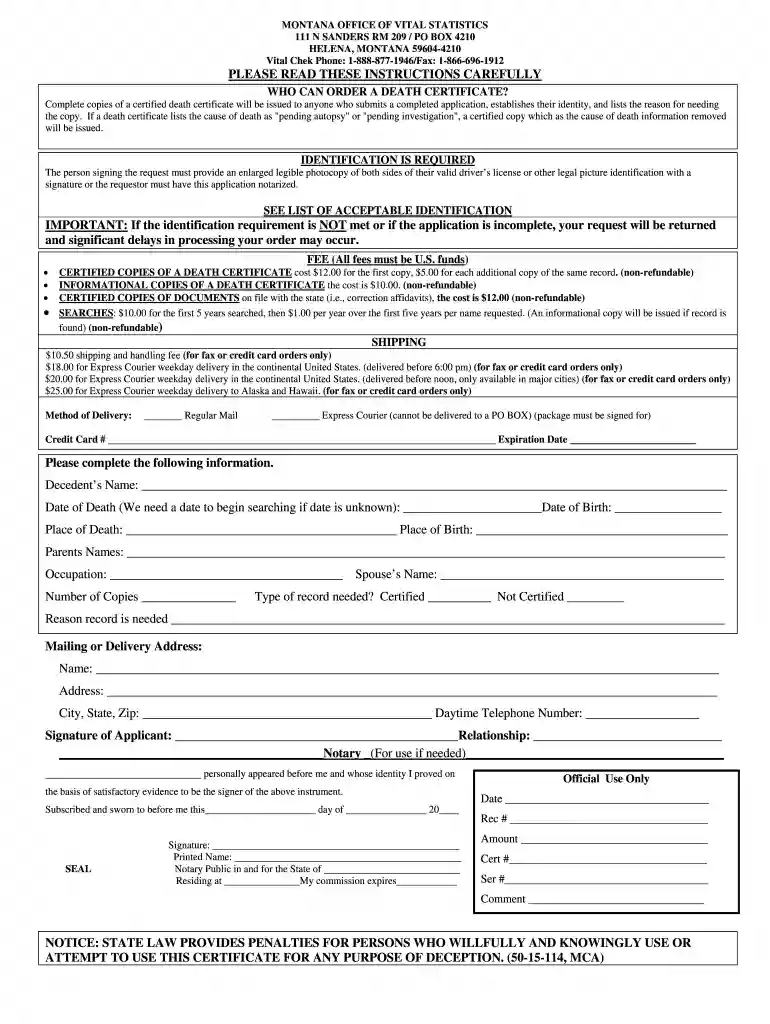
Type text, add images, blackout confidential details, add comments, highlights and more.

Draw your signature, type it, upload its image, or use your mobile device as a signature pad.

Send it via email, link, or fax. You can also download it, export it or print it out.

Start filling out your fillable death certificate today for free on our platform!
We've got more versions of the fillable death certificate form. Select the right fillable death certificate version from the list and start editing it straight away!
With DocHub, it’s quite simple. The editor offers users an add-on called DocHub for Gmail, which you can find in the Google Workspace Marketplace without being charged. Install it and give it access to your Google account. Open your email with your fillable death certificate attached and click on the add-on button in the right-side panel. Log in to your DocHub account, and import the file to our editor, where you can complete it and sign.
If your go-to electronic mail service is Gmail, it is simple to integrate your DocHub editor into your work. Edit your fillable death certificate with DocHub instruments and attach it to your drafts in Gmail. See how easy it can be to exchange papers and work together having a swift PDF editing solution at hand.
At DocHub, your data security is our priority. We follow HIPAA, SOC2, GDPR, and other standards, so you can work on your documents with confidence.
Enter the chain of events--diseases, injuries, or complications--that directly caused the death. DO NOT enter terminal events such as cardiac.Read more
Family notified? Name / relationship of next of kin. Family notified by: Dr. # of next-of-kin.Read more


