




01. Edit your beneficiary death online
Type text, add images, blackout confidential details, add comments, highlights and more.

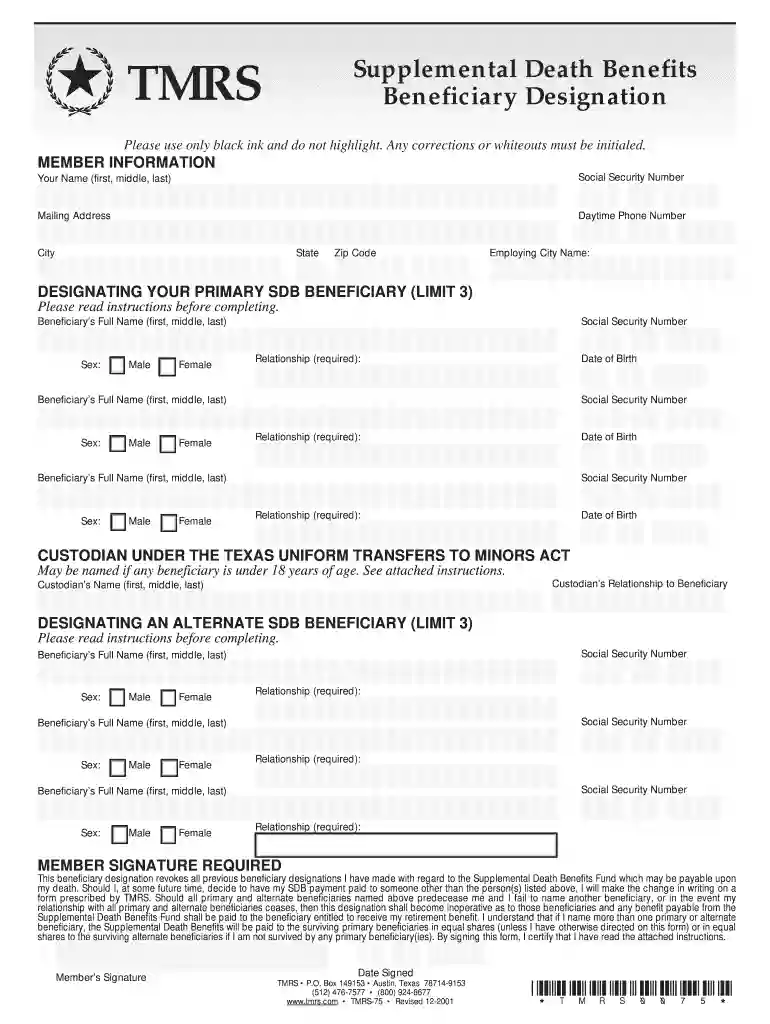
Type text, add images, blackout confidential details, add comments, highlights and more.

Draw your signature, type it, upload its image, or use your mobile device as a signature pad.

Send beneficiary death deceased via email, link, or fax. You can also download it, export it or print it out.

Start using our platform today for free to complete your Supplemental Death Benefits form effortlessly!
At DocHub, your data security is our priority. We follow HIPAA, SOC2, GDPR, and other standards, so you can work on your documents with confidence.
Death: Check if death was an outcome of the adverse event, or if the cause of the death is unknown. Include the date of death, if known. DO NOT check if
In the event of your death, the Supplemental Death Benefit Plan will automatically provide your beneficiaries with a lump-sum payment equal to one months base
Supplemental Accidental Death and Dismemberment (ADD) Additional ADD insurance can be purchased for employee or family coverage. Enrollment is anytime, up to


