




01. Edit your civil action cover sheet online
Type text, add images, blackout confidential details, add comments, highlights and more.

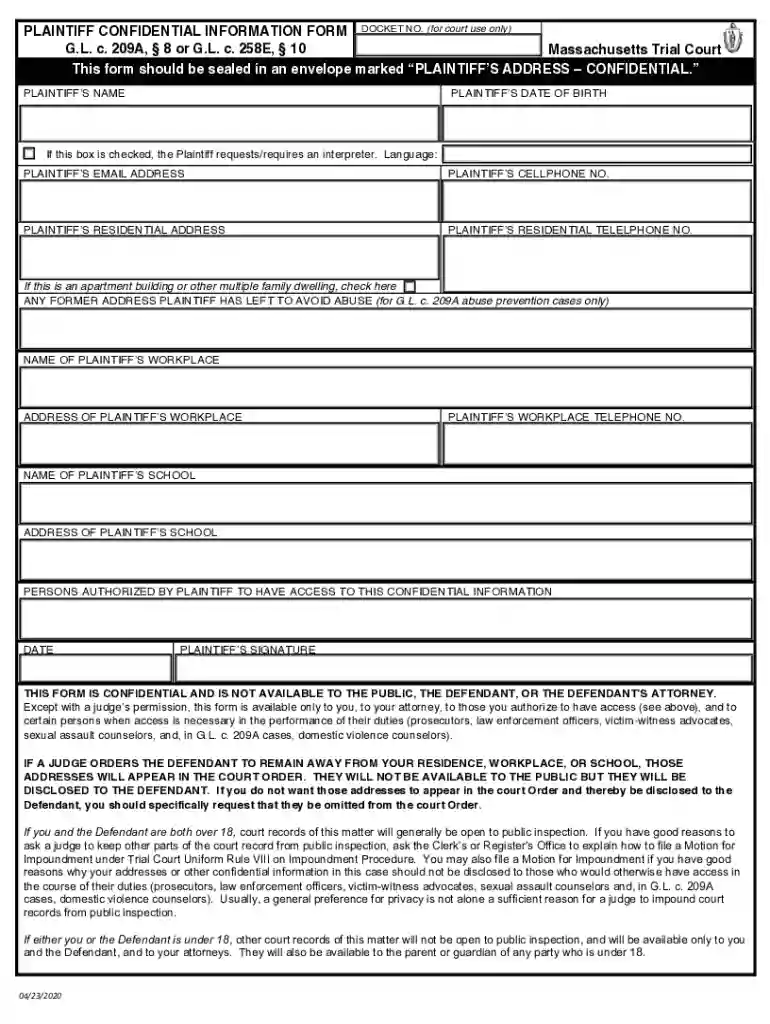
Type text, add images, blackout confidential details, add comments, highlights and more.

Draw your signature, type it, upload its image, or use your mobile device as a signature pad.

Send superior court civil action cover sheet via email, link, or fax. You can also download it, export it or print it out.

Start using our platform today to fill out your forms online for free!
We've got more versions of the civil action cover sheet form. Select the right civil action cover sheet version from the list and start editing it straight away!
Of course, it is possible with DocHub. This safe and compliant online solution has a phone-based signing option. When you log in to your DocHub account and add your civil action cover sheet ma to our editor, fill out all blank fields and use the Sign tool on the upper barf. Click on Create your signature and select Phone from the available options. Here, you scan a QR code using your smartphone and draw your signature on your phone display, as you usually do when approving physical papers. If you access DocHub right from your mobile device, you can eSign your form by drawing your eSignature, uploading its photo, or simply with a typed name.
You may quickly fill out, modify, and even eSign your ma civil action cover sheet utilizing DocHub. Create a new account and begin your free trial. After that, you can upload the document with the form and easily make all the required edits. No need to print on paper or use a third-party application to sign it, as you can place your electronic signature on your document faster via DocHub.
At DocHub, your data security is our priority. We follow HIPAA, SOC2, GDPR, and other standards, so you can work on your documents with confidence.
Sep 10, 2025 A Civil Action Cover Sheet, filed with the complaint, allows the Superior Court to determine whether it has the power to hear a civil case forRead more
Practically, this occurs either automatically via the court clerk noting a designated related case on the civil cover sheet or through one of the partiesRead more


