
Framing Checklist - Hanover Township 2026

Get Form
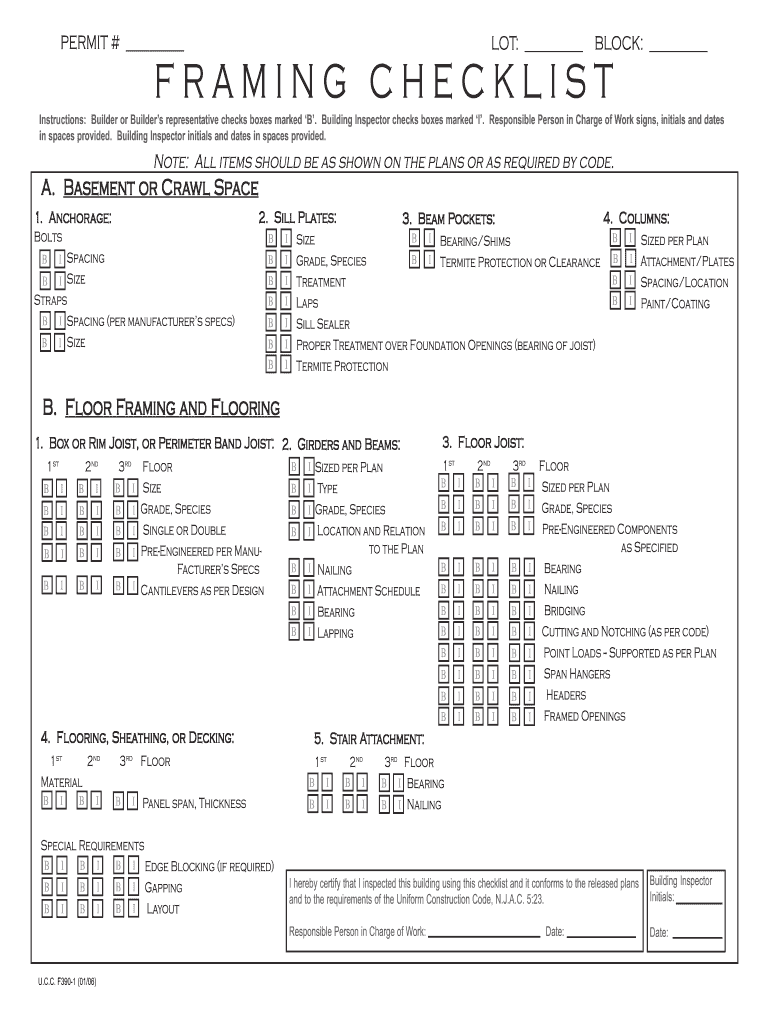
framing checklist Preview on Page 1

Here's how it works

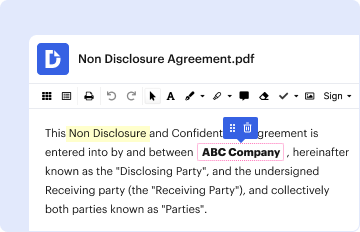
01. Edit your framing checklist online
Type text, add images, blackout confidential details, add comments, highlights and more.
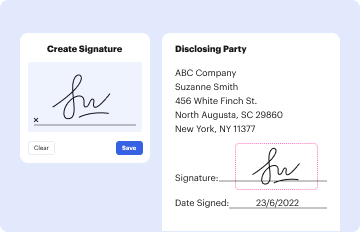
02. Sign it in a few clicks
Draw your signature, type it, upload its image, or use your mobile device as a signature pad.
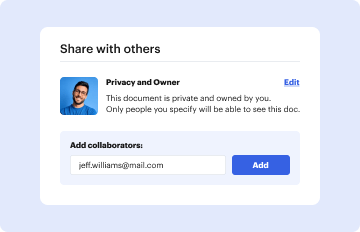
03. Share your form with others
Send how to fill out framing checklist nj via email, link, or fax. You can also download it, export it or print it out.

How to use or fill out Framing Checklist - Hanover Township with our platform

Form edit decoration
9.5
Ease of Setup
DocHub User Ratings on G2
9.0
Ease of Use
DocHub User Ratings on G2
  1. Click ‘Get Form’ to open the Framing Checklist in the editor.
  2. Begin by filling in the permit number, lot, and block information at the top of the form. This ensures that your checklist is properly associated with your project.
  3. Proceed to section A for Basement or Crawl Space. Check the boxes marked ‘B’ for items completed by the builder and ‘I’ for those inspected by the building inspector. Ensure all specifications match your plans.
  4. Continue through sections B to E, checking off each item as you verify compliance with building codes and plans. Pay special attention to details like sizes, spacing, and materials used.
  5. Once all sections are filled out, have the responsible person sign, initial, and date where indicated. The building inspector will also need to provide their initials and date.

Start using our platform today for free to streamline your document editing and signing process!

See more Framing Checklist - Hanover Township versions

We've got more versions of the Framing Checklist - Hanover Township form. Select the right Framing Checklist - Hanover Township version from the list and start editing it straight away!
Versions Form popularity Fillable & printable
2009 4.8 Satisfied (53 Votes)
2006 4.4 Satisfied (261 Votes)
be ready to get more

Complete this form in 5 minutes or less

Get form

Got questions?

We have answers to the most popular questions from our customers. If you can't find an answer to your question, please contact us.
Contact us

With DocHub, you can easily approve your residential framing inspection checklist or any other paperwork on iOS, even without setting up extra applications. You can access your DocHub account from any internet-connected browser and fill out and sign your form in any preferred method with just a couple of clicks.

You need only a web connection and a web browser to complete your Framing Checklist - Hanover Township by using an iOS phone. Open the DocHub website and authenticate. Then, add your document or select it from the list in your dashboard. Then use our editing instruments to complete your form and preserve all your modifications. You can also send it to a specified recipient immediately.

Security and compliance

At DocHub, your data security is our priority. We follow HIPAA, SOC2, GDPR, and other standards, so you can work on your documents with confidence.

Learn more
ccpa2
pci-dss
gdpr-compliance
hipaa
soc-compliance
be ready to get more

Complete this form in 5 minutes or less

Get form