




Here's how it works



How to use or fill out babysitting release form with our platform

- Click ‘Get Form’ to open the babysitting release form in the editor.
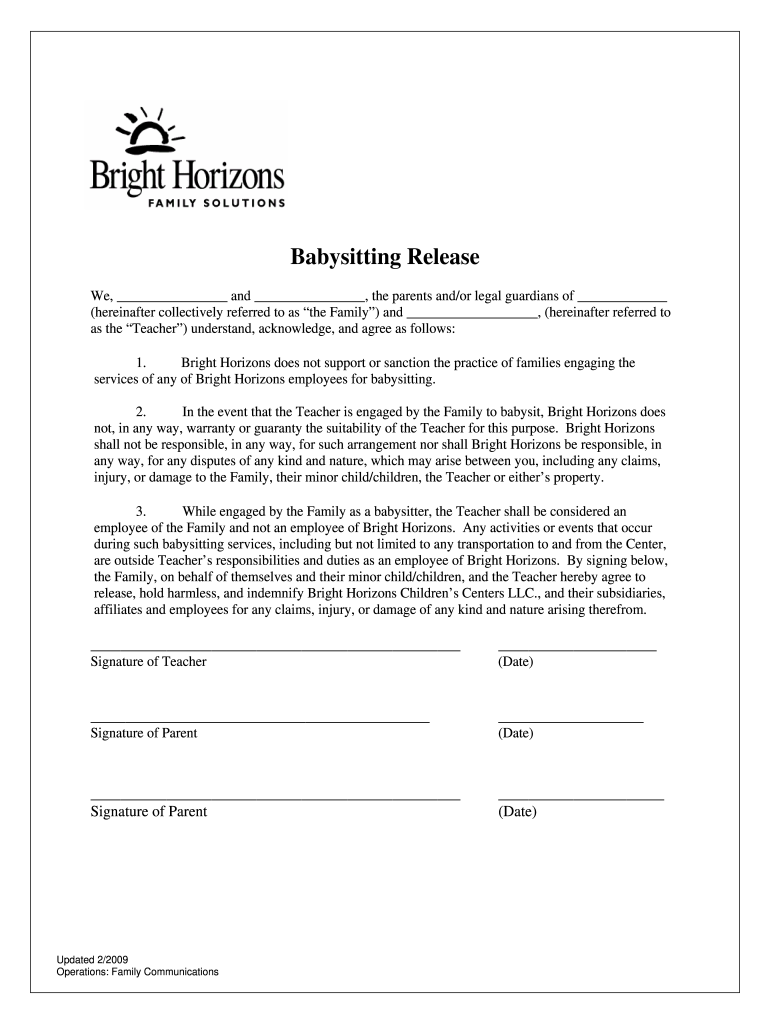
- Begin by filling in the names of the parents or legal guardians in the first blank space, followed by their child's name in the next section. This identifies 'the Family' involved.
- Next, enter the name of the Teacher who will be providing babysitting services. This is crucial for establishing the agreement between both parties.
- Review and acknowledge the terms outlined in points 1 through 3 regarding Bright Horizons' non-involvement and liability. Ensure you understand these conditions before proceeding.
- Finally, each party must sign and date the form at the bottom. Make sure all signatures are completed to validate this agreement.
Start using our platform today to easily fill out your babysitting release form for free!
It's free
See more babysitting release form versions
| Versions | Form popularity | Fillable & printable |
|---|---|---|
| 2009 | 4.8 Satisfied (153 Votes) |
Got questions?
How do I sign my babysitting waiver template free of charge?
Most eSignature solutions require users to have a paid subscription. With DocHub, there are two ways for you to create an electronic signature to your babysitting waiver template without being charged:
- You can do it during a 7-day trial period;
- You can sign up for a free plan.
The second option, though, has limitations on the number of signatures, sign requests, emails, and documents for editing available per month. You can check for full details here.
How do you get babysitting release for my state?
If you are looking for a state-specific babysitting release sample, you will find it in our DocHub Forms & Templates catalog. Use the search field, key in your form’s name, and search through the results for your state. You can also filter out irrelevant results while exploring our catalog by categories.
What are 3 qualities of a good babysitter?
What parents look for in babysitters?
What should I put on my babysitter's emergency list?
Security and compliance
At DocHub, your data security is our priority. We follow HIPAA, SOC2, GDPR, and other standards, so you can work on your documents with confidence.
Learn more


