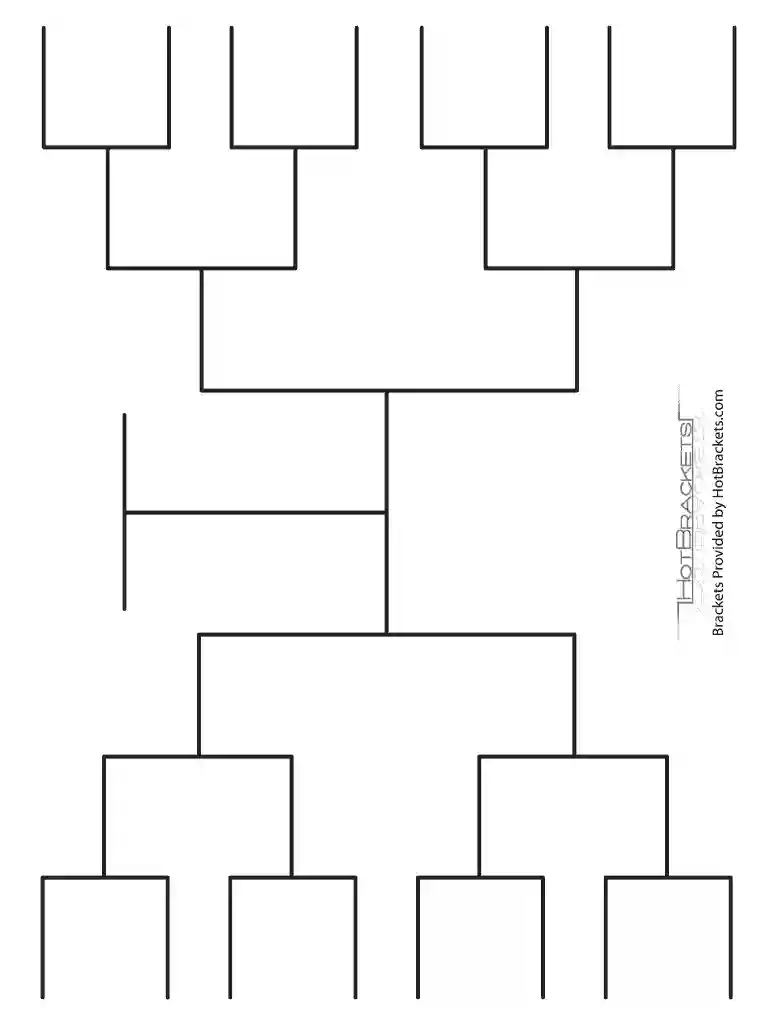
16 team single elimination bracket fillable 2026

Get Form
blank bracket 16 teams Preview on Page 1

Here's how it works

01. Edit your blank bracket 16 teams online
Type text, add images, blackout confidential details, add comments, highlights and more.

02. Sign it in a few clicks
Draw your signature, type it, upload its image, or use your mobile device as a signature pad.

03. Share your form with others
Send 16 team single elimination bracket via email, link, or fax. You can also download it, export it or print it out.

How to use or fill out 16 team single elimination bracket fillable with our platform

Form edit decoration
9.5
Ease of Setup
DocHub User Ratings on G2
9.0
Ease of Use
DocHub User Ratings on G2
  1. Click ‘Get Form’ to open the 16 team single elimination bracket in the editor.
  2. Begin by entering the names of the teams in the designated fields. Each team should be placed in its respective slot for accurate tracking throughout the tournament.
  3. As matches progress, you can easily mark winners by clicking on the corresponding section of the bracket. This allows for real-time updates and keeps your bracket organized.
  4. Utilize our platform's commenting feature to add notes or strategies for each match, enhancing your planning and engagement with participants.
  5. Once completed, save your filled bracket. You can share it directly via email or download it for printing, ensuring everyone stays informed about the tournament's progress.

Start using our platform today to create and manage your tournament brackets effortlessly!

be ready to get more

Complete this form in 5 minutes or less

Get form

Got questions?

We have answers to the most popular questions from our customers. If you can't find an answer to your question, please contact us.
Contact us

Yes, a typed name is recognized as a valid electronic signature when you create it on your form utilizing a compliant solution like DocHub. Simply import your fillable bracket to our editor, click Sign in the top tool pane → Create your signature → Type your name in the appropriate tab, and select how it will appear on your document.

When you edit your 16 team bracket template fillable excel with DocHub, you merely require a steady internet connection and virtually any web browser installed on your device. No need to install any third-party applications or study guides. Simply open a tab with DocHub, drag and drop your file, and modify it on the spot.

By. - In Google Sheets, one can use Curly Brackets aka Curly Braces to create Arrays. An array is none other than a table or a range. An array consists of rows and columns, not a single cell.
0:10 1:10 Can You Make a Bracket on Microsoft Word? - YouTube YouTube Start of suggested clip End of suggested clip After this same button but without holding the shift. Key square brackets and then one next letMoreAfter this same button but without holding the shift. Key square brackets and then one next let square brackets.
(A) Single Elimination Tournament To determine the number of matches, subtract one from the total number of participants. For example if you have 8 participants/teams taking part, simply 8-1=7, therefore there will be 7 total matches to determine a champion.

Security and compliance

At DocHub, your data security is our priority. We follow HIPAA, SOC2, GDPR, and other standards, so you can work on your documents with confidence.

Learn more

People also ask

3:24 2:29:17 How To Create Your Own Tournament Generator With Leaderboard In ... YouTube Start of suggested clip End of suggested clip All we have to do is then. Select here a team or. Select. Any type of player these could be players.MoreAll we have to do is then. Select here a team or. Select. Any type of player these could be players. And then you can set in a location for that if you want to do that we can put in a location.
Continuing this process shows that for 16 teams, there are 8 + 4 + 2 + 1, or 15 total games. Using brackets can be done for any number of teams.
How to create a Tournament Bracket in Microsoft Excel Start the Excel app. Go to the File > New option. Search for tournament bracket template. Double-click the tournament bracket template. Click the Create button. Edit the tournament bracket with team names, the title of the tournament, date, and more.
Our sixteen team brackets have been created for 16 teams (obviously), single-elimination with four rounds of games that will ultimately crown the tournament champion.
Brackets that have 4, 8, 16, 32, or 64 teams participating in a single elimination tournament allows half the field to be eliminated in each round up until there's only one undefeated left. One may also refer to the 16-team bracket as the 8-4-2-1 tournament format.