




01. Edit your yorktown motor lodge online
Type text, add images, blackout confidential details, add comments, highlights and more.

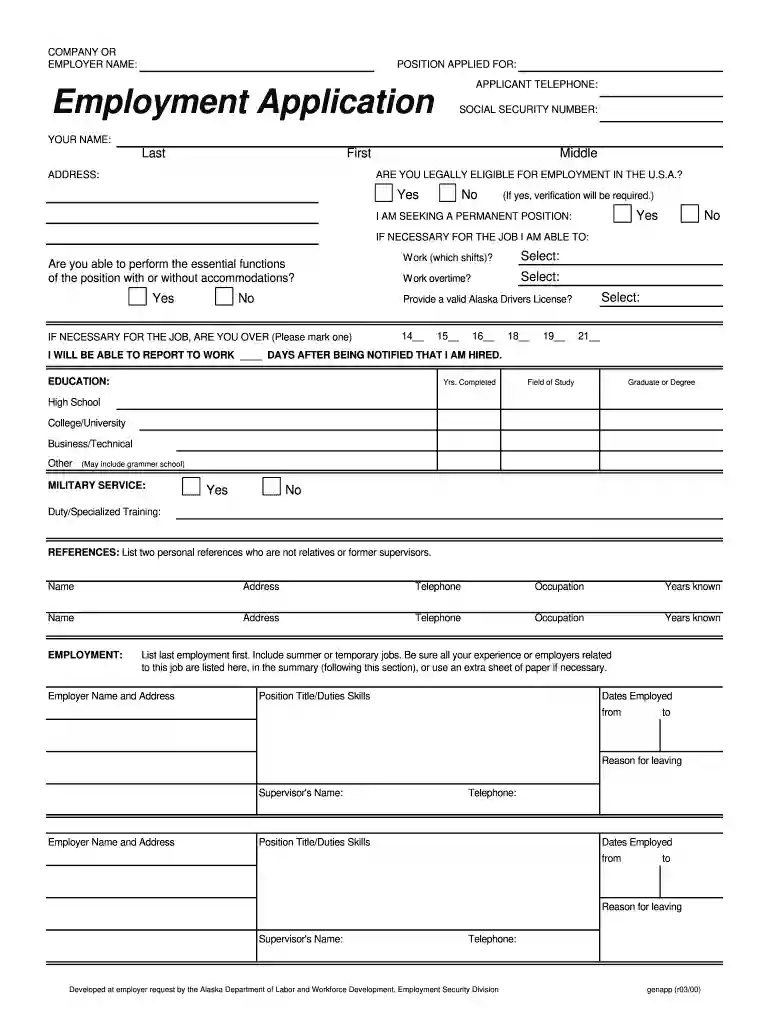
Type text, add images, blackout confidential details, add comments, highlights and more.

Draw your signature, type it, upload its image, or use your mobile device as a signature pad.

Send it via email, link, or fax. You can also download it, export it or print it out.

Start filling out your Employment Application today using our platform for free!
We've got more versions of the yorktown motor lodge form. Select the right yorktown motor lodge version from the list and start editing it straight away!
| Versions | Form popularity | Fillable & printable |
|---|---|---|
| 2000 | 4.8 Satisfied (271 Votes) |
Yes, a typed name is recognized as a valid electronic signature when you add it to your paperwork using a compliant solution like DocHub. Simply import your Employment Application - Yorktown Motor Lodge to our editor, click Sign in the top tool pane → Create your signature → Type your name in the proper tab, and select how it will look on your document.
You may quickly complete, modify, and even eSign your Employment Application - Yorktown Motor Lodge using DocHub. Create a new account and begin your free trial. After that, you may add the document with the form and simply make all the necessary edits. No need to print on paper or use a third-party application to sign it, as you can place your electronic signature on your document faster through DocHub.
At DocHub, your data security is our priority. We follow HIPAA, SOC2, GDPR, and other standards, so you can work on your documents with confidence.
It will be the newer, younger workers entering the work force later who can expect higher skilled jobs in program- ming, machine design, and engineering. ImpactRead more
Shuttle is for Resident Students Only. Guests must be accompanied by an RMU student to ride the shuttle. Saturday, January 17 th , 2026, regular serviceRead more


