




Here's how it works



How to use or fill out anger management printable certificate blank pdf word with our platform

- Click ‘Get Form’ to open the anger management printable certificate in the editor.
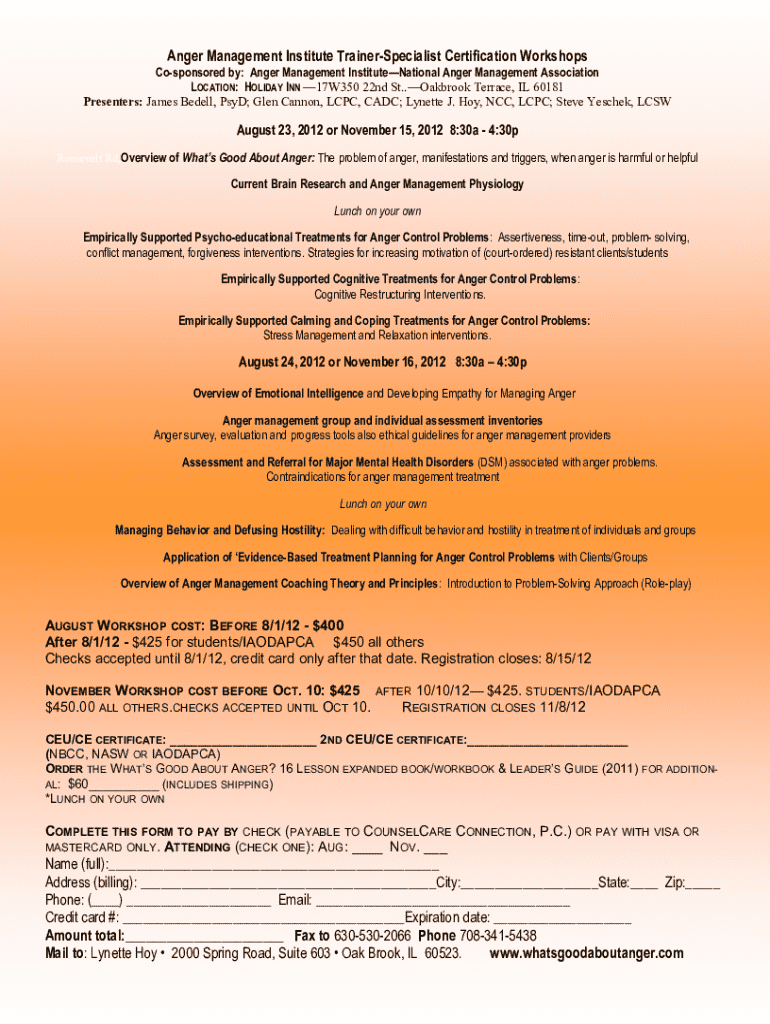
- Begin by entering your full name in the designated field. This ensures that the certificate accurately reflects your achievement.
- Next, fill in your address, including city, state, and zip code. This information is essential for record-keeping and verification purposes.
- Provide your contact number and email address. This allows for easy communication regarding any follow-up or additional information needed.
- Indicate which workshop you attended by checking either the August or November option. This helps to specify the certification date.
- Finally, review all entered information for accuracy before saving or printing your completed certificate. Our platform allows you to easily make edits if necessary.
Start using our platform today to effortlessly complete your anger management printable certificate!
It's free
See more anger management printable certificate blank pdf word versions
Got questions?
Can I type my eSignature on my anger management certificate pdf?
Yes, a typed name is accepted as a valid electronic signature when you create it on your document utilizing a compliant solution like DocHub. Simply add your anger management certificate pdf to our editor, click Sign in the top tool pane → Create your signature → Type your name in the proper tab, and decide how it will appear on your document.
How to fill out printable anger management certificate of completion on the internet for free in 2024?
Using a swift editing platform like DocHub, you do not require anything but a browser and connection to the internet to modify your printable anger management certificate of completion online easily. Upload your file or find the appropriate form in DocHub’s catalog, open our editor with one click, and complete it electronically. To edit your forms anytime, register a free account with DocHub.
Security and compliance
At DocHub, your data security is our priority. We follow HIPAA, SOC2, GDPR, and other standards, so you can work on your documents with confidence.
Learn more


