
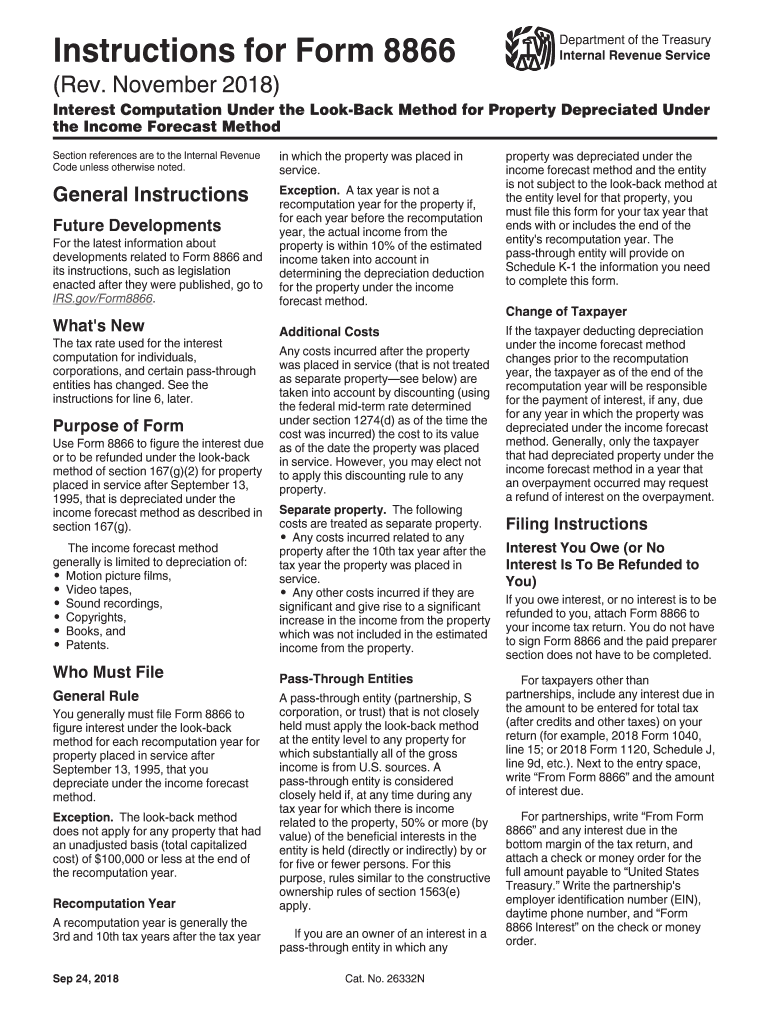




Here's how it works



How to use or fill out 8866 with our platform

- Click ‘Get Form’ to open it in the editor.
- Begin by filling in the recomputation year at the top of the form, indicating the tax year for which you are filing.
- Enter your name as shown on your federal income tax return. If filing jointly, include your spouse's name.
- Provide your address only if you are submitting this form separately. Include any relevant unit numbers.
- In the columns provided, list each prior tax year where property was depreciated under the income forecast method.
- Complete lines 1 through 10 as applicable, ensuring to follow specific instructions for each line regarding adjustments and interest calculations.
- If necessary, attach additional sheets for more space and ensure all entries are clear and legible before submission.
Start using our platform today to simplify your Form 8866 completion process for free!
It's free
Got questions?
How do I sign my 8866 form without printing?
eSignatures are a perfect alternative to traditional signing, as they save time, effort, and money people spend on printing, scanning, and paper delivery. You can electronically sign your 8866 form utilizing a reliable and robust online document management tool like DocHub. It complies with main eSignature standards (ESIGN and UETA), so all forms approved there are legally binding and have the same validity as physically signed ones.
How do you get irs 8866 form for my state?
If you are looking for a state-specific irs 8866 form sample, you can find it in our DocHub Forms & Templates catalog. Use the search field, key in your form’s name, and search through the results for your state. You can also filter out irrelevant results while browsing our catalog by groups.
Security and compliance
At DocHub, your data security is our priority. We follow HIPAA, SOC2, GDPR, and other standards, so you can work on your documents with confidence.
Learn more


