




Here's how it works

01. Edit your prepaid cancellation form online
Type text, add images, blackout confidential details, add comments, highlights and more.

02. Sign it in a few clicks
Draw your signature, type it, upload its image, or use your mobile device as a signature pad.

03. Share your form with others
Send cancel florida prepaid college plan via email, link, or fax. You can also download it, export it or print it out.
How to use or fill out Florida Prepaid College Plan Form with DocHub

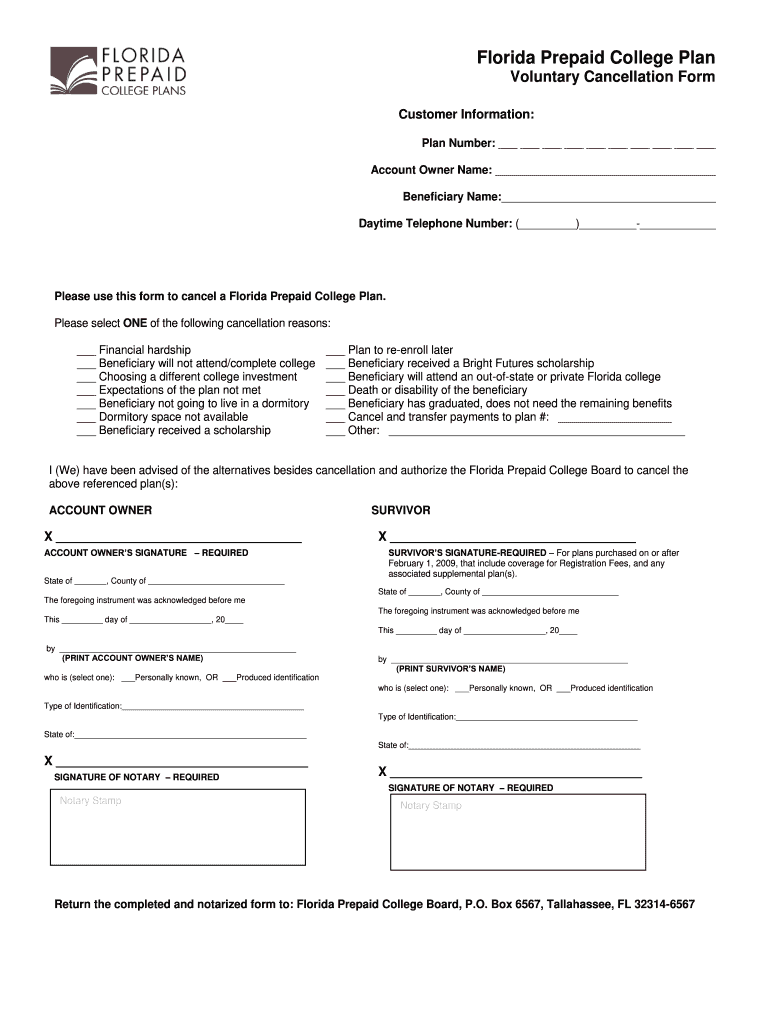
- Click ‘Get Form’ to open the Florida Prepaid College Plan Voluntary Cancellation Form in our platform.
- Begin by filling in your Customer Information. Enter your Plan Number, Account Owner Name, Beneficiary Name, and Daytime Telephone Number in the designated fields.
- Select one cancellation reason from the provided options. Make sure to check only one box that best describes your situation.
- Sign the form where indicated for both the Account Owner and Survivor (if applicable). Remember, signatures must be original and notarized.
- Ensure that all notary requirements are met: proper completion of the notary section, including dates and printed names.
- Review the completed form for accuracy. An incomplete or incorrectly filled form may delay processing.
- Return the completed and notarized form to the Florida Prepaid College Board at the specified address.
Start using our editor today to easily complete your Florida Prepaid College Plan form online for free!
Fill out florida prepaid college plan form online
It's free
It's free
Security and compliance
At DocHub, your data security is our priority. We follow HIPAA, SOC2, GDPR, and other standards, so you can work on your documents with confidence.
Learn more


Related forms

Muniment of title form tennessee
The document is an Order of Probate from the Chancery Court of Hamilton County, Tennessee, admitting a Last Will and Tes ...
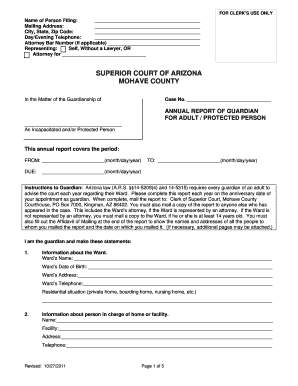
Annual Report Of Guardian - Adult - Mohave County - mohavecourts az
The document is an Annual Report of Guardian for an adult or protected person, required by Arizona law. It outlines the ...

Telstra bereavement support
The document is an application form for Telstra's Bereavement Support services, designed to assist representatives of de ...

SBRB Member ID #:
The document is a Change of Address Form for members of the Boston Retirement Board, allowing them to update their perso ...

Gtaa pass office raic
The document is a guide for Toronto Pearson Airport employees detailing the process to obtain Transportation Security Cl ...
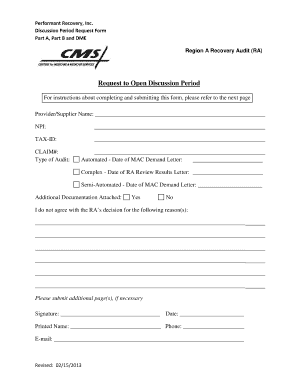
Performant discussion period request form
The document is a Discussion Period Request Form from Performant Recovery, Inc. for providers or suppliers to contest de ...

Medicare Forms To Sign, Complete,and Return
The document is a Discussion Period Request Form for providers/suppliers to request a 30-day period to submit additional ...
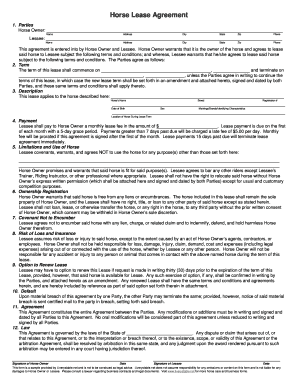
PDF Horse Lease Agreement - Liverystable - liverystable
The document is a Horse Lease Agreement between a Horse Owner and a Lessee, outlining the terms and conditions for leasi ...