Type text, add images, blackout confidential details, add comments, highlights and more.
02. Sign it in a few clicks
Draw your signature, type it, upload its image, or use your mobile device as a signature pad.
03. Share your form with others
Send it via email, link, or fax. You can also download it, export it or print it out.
How to use or fill out Medicare Private Pay Contract - marciajwoodphd.com
Ease of Setup
DocHub User Ratings on G2
Ease of Use
DocHub User Ratings on G2
Click ‘Get Form’ to open it in the editor.
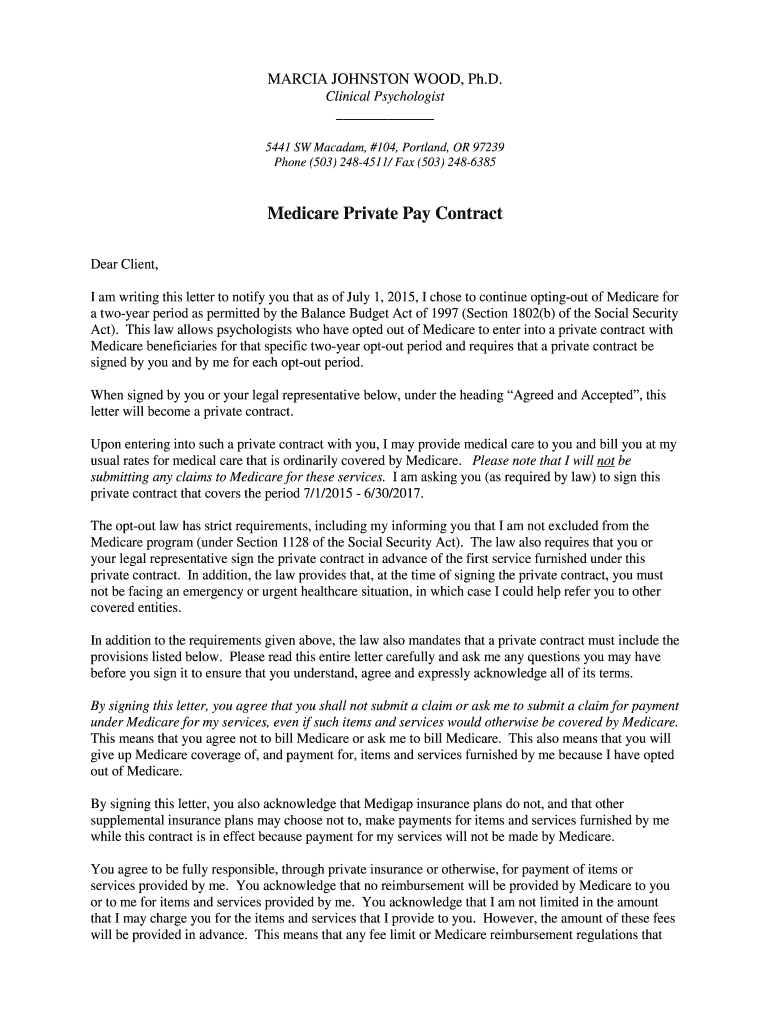
Read the introductory section carefully, which outlines the opt-out provisions and your rights as a Medicare beneficiary. This ensures you understand the implications of entering into this private contract.
In the 'Agreed and Accepted' section, you will find fields for your signature and date. Ensure that you sign only if you agree to the terms outlined in the document.
Print your name clearly in the designated area below your signature. If applicable, have your legal representative do the same.
Finally, review all entries for accuracy before saving or exporting your completed contract from our platform.
Start using our platform today to easily complete your Medicare Private Pay Contract!
Fill out Medicare Private Pay Contract - marciajwoodphd.com online It's free
See more Medicare Private Pay Contract - marciajwoodphd.com versions
We've got more versions of the Medicare Private Pay Contract - marciajwoodphd.com form. Select the right Medicare Private Pay Contract - marciajwoodphd.com version from the list and start editing it straight away!
Cookie consent notice
This site uses cookies to enhance site navigation and personalize your experience.
By using this site you agree to our use of cookies as described in our Privacy Notice.
You can modify your selections by visiting our Cookie and Advertising Notice.