




Here's how it works

01. Edit your form online
Type text, add images, blackout confidential details, add comments, highlights and more.

02. Sign it in a few clicks
Draw your signature, type it, upload its image, or use your mobile device as a signature pad.

03. Share your form with others
Send it via email, link, or fax. You can also download it, export it or print it out.
How to use or fill out mvr1 with our platform

- Click ‘Get Form’ to open the mvr1 document in the editor.
- Begin by checking the appropriate block for your application type, such as 'Title Only' or 'Title and License Plate'. Ensure you provide any necessary details like truck weight or license class.
- In the Vehicle Section, fill in the year, make, body style, series model, vehicle identification number (VIN), fuel type, and odometer reading accurately.
- Proceed to the Owner Section. Enter the ID numbers and full legal names of all owners. Include residence and mailing addresses as required.
- Complete the Lien Section if applicable. Provide details about any liens on the vehicle including dates and lienholder information.
- In the Disclosure Section, decide whether you want your personal information available for disclosure by checking the appropriate box.
- Finally, ensure that each owner signs in ink and dates the application before submission. Don’t forget to include notary details if required.
Start filling out your mvr1 form online for free today!
Fill out mvr1 online
It's free
It's free
Security and compliance
At DocHub, your data security is our priority. We follow HIPAA, SOC2, GDPR, and other standards, so you can work on your documents with confidence.
Learn more


Related forms
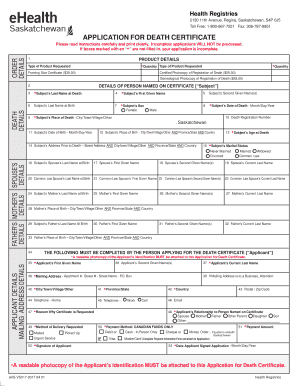
Death certificate application - NSW Registry of Births Deaths
The document outlines the application process for obtaining a death certificate in Saskatchewan, including required deta ...
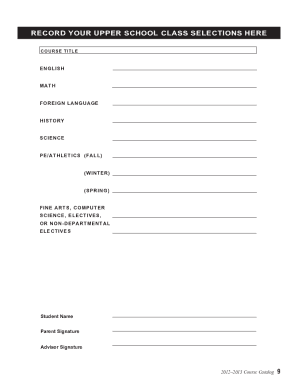
20122013 - St Marks School of Texas - smtexas
The 2012-2013 Course Catalog for St. Mark's School of Texas outlines the school's mission as a non-sectarian, college-pr ...
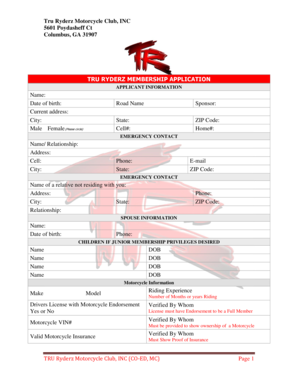
Tru ryderz mc
The document is a membership application for the Tru Ryderz Motorcycle Club, INC, located in Columbus, GA. It collects p ...

Biogeochemical cycle worksheet answer key
The document is a comprehensive webquest focused on biogeochemical cycles, specifically the carbon, nitrogen, water, and ...

Hr connect petsmart
The document is a Canadian Direct Payroll Deposit Authorization form for associates at PetSmart. It outlines the process ...

Letter tenant landlord
The document is a formal notice from a tenant to a landlord, indicating the termination of their lease due to the landlo ...
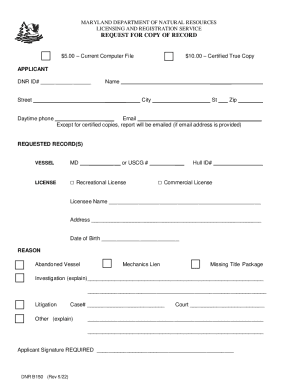
Request for Copy of Record (B150)
The document is a request form from the Maryland Department of Natural Resources for obtaining copies of records related ...
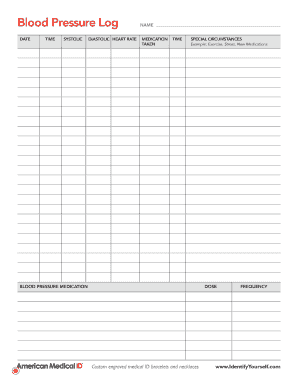
AMI-BloodPresLog050911Art qx:Layout 4 - American Medical ID
The document is a Blood Pressure Log template designed to record essential health metrics such as date, time, systolic a ...