




Here's how it works

01. Edit your maryland high school diploma template online
Type text, add images, blackout confidential details, add comments, highlights and more.

02. Sign it in a few clicks
Draw your signature, type it, upload its image, or use your mobile device as a signature pad.

03. Share your form with others
Send create diploma certificate online via email, link, or fax. You can also download it, export it or print it out.
How to use or fill out High school diploma certificate (Fancy design) with our platform

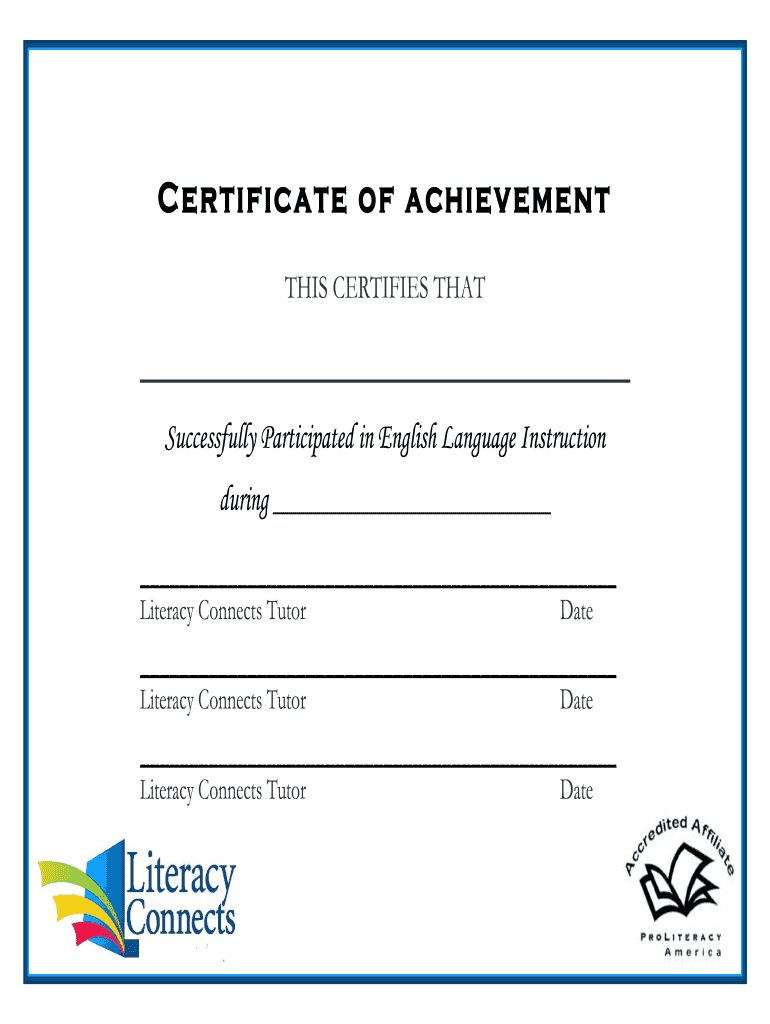
- Click ‘Get Form’ to open the High school diploma certificate in the editor.
- Begin by entering the recipient's name in the designated field labeled 'THIS CERTIFIES THAT'. Ensure the spelling is correct for a professional appearance.
- Next, fill in the course completion date in the section marked 'during'. This adds a personal touch and validates the achievement.
- In the area for signatures, input the names of the Literacy Connects Tutors. Each tutor should sign and date their respective sections to authenticate the certificate.
- Review all entries for accuracy and completeness. Utilize our platform’s editing tools to make any necessary adjustments before finalizing your document.
Start using our platform today to create and customize your High school diploma certificate for free!
Fill out High school diploma certificate (Fancy design) online
It's free
It's free
See more High school diploma certificate (Fancy design) versions
We've got more versions of the High school diploma certificate (Fancy design) form. Select the right High school diploma certificate (Fancy design) version from the list and start editing it straight away!
| Versions | Form popularity | Fillable & printable |
|---|---|---|
| 2019 | 4.7 Satisfied (60 Votes) |
Got questions?
We have answers to the most popular questions from our customers. If you can't find an answer to your question, please contact us.
Contact us
How can I make a certificate look elegant?
Elegant certificates typically have a modern, minimalist look. To make a certificate in this style, keep your color choices to a minimum. If possible, opt for monochromatic colors or use subtle tones for the background.
How to write a certificate in stylish word?
How to Create a Certificate in Word [using pre-made Word templates] Open Microsoft Word, and pick your template. Press customize in Word. Customize your Template. Customize texts. Open blank paper in Microsoft Word. Choose and add borders. Add text boxes for certificate content.
How to make a beautiful certificate?
How to make a certificate Open Canva. Launch Canva and search for Certificates to start making your own certificates. Select a template. Browse different styles and themes of certificate designs for your needs. Personalize your design. Add more design elements. Order your prints.
What is a golden diploma in high school?
Preserve this important document with a high-quality diploma frame that adds both protection and elegance. Whether for personal display, a thoughtful graduation gift, or school awards, a custom diploma frame is the perfect way to honor your success.
Is a certificate better than a high school diploma?
The main difference lies in the depth and duration of the program. Certificates are short-term and focused on specific skills; diplomas are typically longer and more comprehensive, while degrees are the most extensive, offering a well-rounded education.
Security and compliance
At DocHub, your data security is our priority. We follow HIPAA, SOC2, GDPR, and other standards, so you can work on your documents with confidence.
Learn more


People also ask
How do you display your certificate?
Use Professional Framing or Digital Presentation Your display will appear professional when you frame the certificates with a clean wood, metal, or glass frame. Framing protects the certificate from damage while maintaining its appearance and preventing fading and curling.
How to make a certificate look better?
If you want to make your certificate even more unique, think about adding graphic elements as ornaments, badges, borders, and all the elements that give the certificate additional value.