




01. Edit your nebraska fire marshal inspection checklist online
Type text, add images, blackout confidential details, add comments, highlights and more.

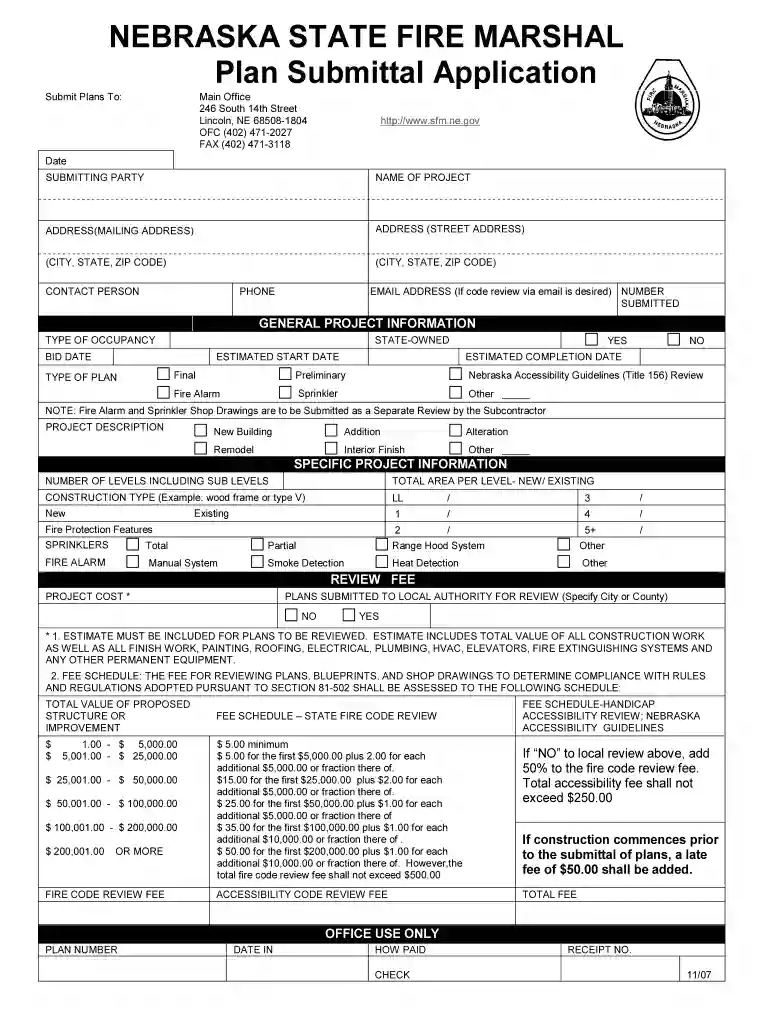
Type text, add images, blackout confidential details, add comments, highlights and more.

Draw your signature, type it, upload its image, or use your mobile device as a signature pad.

Send ne state fire marshal via email, link, or fax. You can also download it, export it or print it out.

Start using our platform today to streamline your application process for free!
We've got more versions of the nebraska fire marshal inspection checklist form. Select the right nebraska fire marshal inspection checklist version from the list and start editing it straight away!
Upload your NEBRASKA STATE FIRE MARSHAL Plan Submittal Application - sfm ne to DocHub (once you’ve created an account for this). If you need to complete fields in it, use proper tools from the upper pane. For example, add Signature Fields, assign each to a particular person, and click on Sign → Request signatures from others. Personalize your message for your recipients and click Send Request. You can also send your document by fax or as a Signing link instead of using email (you’ll find these options by navigating to the Menu → Send)
If you store your papers in Google Drive, there is no need to download your NEBRASKA STATE FIRE MARSHAL Plan Submittal Application - sfm ne on the computer and upload it back to our editor. A much easier way is to set up a browser extension developed by DocHub to simplify this flow. The extension allows editing PDFs right in your web browser. Alternatively, you can integrate your DocHub and Gmail accounts for more efficient editing.
At DocHub, your data security is our priority. We follow HIPAA, SOC2, GDPR, and other standards, so you can work on your documents with confidence.
May 3, 2021 Fulfill minimum age requirement, be a US citizen, have a high school diploma or GED, hold a valid state of California drivers license, beRead more
Completed Plan Reviews can be viewed under Check My Submission Status. Plans are listed under the Completed tab for 1 month after completion.Read more


