




Here's how it works

01. Edit your hardship license tn online
Type text, add images, blackout confidential details, add comments, highlights and more.

02. Sign it in a few clicks
Draw your signature, type it, upload its image, or use your mobile device as a signature pad.

03. Share your form with others
Send license information tennessee via email, link, or fax. You can also download it, export it or print it out.
How to use or fill out hardship license tn with our platform

- Click ‘Get Form’ to open the hardship license tn application in the editor.
- Begin with Section A, where you will provide your full legal name, physical address, and social security number. Ensure all information is accurate and legible.
- Move to Section B to describe your primary household. Include details about your parents or guardians, their addresses, and employment information if applicable.
- In Section C, fill out information regarding any secondary household members if necessary. This includes biological parents not living with you.
- Proceed to Section D to list other household members aged 14 and older who can provide transportation.
- In Section E, specify your hardship destinations. Clearly outline the routes requested and include justifications for each destination based on your circumstances.
- Finally, complete Section F by signing the application and having it notarized. Review all sections for completeness before submission.
Start using our platform today to easily fill out your hardship license tn application for free!
Fill out hardship license tn online
It's free
It's free
Security and compliance
At DocHub, your data security is our priority. We follow HIPAA, SOC2, GDPR, and other standards, so you can work on your documents with confidence.
Learn more


Related forms
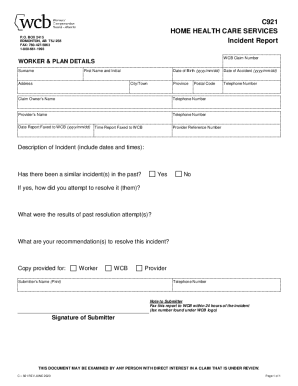
60 general incident report form template page 4 - Free to
The document is an Incident Report form for Home Health Care Services, intended for reporting workplace incidents relate ...
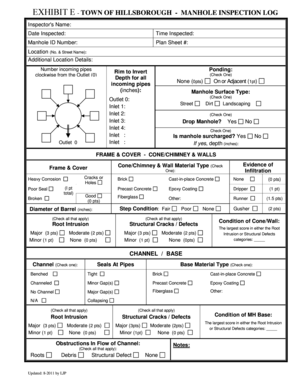
EXHIBIT E TOWN OF HILLSBOROUGH - MANHOLE INSPECTION LOG
The document is a manhole inspection log for the Town of Hillsborough, detailing various parameters and conditions of ma ...
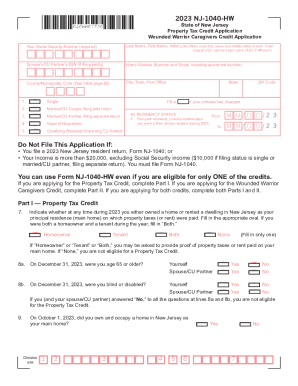
Wounded Warrior Caregivers Relief Act; Provides income tax
The document is the 2023 NJ-1040-HW, a Property Tax Credit Application for Wounded Warrior Caregivers in New Jersey. It ...
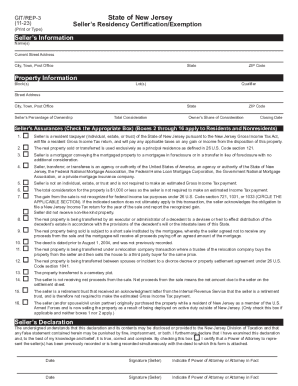
2021-2023 Form NJ DoT GIT REP-3 Fill Online, Printable
The document is a Seller’s Residency Certification/Exemption form (GIT/REP-3) used in New Jersey for individuals, estate ...
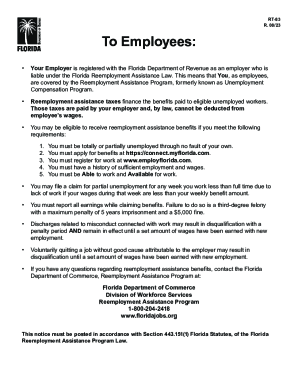
Florida Reemployment Tax- Employer FAQ
The document informs employees about their coverage under the Florida Reemployment Assistance Program, detailing eligibi ...
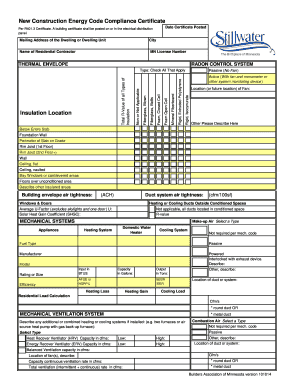
Minnesota energy certificate
The document outlines the requirements for a New Construction Energy Code Compliance Certificate, detailing necessary in ...

NJ-1040 Form - FTP Directory Listing
The document is a NJ Gross Income Tax Resident Payment Voucher for the year 2023, which provides instructions for reside ...
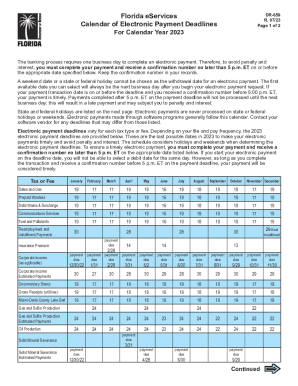
Florida Small Business Taxes: What Employers Should Know
The document outlines the electronic payment deadlines for various taxes and fees in Florida for the year 2023. It empha ...