




Here's how it works

01. Edit your i 134 sample filled form 2023 online
Type text, add images, blackout confidential details, add comments, highlights and more.

02. Sign it in a few clicks
Draw your signature, type it, upload its image, or use your mobile device as a signature pad.

03. Share your form with others
Send i 134 bank statement sample via email, link, or fax. You can also download it, export it or print it out.
How to use or fill out i 134 form sample with DocHub

- Click ‘Get Form’ to open the I-134 form in our editor.
- Begin with Part 1, where you will enter your personal information as the sponsor. Fill in your full name, physical address, and any other names used.
- Proceed to Part 2 to provide details about the beneficiary. Include their full name, date of birth, gender, and relationship to you.
- In Part 3, detail your employment and financial information. This includes your income, assets, and any dependents relying on your support.
- Complete Part 4 by reviewing the sponsor's statement and providing your contact information. Ensure all fields are filled accurately.
- If necessary, use Part 7 for any additional information that may not fit in previous sections.
Start using our platform today to fill out the I-134 form easily and for free!
Fill out i 134 form sample online
It's free
It's free
Security and compliance
At DocHub, your data security is our priority. We follow HIPAA, SOC2, GDPR, and other standards, so you can work on your documents with confidence.
Learn more


Related forms
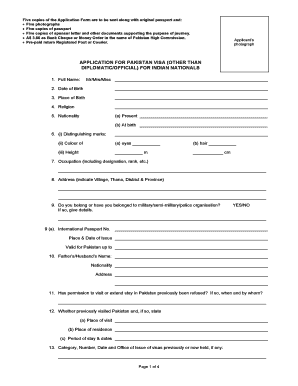
Pakistan visa indian form
The document outlines the application process for a Pakistan visa for Indian nationals, detailing required materials suc ...
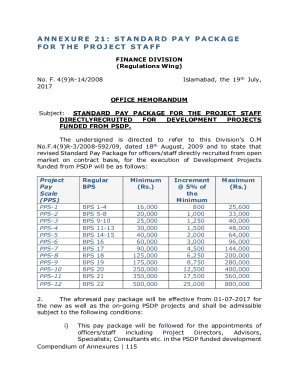
EnglishManual06092019
The document outlines the Standard Pay Package for project staff directly recruited for development projects funded by t ...

Nbp ibt form
The document outlines the Inter Branch Transaction (IBT) system of the National Bank of Pakistan, including an IBT regis ...

MCPS-HCSM (HEATH CARE SYSTEMS MANAGEMENT) QARZ-E-HASNA
The document outlines the repayment schedule for a Qarz-e-Hasna scheme, detailing a total loan amount of Rs. 400,000 to ...

Transfer out Transfer out
The document provides instructions for transferring accumulated superannuation amounts (Post 1995) or additional contrib ...

2014 work health safety
The document outlines the requirements for DHA service providers to manage work health and safety (WHS) effectively. It ...

Fillable Online harbourtrust gov Open Leasing Application
The document is an application form for leasing property from the Harbour Trust. It outlines the requirements for applic ...

Sat service provider report
The document outlines a form for service providers to assess and report on a client's capability to make financial and p ...