




Here's how it works
How to use or fill out dep 065 form with our platform

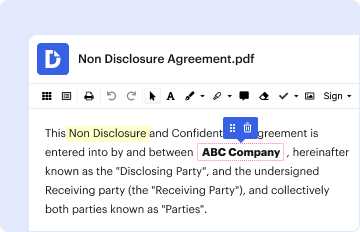
- Click ‘Get Form’ to open the dep 065 form in the editor.
- Begin by entering your personal information in the designated fields, including your name, address, and contact details. Ensure accuracy for seamless processing.
- Next, navigate to the section that requires specific details about the purpose of the form. Fill in all relevant information clearly and concisely.
- If there are any checkboxes or options, select those that apply to your situation. This helps in categorizing your submission correctly.
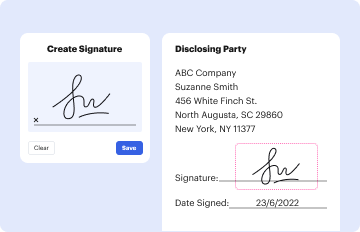
- Review all entered information for completeness and correctness before proceeding to sign. Use our platform’s tools to add your signature electronically.
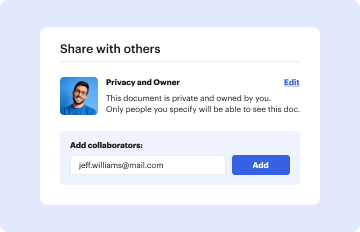
- Finally, save your completed form and choose to download it or share it directly via email or other platforms as needed.
Start using our platform today for free and streamline your document editing experience!
It's free
Got questions?
How can I eSign my dep 065 form from Gmail?
With DocHub, it’s quite simple. The service offers users an add-on called DocHub for Gmail, which you can locate in the Google Workspace Marketplace without being charged. Set it up and grant it access to your Google account. Open your email with your dep 065 form attached and click on the add-on button in the right-side panel. Log in to your DocHub account, and upload the form to our editor, where you can complete it and sign.
How do you get dep 065 form for my state?
If you are searching for a state-specific dep 065 form sample, you will find it in our DocHub Forms & Templates catalog. Use the search field, enter your form’s name, and search through the results for your state. You may also filter out irrelevant results while searching our catalog by groups.
Security and compliance
At DocHub, your data security is our priority. We follow HIPAA, SOC2, GDPR, and other standards, so you can work on your documents with confidence.
Learn more


