




Here's how it works



How to use or fill out ak executive officer waiver with our platform

- Click ‘Get Form’ to open the ak executive officer waiver in the editor.
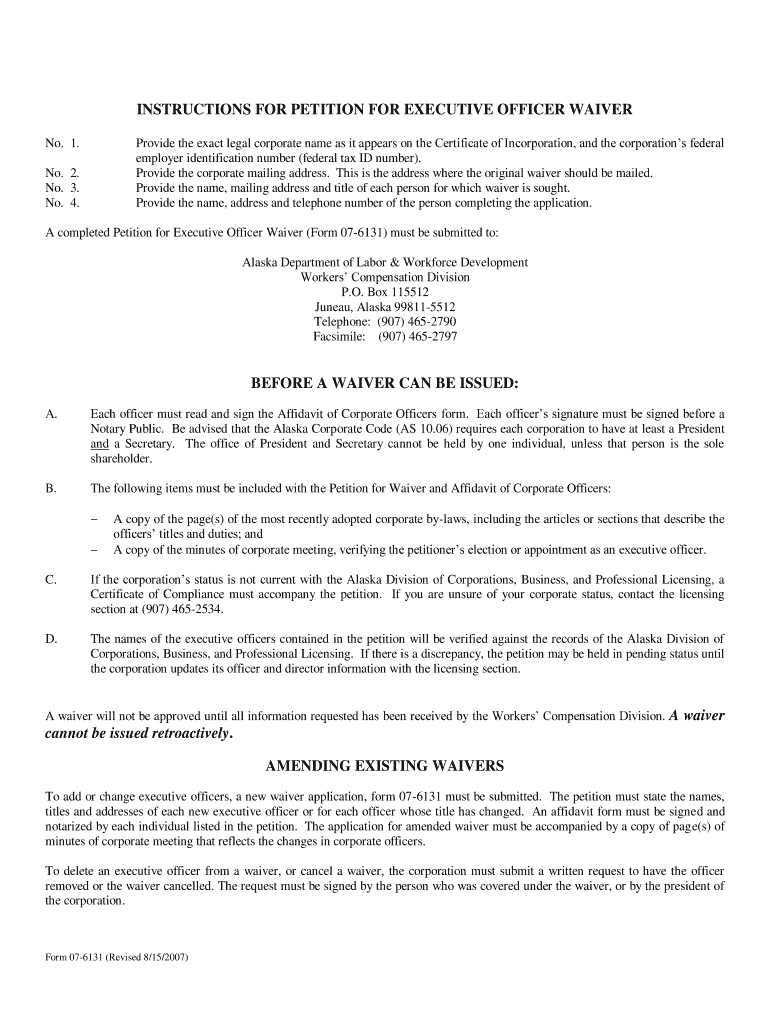
- Begin by entering the legal corporate name as it appears on the Certificate of Incorporation, followed by the federal employer identification number (EIN).
- Next, provide the corporate mailing address where the original waiver should be sent.
- List the names, titles, and mailing addresses of each person for whom a waiver is requested. If more space is needed, attach a separate sheet.
- Complete your information by filling in your name and telephone number as the person completing this form.
- Ensure that each officer listed signs and notarizes the Affidavit of Corporate Officers form included with your submission.
- Attach required documents such as a copy of relevant corporate bylaws and minutes from meetings verifying appointments.
Start using our platform today to streamline your document editing and signing process for free!
It's free
See more ak executive officer waiver versions
Got questions?
How can I sign my ak executive officer waiver online?
Sign in to your DocHub account and import your ak executive officer waiver to our editor using one of its upload options - from your device, cloud storage, protected URL, or your DocHub folders if you have already processed your form before. Open our editor, click the Sign key in the upper toolbar, and decide on your signing method. You can upload a picture of your handwritten signature, draw it, type in your name, or utilize a QR code as an alternative.
Do I need to set up software to edit my ak executive officer waiver?
If you edit your ak executive officer waiver with DocHub, you merely require a steady web connection and virtually any browser installed on your device. No need to install any third-party applications or research guides. Simply open a tab with DocHub, drag and drop your file, and modify it on the spot.
Security and compliance
At DocHub, your data security is our priority. We follow HIPAA, SOC2, GDPR, and other standards, so you can work on your documents with confidence.
Learn more


