




01. Edit your form online
Type text, add images, blackout confidential details, add comments, highlights and more.

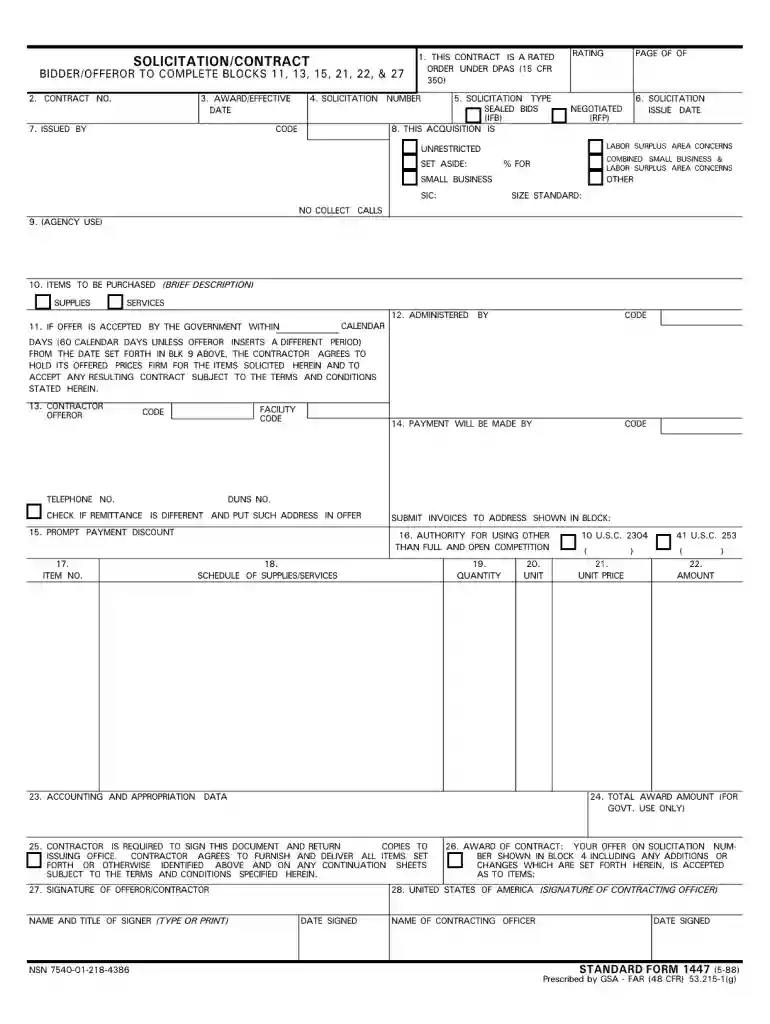
Type text, add images, blackout confidential details, add comments, highlights and more.

Draw your signature, type it, upload its image, or use your mobile device as a signature pad.

Send it via email, link, or fax. You can also download it, export it or print it out.

Start using our platform today to fill out your sf 1447 1988 form online for free!
We've got more versions of the sf 1447 1988 form form. Select the right sf 1447 1988 form version from the list and start editing it straight away!
At DocHub, your data security is our priority. We follow HIPAA, SOC2, GDPR, and other standards, so you can work on your documents with confidence.
1447. Chapter 23: QoS Commands 1449 clear counters wred 1450 configure diffserv examination code-point qosprofile 1451 configure diffserv replacement codeRead more
All applicants must use the SF 424 (RR) Application for Federal Assistance, following the instructional information in this section. The supplementalRead more
(1) Prepare the invitation for bids on SF 33, or the SF 1447, unless otherwise permitted by this regulation. The SF 33 is the first page of the solicitation andRead more


