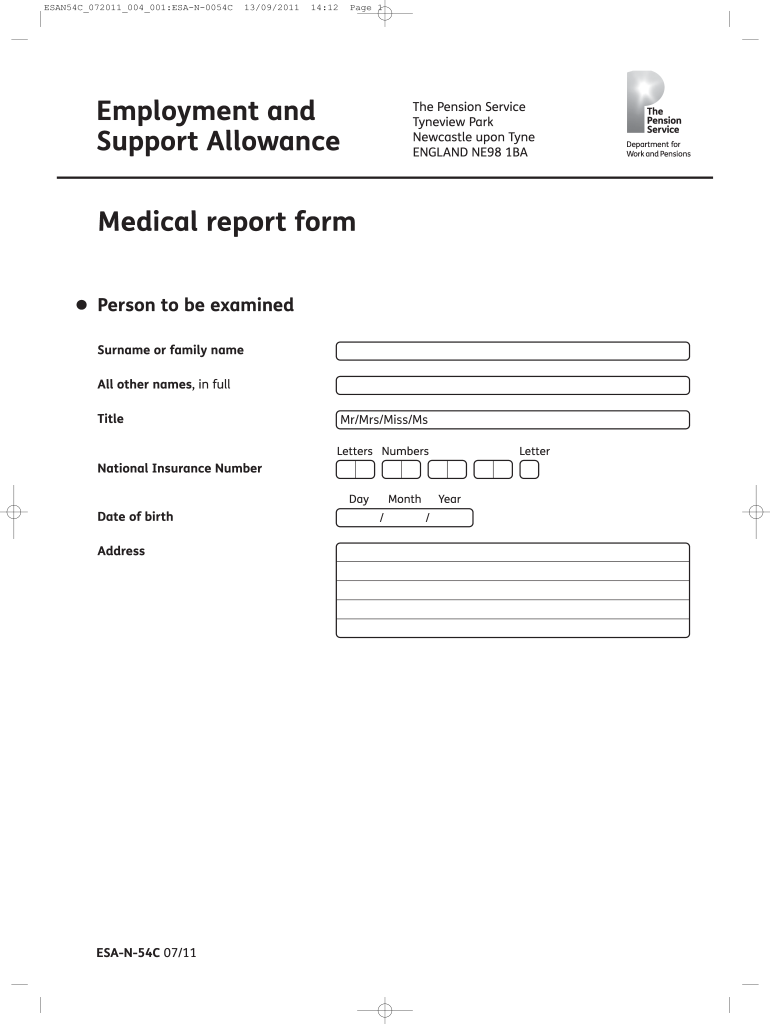
Esa n 54c form 2026

Get Form
esa form Preview on Page 1

Here's how it works

01. Edit your esa form online
Type text, add images, blackout confidential details, add comments, highlights and more.
02. Sign it in a few clicks
Draw your signature, type it, upload its image, or use your mobile device as a signature pad.
03. Share your form with others
Send it via email, link, or fax. You can also download it, export it or print it out.

How to use or fill out esa n 54c form with our platform

Form edit decoration
9.5
Ease of Setup
DocHub User Ratings on G2
9.0
Ease of Use
DocHub User Ratings on G2
  1. Click ‘Get Form’ to open the ESA-N-54C form in the editor.
  2. Begin by filling in the personal details of the person to be examined, including their surname, other names, title, National Insurance Number, date of birth, and address.
  3. Review the notes for completion carefully. Ensure you understand the medical history and any relevant conditions that need to be documented.
  4. Proceed to describe functional ability. This section requires detailed descriptions of how medical conditions affect daily living activities.
  5. Complete each activity section by ticking the appropriate boxes based on the individual's capabilities. Be thorough in documenting any limitations observed during assessments.
  6. Finally, ensure all sections are completed accurately before signing off on the declaration at the end of the form.

Start using our platform today for free to streamline your document editing and form completion!

See more esa n 54c form versions

We've got more versions of the esa n 54c form form. Select the right esa n 54c form version from the list and start editing it straight away!
Versions Form popularity Fillable & printable
2011 4.8 Satisfied (250 Votes)
be ready to get more

Complete this form in 5 minutes or less

Get form

Got questions?

We have answers to the most popular questions from our customers. If you can't find an answer to your question, please contact us.
Contact us

Electronic document signing demands a software solution that works in compliance with data protection and eSignature laws. DocHub is an excellent tool for that, because it meets all the above mentioned requirements. Whatever method you like to sign your esa n 54c form in DocHub, your eSignature will be legally binding and court-admissible.

You may easily fill out, edit, and even eSign your esa n 54c form utilizing DocHub. Create a new profile and begin your free trial. After that, you can add the document with the form and easily make all the necessary edits. No need to print on paper or use a third-party application to sign it, as you can place your electronic signature on your document quicker through DocHub.

Security and compliance

At DocHub, your data security is our priority. We follow HIPAA, SOC2, GDPR, and other standards, so you can work on your documents with confidence.

Learn more
ccpa2
pci-dss
gdpr-compliance
hipaa
soc-compliance