




Here's how it works



How to use or fill out Lake Travis FFA & Agriculture Science Program - laketravisffa ffanow with our platform

- Click ‘Get Form’ to open it in the editor.
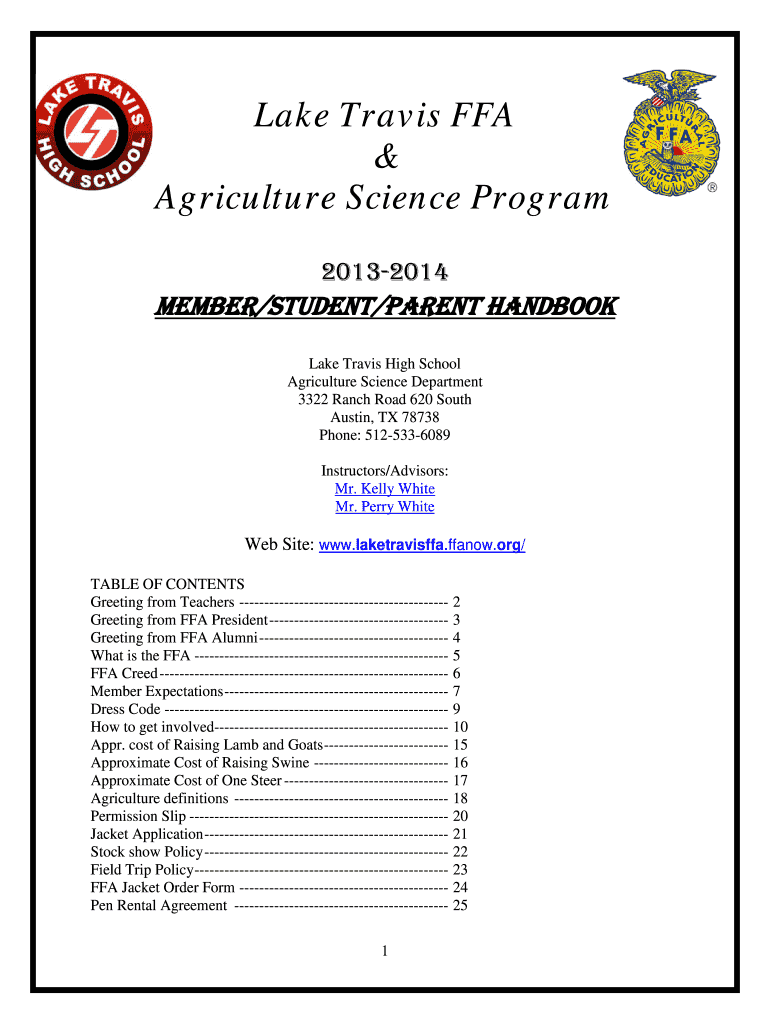
- Begin by reviewing the table of contents to familiarize yourself with the sections available, such as Member Expectations and Dress Code.
- Fill out the Permission Slip section by entering your child's name, contact information, and any medical details required.
- Complete the Jacket Application by ensuring that you meet all requirements listed, including enrollment in an Agriculture Course and earning the Greenhand degree.
- For livestock projects, navigate to the Stock Show Policies section and ensure you understand eligibility requirements before filling out any related forms.
- Review your entries for accuracy and completeness before submitting. Use our platform's features to save your progress or share it with others for feedback.
Start using our platform today for free to streamline your document editing and form completion!
It's free
See more Lake Travis FFA & Agriculture Science Program - laketravisffa ffanow versions
Got questions?
What do I need to sign my Lake Travis FFA & Agriculture Science Program - laketravisffa ffanow electronically?
Electronic document approval requires a software solution that complies with data protection and eSignature standards. DocHub is a perfect tool for that, as it meets all the aforementioned requirements. Whatever method you like to sign your Lake Travis FFA & Agriculture Science Program - laketravisffa ffanow in DocHub, your eSignature will be legally binding and court-admissible.
How do you edit Lake Travis FFA & Agriculture Science Program - laketravisffa ffanow online?
With DocHub, you have several convenient ways to edit your Lake Travis FFA & Agriculture Science Program - laketravisffa ffanow online. You can drag and drop the form and modify it directly at the DocHub website or use our browser extension to fill out your form right away. Additionally, you can modify your PDF on your smartphone, as DocHub is compatible with all the available mobile platforms.
Security and compliance
At DocHub, your data security is our priority. We follow HIPAA, SOC2, GDPR, and other standards, so you can work on your documents with confidence.
Learn more


