



Here's how it works



How to use or fill out Auntie Anne's applications with our platform

- Click ‘Get Form’ to open the Auntie Anne's application in the editor.
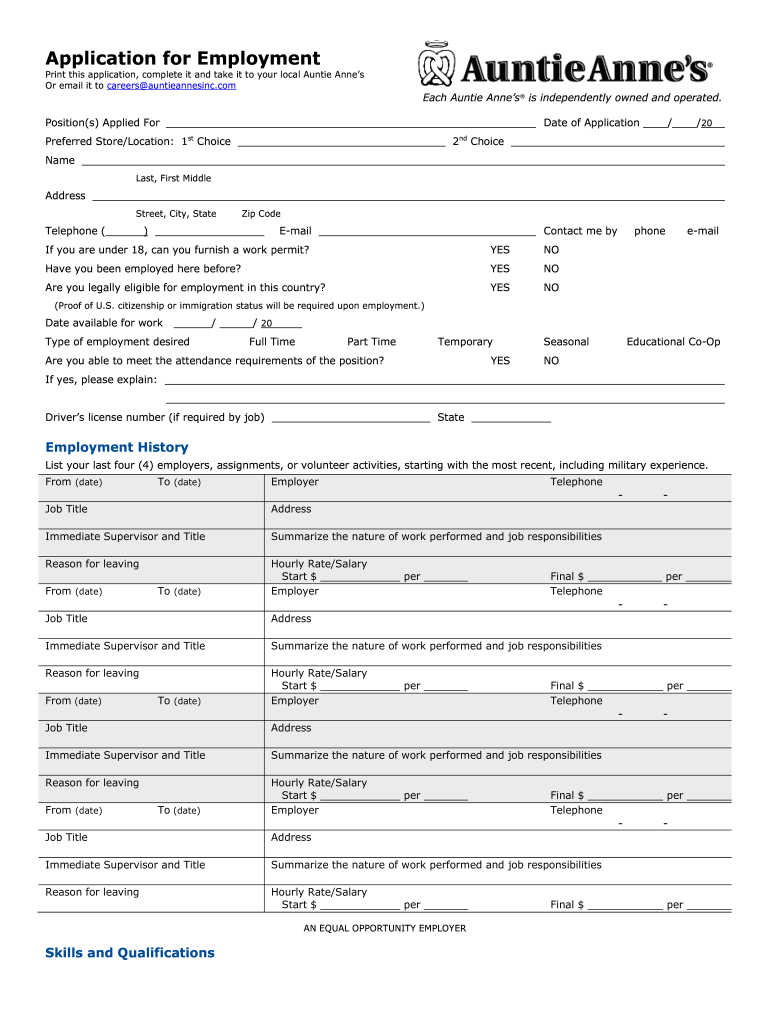
- Begin by filling in your personal information, including your name, address, and contact details. Ensure accuracy as this information is crucial for communication.
- Select the position you are applying for and indicate your preferred store location. This helps streamline your application process.
- Complete the employment history section by listing your last four employers, including job titles and responsibilities. Be thorough to showcase your experience.
- In the skills and qualifications section, summarize any relevant skills that make you a strong candidate for Auntie Anne's.
- Finally, review all sections for completeness and accuracy before signing electronically. Your signature confirms the validity of your application.
Start using our platform today to fill out your Auntie Anne's application easily and for free!
It's free
Got questions?
Can I use DocHub to generate legal electronic signatures on my auntie anne's job application pdf?
Yes, you can utilize DocHub for signing any business and private documentation, including your auntie anne's job application pdf. All eSignatures you generate with our tool are legally binding and court-admissible, as DocHub complies with criteria required by ESIGN and UETA. Save your accomplished form with a detailed Audit Trail if necessary.
Can I print my auntie annes application and finish it by myself?
When you choose analog methods of completing your auntie annes application, you can easily download your file for printing. Search DocHub’s Forms & Templates catalog to get the exact file template you need and open it for editing or download it on your gadget in the format of your liking. It is possible to complete your form electronically and place your handwritten signature on it right after printing or eSign your file with DocHub.
Security and compliance
At DocHub, your data security is our priority. We follow HIPAA, SOC2, GDPR, and other standards, so you can work on your documents with confidence.
Learn more


Related forms