




Here's how it works

01. Edit your how to legally refuse to participate in the census survey 2024 online
Type text, add images, blackout confidential details, add comments, highlights and more.

02. Sign it in a few clicks
Draw your signature, type it, upload its image, or use your mobile device as a signature pad.

03. Share your form with others
Send how to legally refuse to participate in the census survey via email, link, or fax. You can also download it, export it or print it out.
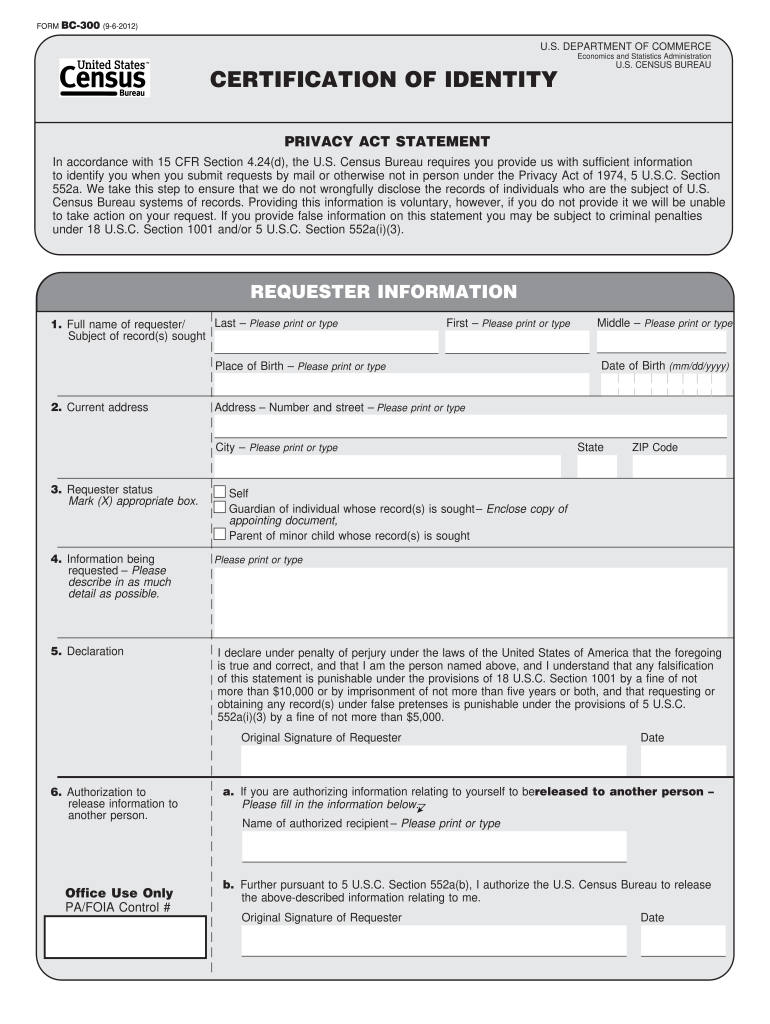
How to use or fill out census bc with our platform

- Click ‘Get Form’ to open the census bc in the editor.
- Begin by filling out the 'Requester Information' section. Enter your full name, place of birth, and current address clearly.
- In the 'Information being requested' field, provide a detailed description of the records you seek. This helps ensure your request is processed efficiently.
- Select your requester status by marking the appropriate box—whether you are self-requesting, a guardian, or a parent of a minor.
- Sign and date the declaration to affirm that all information provided is accurate. Remember, falsification can lead to penalties.
- If authorizing another person to receive information, fill in their details in the authorization section and sign again.
Start using our platform today for free to streamline your census bc form completion!
Fill out census bc online
It's free
It's free
Security and compliance
At DocHub, your data security is our priority. We follow HIPAA, SOC2, GDPR, and other standards, so you can work on your documents with confidence.
Learn more


Related forms

CULTURAL RESOURCES INVENTORY REQUEST FORM - nau
The document is a Cultural Resources Inventory Request Form intended for individuals or entities seeking to conduct a cu ...
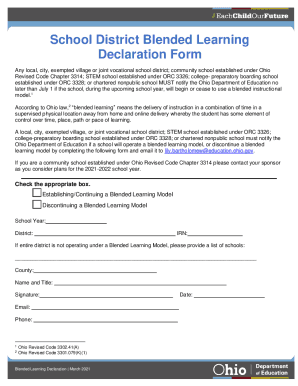
School declaration form
The document outlines the requirements for Ohio school districts to notify the Ohio Department of Education about their ...

Township of Maple Shade, NJ Site Plan Review - eCode360
The document is an application form for the Planning Board and Zoning Board of the Township of Maple Shade, New Jersey. ...
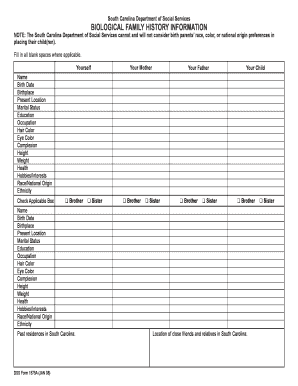
Dss form biological
The document from the South Carolina Department of Social Services outlines a form for collecting biological family hist ...
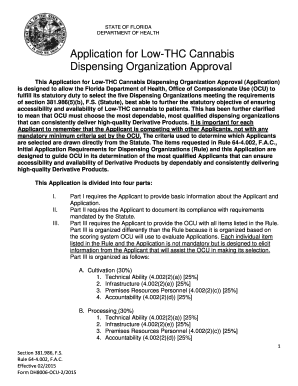
Florida application cannabis
The document outlines the application process for Low-THC Cannabis Dispensing Organization Approval by the Florida Depar ...
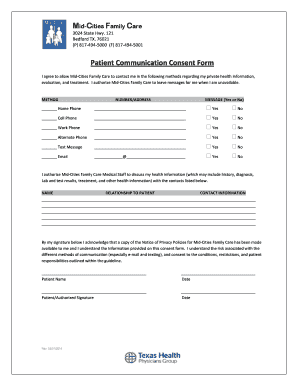
2014 texas patient communication consent form mid cities search
The document is a Patient Communication Consent Form from Mid-Cities Family Care, located in Bedford, TX. It authorizes ...
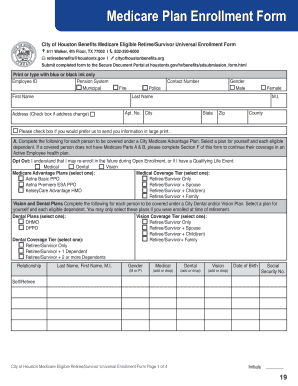
Medicare Plan Enrollment Form
The document is a Medicare Plan Enrollment Form for eligible retirees and survivors of the City of Houston. It provides ...
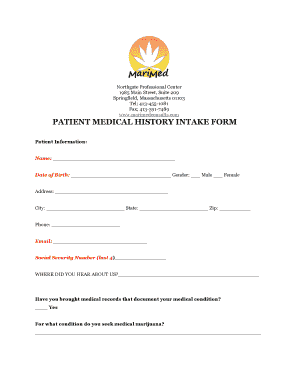
History intake marimed
The document is a Patient Medical History Intake Form from Northgate Professional Center in Springfield, Massachusetts, ...