




Here's how it works



How to use or fill out Science Fair Student - Parent Letter - Target Range School with our platform

- Click ‘Get Form’ to open it in the editor.
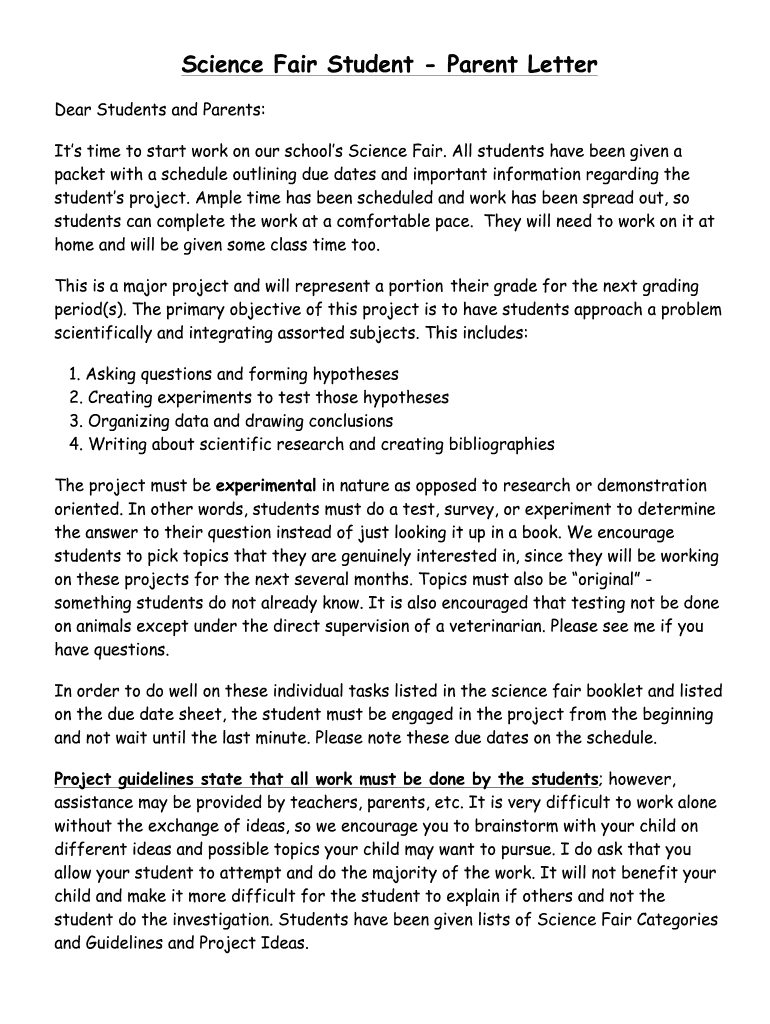
- Begin by reviewing the letter's content, which outlines the Science Fair project requirements and due dates. This will help you understand what information needs to be filled out.
- In the designated area, enter your child's printed name where it states '_____ (Printed Name of Child)'.
- Next, ensure that both you and your child sign and date the form in the provided signature fields: '__________ (Parent Signature/Date)' and '__________ (Student Signature/Date)'.
- Once all fields are completed, review the document for accuracy before saving it. You can easily save your work using your SCHOOL GOOGLE ACCOUNT to avoid any loss of data.
Start using our platform today to streamline your document editing and make filling out forms a breeze!
It's free
See more Science Fair Student - Parent Letter - Target Range School versions
| Versions | Form popularity | Fillable & printable |
|---|---|---|
| 2016 | 4.3 Satisfied (35 Votes) |
Got questions?
Can I fill out and sign my science fair parent letter online?
Sure, and it’s really easy! DocHub is a web-based PDF editor with advanced document management functions that allow you quickly edit your paperwork, complete blank fields and insert new ones for others to fill out, and create eSignatures in several ways. Upload your science fair parent letter, provide information as requested, and decide how you want to eSign your template - by typing your name, drawing your signature, uploading its picture, or utilizing a QR code.
Can I edit science project letter to parents on my phone?
As a comprehensive document editing service, DocHub is accessible on smart phones. Open DocHub in your choice of mobile internet browser and use our intelligent mobile-friendly toolset to fill out your science project letter to parents.
Security and compliance
At DocHub, your data security is our priority. We follow HIPAA, SOC2, GDPR, and other standards, so you can work on your documents with confidence.
Learn more


