




Here's how it works

01. Edit your fillable 1 general online
Type text, add images, blackout confidential details, add comments, highlights and more.

02. Sign it in a few clicks
Draw your signature, type it, upload its image, or use your mobile device as a signature pad.

03. Share your form with others
Send general declaration form via email, link, or fax. You can also download it, export it or print it out.
How to use or fill out general declaration form with our platform

- Click ‘Get Form’ to open the general declaration form in the editor.
- Begin by filling in the 'Owner or Operator' section with the relevant details. Ensure that you accurately enter the 'Marks of Nationality and Registration' for proper identification.
- In the 'Departure from' field, specify the place of departure along with your flight number and date. This information is crucial for tracking your flight.
- Next, complete the 'Flight Routing' section by listing all places of origin, en-route stops, and final destination in the designated columns.
- Indicate the total number of crew members and passengers on board during this stage. Fill in details for embarking and disembarking passengers as required.
- For health declarations, report any illnesses on board, including symptoms observed. Provide details about any sanitary treatments conducted during the flight.
- Finally, ensure that an authorized agent or pilot-in-command signs the document to validate all statements made within it.
Start using our platform today to easily fill out your general declaration form online for free!
Fill out general declaration form online
It's free
It's free
Security and compliance
At DocHub, your data security is our priority. We follow HIPAA, SOC2, GDPR, and other standards, so you can work on your documents with confidence.
Learn more


Related forms
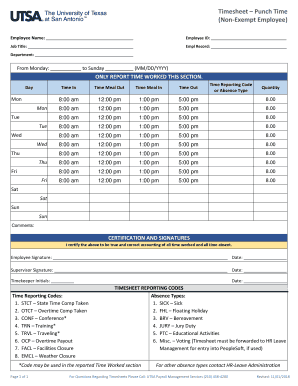
Utsa timesheet
The document is a timesheet template for non-exempt employees to report their work hours, including time in, meal breaks ...
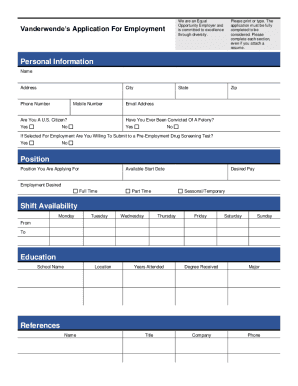
Coursehero file163748341encuentas
The document is an employment application form from Vanderwende, emphasizing its commitment to equal opportunity and div ...
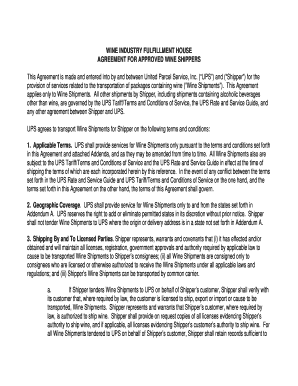
Ups agreement shippers form
The document outlines the agreement between United Parcel Service, Inc. (UPS) and approved wine shippers for the transpo ...

Application fund employment applications
The document provides detailed instructions for completing Non-Appropriated Fund (NAF) employment applications, includin ...
Self reflection form
The document outlines a self-reflection form for U.S. Soccer coaches, emphasizing the importance of self-evaluation in i ...
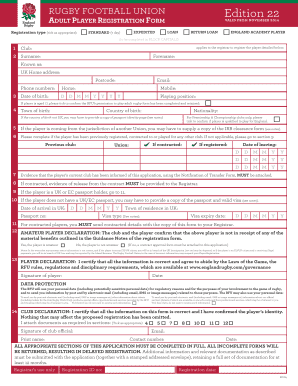
Adult player registration printable
The document is an Adult Player Registration Form for the Rugby Football Union (RFU), detailing the necessary informatio ...
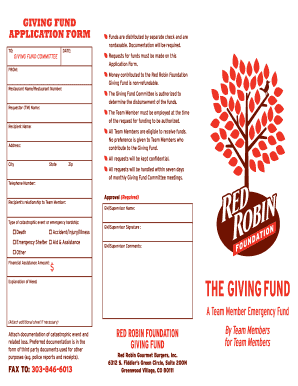
Red robin giving fund
The document outlines the application process for the Red Robin Foundation Giving Fund, which provides financial assista ...
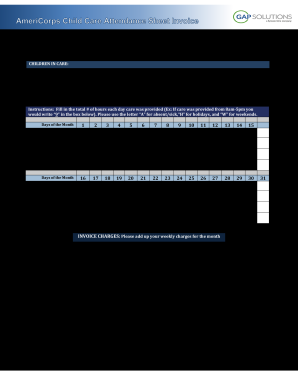
States CCDF Link - AmeriCorps Child Care Program1
The document is an attendance sheet for child care services, requiring members to provide details about the care provide ...