




Here's how it works

01. Edit your form sc isp 3033 online
Type text, add images, blackout confidential details, add comments, highlights and more.

02. Sign it in a few clicks
Draw your signature, type it, upload its image, or use your mobile device as a signature pad.

03. Share your form with others
Send what is form ds 3035 via email, link, or fax. You can also download it, export it or print it out.
How to use or fill out sc activities with our platform

- Click ‘Get Form’ to open the Record of Work Seeking Activities in the editor.
- Begin by entering your name and Social Security Number in the designated fields at the top of the form.
- In the first section, list the name of each employer you contacted for job opportunities.
- Next, specify the type of work you are seeking. Be as specific as possible to ensure clarity.
- Indicate the type of contact made (e.g., telephone, resume submission, in-person meeting) in the appropriate field.
- Finally, document the results of each contact, such as whether you had an interview or if an application was taken.
- Once completed, review your entries for accuracy before saving your form.
- Return this form along with any required documents to the address provided on the back of the form.
Start using our platform today to streamline your document editing and ensure a smooth submission process!
Fill out sc activities online
It's free
It's free
See more sc activities versions
We've got more versions of the sc activities form. Select the right sc activities version from the list and start editing it straight away!
| Versions | Form popularity | Fillable & printable |
|---|---|---|
| 2005 | 4.9 Satisfied (42 Votes) |
Security and compliance
At DocHub, your data security is our priority. We follow HIPAA, SOC2, GDPR, and other standards, so you can work on your documents with confidence.
Learn more


Related forms
Fmha form
The document is a Right-of-Way Easement agreement from the United States Department of Agriculture's Rural Utilities Ser ...

Class 1 (commercial) improvement location permit application - indygov
The document is an Improvement Location Permit Application for a commercial project, detailing required and proposed inf ...
California fillable 540x 2008 form
The document is a California Form 540X, which is an Amended Individual Income Tax Return. It provides instructions for t ...
AU-933,Alcoholic Beverages Tax, Alcoholic Beverages Shipped Into Connecticut Alcoholic Beverages Tax
AU-933,Alcoholic Beverages Tax, Alcoholic Beverages Shipped Into Connecticut Alcoholic Beverages Tax
The document is a tax form (AU-933) from the State of Connecticut's Department of Revenue Services, specifically for rep ...
Canada SOLUS Student Center How to Allow Pop-Ups
The document provides instructions for allowing pop-ups on various internet browsers to access services through the SOLU ...
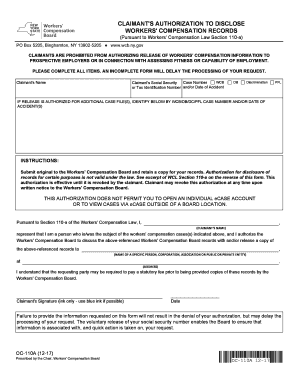
Ny citizenship
The document is a form for claimants to authorize the disclosure of their workers' compensation records, in compliance w ...
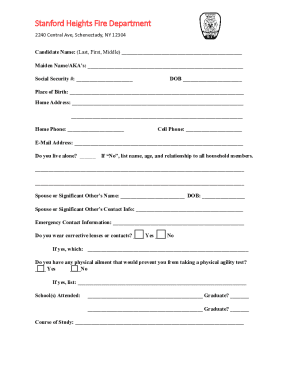
Stanford Heights Fire Department2240 Central Avenue
The document is an application form for membership in the Stanford Heights Fire Department, located in Schenectady, NY. ...

Waiver and release forms for employees back ground checks
The document is a Background Investigation Waiver and Release Form for applicants seeking employment with the City of Al ...