




01. Edit your form online
Type text, add images, blackout confidential details, add comments, highlights and more.

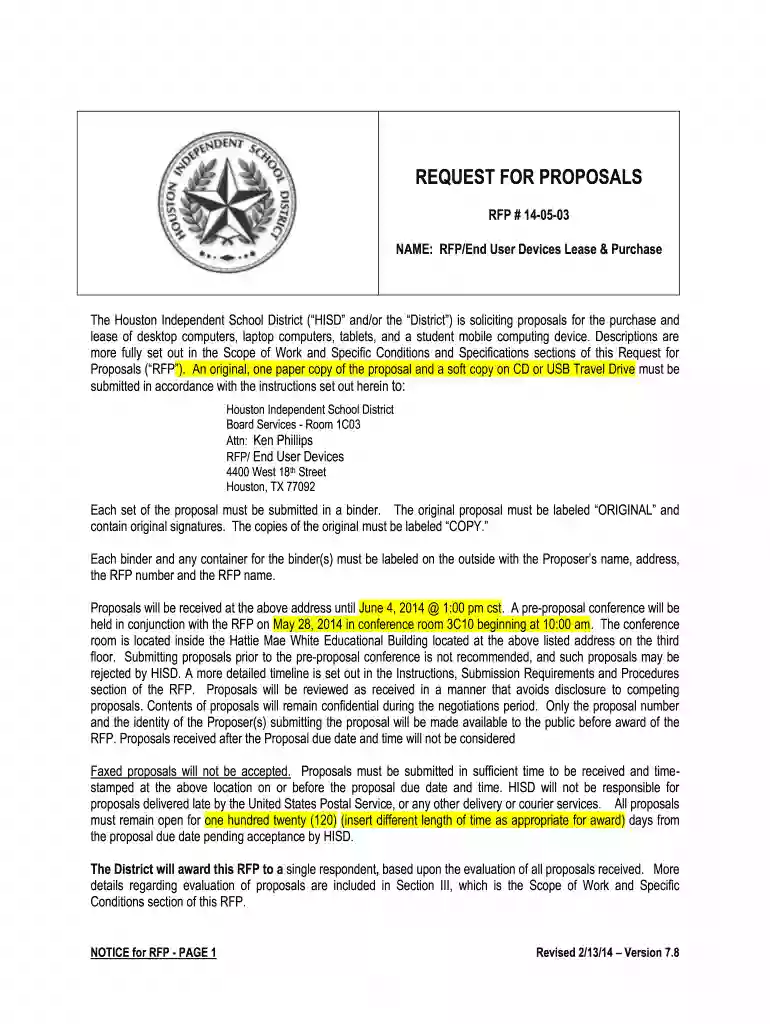
Type text, add images, blackout confidential details, add comments, highlights and more.

Draw your signature, type it, upload its image, or use your mobile device as a signature pad.

Send it via email, link, or fax. You can also download it, export it or print it out.

Start filling out your proposal today using our platform for a seamless experience!
We've got more versions of the 140503 RFP End User Devices v 4 1 - Houston Independent School ... - houstonisd form. Select the right 140503 RFP End User Devices v 4 1 - Houston Independent School ... - houstonisd version from the list and start editing it straight away!
Upload your 140503 RFP End User Devices v 4 1 - Houston Independent School ... - houstonisd to DocHub (after you’ve set up an account for this). If you need to fill out fields in it, use appropriate tools from the upper pane. For instance, drop Signature Fields, assign each to specific person, and click on Sign → Request signatures from others. Change your message for your recipients and click Send Request. You can also send your document by fax or as a Signing link instead of using email (you’ll locate these options by navigating to the Menu → Send)
You need only an internet connection and a browser to fill out your 140503 RFP End User Devices v 4 1 - Houston Independent School ... - houstonisd on an iOS phone. Open the DocHub website and authenticate. Then, add your file or choose it from the list in your dashboard. Then use our editing tools to fill out your form and preserve all your changes. You can also send it to a specified recipient straight away.
At DocHub, your data security is our priority. We follow HIPAA, SOC2, GDPR, and other standards, so you can work on your documents with confidence.


