




Here's how it works

01. Edit your hawaii vaccine exemption form pdf online
Type text, add images, blackout confidential details, add comments, highlights and more.

02. Sign it in a few clicks
Draw your signature, type it, upload its image, or use your mobile device as a signature pad.

03. Share your form with others
Send state of hawaii vaccine exemption form via email, link, or fax. You can also download it, export it or print it out.
How to use or fill out Hawaii Department of Health Vaccine Exemption Form with DocHub

- Click ‘Get Form’ to open the Hawaii Department of Health Vaccine Exemption Form in our platform.
- Begin by entering your name as the parent, guardian, or person in loco parentis in the designated field.
- Next, input your child's name in the corresponding section to certify that vaccination is against your religious beliefs.
- Select the vaccines for which you are requesting an exemption by checking the appropriate boxes. Options include Diphtheria, Tetanus, Pertussis, and others listed.
- Sign and date the form at the bottom where indicated. Ensure that both parents sign if applicable.
- Finally, have the form notarized as required before submitting it to your child’s school administrator.
Start using our editor today to complete your vaccine exemption form easily and for free!
Fill out hawaii department of health vaccine exemption form online
It's free
It's free
See more hawaii department of health vaccine exemption form versions
We've got more versions of the hawaii department of health vaccine exemption form form. Select the right hawaii department of health vaccine exemption form version from the list and start editing it straight away!
Security and compliance
At DocHub, your data security is our priority. We follow HIPAA, SOC2, GDPR, and other standards, so you can work on your documents with confidence.
Learn more


Related forms

Judicial oregon
The document provides instructions and forms for individuals seeking a Summary Dissolution of Marriage or Domestic Partn ...
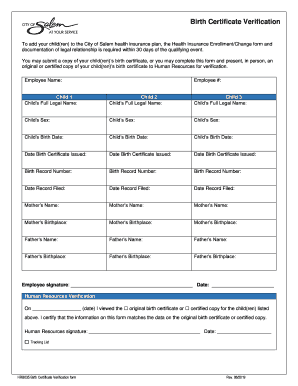
Birth Certificate Verification form - City of Salem
The document outlines the process for adding children to the City of Salem health insurance plan, requiring a Health Ins ...
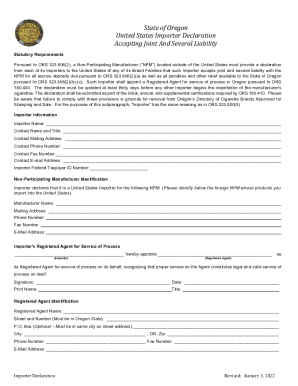
Ag ks docsdefault-sourceUNITED STATES IMPORTER DECLARATION
The document is a declaration form required by the State of Oregon for United States Importers of Non-Participating Manu ...

Court LocationsNorthern District of AlabamaUnited States
The document is a memorandum opinion from the U.S. District Court for the Northern District of Alabama regarding case nu ...
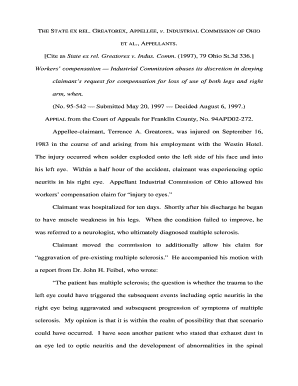
State ex rel Greatorex v Indus Comm - Supreme Court of Ohio
The document discusses the case of Terrence A. Greatorex, who sought workers' compensation for the loss of use of his le ...
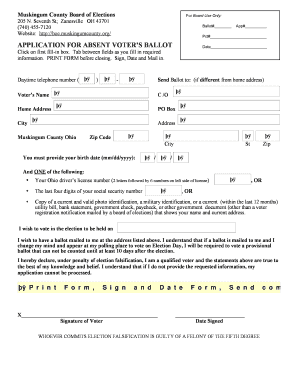
Oh elections absent voters ballot
The document is an application form for absentee voting in Muskingum County, Ohio. It provides instructions for voters t ...

Fillable Online STATEMENT OF INFORMAL PROBATE Fax Email Print
The document is a legal form for consenting to the adult adoption process in Cochise County, Arizona. It includes sectio ...
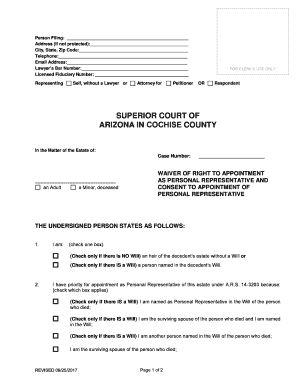
Arizona personal representative appointment
The document is a legal form used in the Superior Court of Arizona in Cochise County, concerning the waiver of the right ...