




Here's how it works



How to use or fill out american judgement decree 2008 form with our platform

- Click ‘Get Form’ to open the american judgement decree 2008 form in the editor.
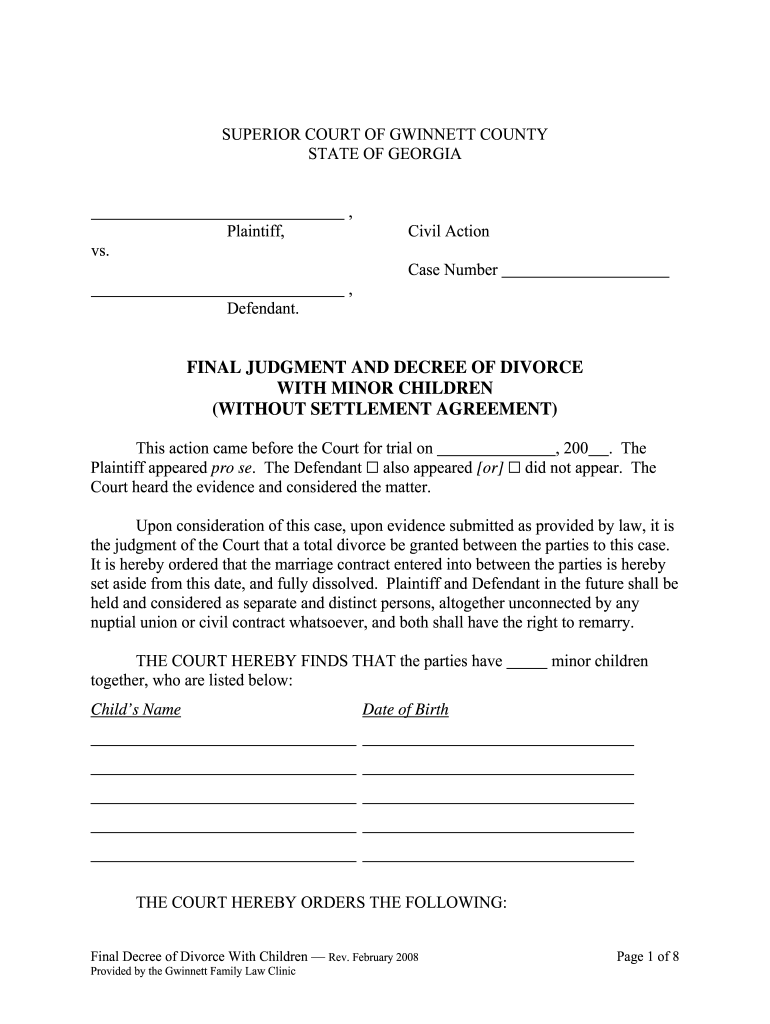
- Begin by filling in the Plaintiff and Defendant names along with the case number at the top of the form. Ensure accuracy as this information is crucial for identification.
- Proceed to list any minor children involved, including their names and dates of birth. This section is vital for custody and support considerations.
- Address custody and visitation issues by referring to the attached Permanent Parenting Plan Order. Indicate your preferences clearly in the designated sections.
- For child support, check either option (a) or (b) based on whether this issue has been addressed. Complete any necessary details as required.
- Continue through each section, checking options for health insurance, alimony, property division, and debts. Make sure to complete only one option per section as instructed.
- Review all entries for accuracy before finalizing your document. Utilize our platform’s features to save or share your completed form easily.
Start using our platform today to fill out your american judgement decree 2008 form online for free!
It's free
See more american judgement decree 2008 form versions
Got questions?
How can I sign my american judgement decree 2008 form on iOS?
With DocHub, you can easily sign your american judgement decree 2008 form or any other document on iOS, even without setting up additional programs. You can access your DocHub account from any internet-connected browser and complete and sign your document in any way you like with just a few clicks.
How do you edit american judgement decree 2008 form on iOS?
You can easily edit fill out your american judgement decree 2008 form on any iOS device. Open an internet browser of your liking, go to the DocHub website, authorize or create a new account, add your file for editing, and make your required changes. Our service is mobile-friendly, so using its features on your smartphone will be a no-brainer, even on the first try.
Security and compliance
At DocHub, your data security is our priority. We follow HIPAA, SOC2, GDPR, and other standards, so you can work on your documents with confidence.
Learn more


