




Here's how it works

01. Edit your wells fargo personal financial statement online
Type text, add images, blackout confidential details, add comments, highlights and more.

02. Sign it in a few clicks
Draw your signature, type it, upload its image, or use your mobile device as a signature pad.

03. Share your form with others
Send personal financial statement wells fargo via email, link, or fax. You can also download it, export it or print it out.
The best way to edit Wells Fargo Personal Financial Statement Form in PDF format online

Adjusting documents with our extensive and intuitive PDF editor is straightforward. Follow the instructions below to complete Wells Fargo Personal Financial Statement Form online easily and quickly:
- Sign in to your account. Sign up with your email and password or create a free account to test the product before upgrading the subscription.
- Upload a form. Drag and drop the file from your device or add it from other services, like Google Drive, OneDrive, Dropbox, or an external link.
- Edit Wells Fargo Personal Financial Statement Form. Easily add and highlight text, insert images, checkmarks, and symbols, drop new fillable fields, and rearrange or delete pages from your document.
- Get the Wells Fargo Personal Financial Statement Form accomplished. Download your modified document, export it to the cloud, print it from the editor, or share it with other people through a Shareable link or as an email attachment.
Make the most of DocHub, the most straightforward editor to promptly manage your documentation online!
Fill out Wells Fargo Personal Financial Statement Form online
It's free
It's free
Security and compliance
At DocHub, your data security is our priority. We follow HIPAA, SOC2, GDPR, and other standards, so you can work on your documents with confidence.
Learn more


Related forms
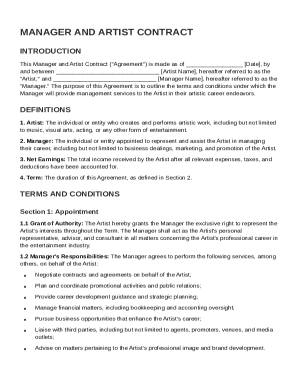
Manager And Artist Contract Template
The Manager and Artist Contract outlines the terms under which a Manager will provide management services to an Artist i ...
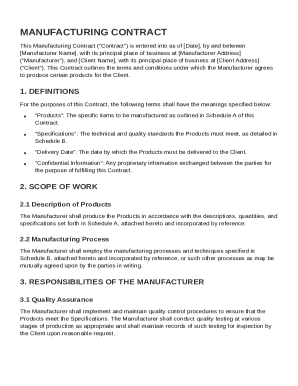
Manufactur Contract Template
The Manufacturing Contract outlines the agreement between a Manufacturer and a Client for the production of specified pr ...
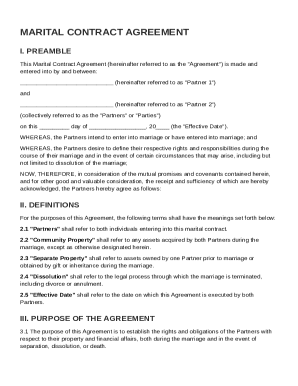
Marital Contract Template
The Marital Contract Agreement outlines the rights and responsibilities of two partners entering into marriage. It defin ...
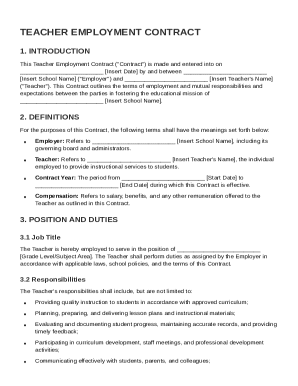
Teacher Contract Template
The Teacher Employment Contract outlines the terms of employment between a school and a teacher, detailing job responsib ...
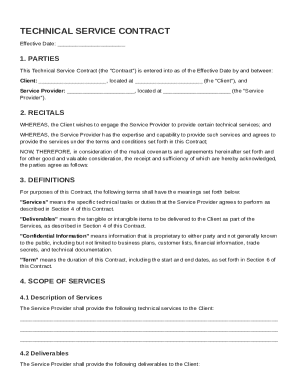
Technical Service Contract Template
The document is a Technical Service Contract between a Client and a Service Provider, outlining the terms for the provis ...
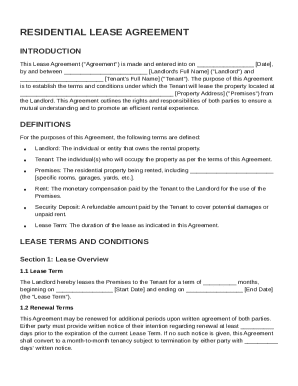
Tenants Lease Agreement Template
The document is a Residential Lease Agreement between a Landlord and Tenant, outlining the terms and conditions for leas ...
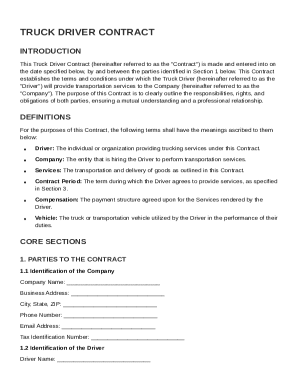
Truck Driver Contract Template
The Truck Driver Contract outlines the terms and conditions for a Driver providing transportation services to a Company. ...
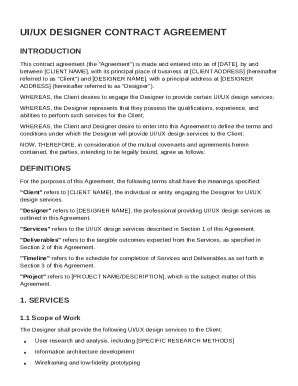
Ui Ux Designer Contract Template
The document is a UI/UX Designer Contract Agreement between a Client and a Designer, outlining the terms and conditions ...