






Definition and Meaning of "Form Online"
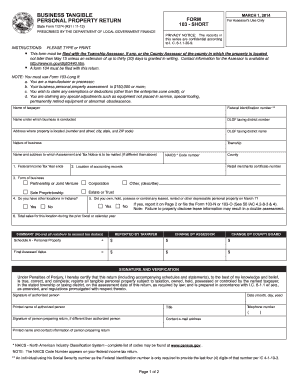
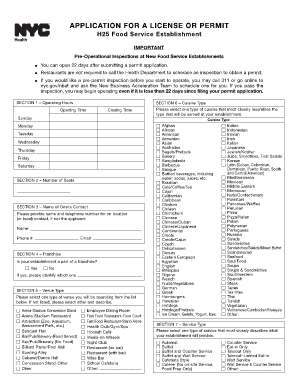
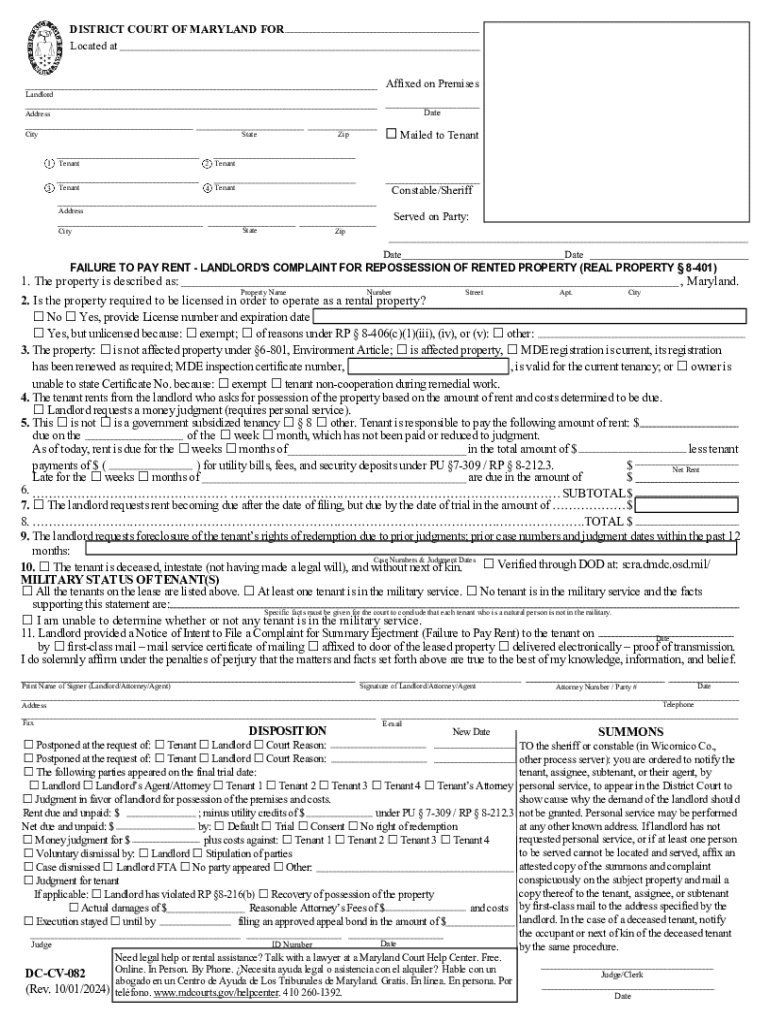
The term "form online" refers to the process of creating, editing, and managing forms digitally through online platforms or tools. These forms can vary in purpose, ranging from applications and surveys to legal documents and tax-related forms. Online forms offer a flexible, efficient, and user-friendly way to collect and organize data without the need for physical paperwork.
Online forms are typically hosted on cloud-based services, making them accessible from any device with internet connectivity. They often feature interactive elements like text boxes, checkboxes, and dropdown menus to facilitate user input. This method of form management eliminates manual handling of paper-based documents, streamlining workflows and enhancing accessibility.
Steps to Complete a Form Online
-
Access the Online Platform: Begin by navigating to the online platform where the form is hosted. This could be a specific service like DocHub or a designated section on an organization’s website.
-
Log In or Create an Account: Some platforms require users to log in or create an account. This step ensures secure access to saved forms and personal information.
-
Locate the Form: Use the platform’s search or navigation features to find the specific form you need to complete. This might involve browsing through categories or using a search bar.
-
Fill Out the Form: Enter the required information into the respective fields. Ensure accuracy by double-checking details as you progress through the form. Many platforms allow you to save progress and return to unfinished forms later.
-
Review and Edit: Before submitting, review your entries for any errors or omissions. Make necessary edits to ensure all information is correct and complete.
-
Submit the Form: Once satisfied, submit the form directly through the online platform. Confirmation of submission might be provided via email or an on-screen notification.
Why You Should Use Forms Online
-
Efficiency: Completing forms online reduces the time spent on filling out and submitting documents. Automated processes minimize manual data entry and physical handling.
-
Accessibility: Online forms can be accessed from any location with internet connectivity, offering flexibility for users who may need to complete documents from various locations.
-
Data Accuracy: Built-in validation features help ensure that the information entered is both complete and correct, reducing errors associated with manual data entry.
-
Flexibility: Online platforms support a variety of file types and formats, allowing users to upload, convert, and manage documents seamlessly without additional software.
Who Typically Uses Online Forms
-
Businesses: Companies utilize online forms for everything from employee onboarding to customer feedback and ordering systems. They streamline data collection and improve operational efficiency.
-
Educational Institutions: Schools and universities use online forms for student enrollment, course registration, and feedback surveys, making administrative processes more efficient.
-
Government Agencies: These agencies leverage online forms for tax filings, benefit applications, and voting registration, ensuring broad accessibility while maintaining important data security standards.
-
Healthcare Providers: Medical facilities use online forms to collect patient information, consent forms, and appointment requests, improving the patient intake process and record-keeping.
Key Elements of Effective Online Forms
-
User-Friendly Interface: An intuitive design helps users easily understand how to complete the form without confusion or mistakes.
-
Responsive Design: Forms should be optimized for various devices, including desktops, tablets, and smartphones, ensuring usability regardless of how users access them.
-
Security Features: Robust security measures, including encryption and authentication protocols, protect sensitive data and maintain user privacy.
-
Customizable Fields: Flexible form fields allow for tailored data entry requirements, accommodating a wide range of use cases and user needs.
Legal Use of Forms Online
Legal documents submitted through online forms are subject to compliance with law and regulations, such as the ESIGN Act in the United States, which grants online documents the same legal standing as their paper counterparts. This adds a layer of convenience and reliability to tasks that require legal documentation, such as contract signing and document authentication.
Online platforms like DocHub ensure these forms remain legally binding by providing secure environments for signing and submitting documents. Features such as audit trails and authentication add validity and traceability to the electronic form submission process.
Form Submission Methods
-
Online Submission: Users commonly submit forms directly through the hosting platform, leveraging real-time processing to expedite acceptance and action.
-
Email Submissions: Some forms allow submission via email, where users can download, complete, and send forms back to the issuing entity via a secure email attachment.
-
Integration with Cloud Storage: Integration with services like Google Drive simplifies the submission process, allowing users to directly upload completed forms from their cloud storage.
These submission methods cater to various users' preferences, ensuring that the form submission process is both convenient and secure.