




Here's how it works

01. Edit your form online
Type text, add images, blackout confidential details, add comments, highlights and more.

02. Sign it in a few clicks
Draw your signature, type it, upload its image, or use your mobile device as a signature pad.

03. Share your form with others
Send it via email, link, or fax. You can also download it, export it or print it out.
How to rapidly redact Prospective County Grand Jury Nominee Application online

Dochub is the best editor for modifying your documents online. Adhere to this simple instruction to edit Prospective County Grand Jury Nominee Application in PDF format online at no cost:
- Sign up and log in. Register for a free account, set a secure password, and go through email verification to start managing your forms.
- Upload a document. Click on New Document and select the form importing option: add Prospective County Grand Jury Nominee Application from your device, the cloud, or a protected URL.
- Make adjustments to the sample. Use the top and left-side panel tools to modify Prospective County Grand Jury Nominee Application. Add and customize text, pictures, and fillable fields, whiteout unnecessary details, highlight the significant ones, and provide comments on your updates.
- Get your paperwork done. Send the sample to other individuals via email, create a link for faster file sharing, export the sample to the cloud, or save it on your device in the current version or with Audit Trail included.
Try all the advantages of our editor today!
Fill out Prospective County Grand Jury Nominee Application online
It's free
It's free
See more Prospective County Grand Jury Nominee Application versions
We've got more versions of the Prospective County Grand Jury Nominee Application form. Select the right Prospective County Grand Jury Nominee Application version from the list and start editing it straight away!
| Versions | Form popularity | Fillable & printable |
|---|---|---|
| 2025 | 4.2 Satisfied (22 Votes) | |
| 2024 | 4.7 Satisfied (31 Votes) | |
| 2023 | 4.8 Satisfied (28 Votes) | |
| 2023 | 4.3 Satisfied (50 Votes) | |
| 2022 | 4.6 Satisfied (40 Votes) | |
| 2022 | 4.8 Satisfied (70 Votes) | |
| 2020 | 4.8 Satisfied (41 Votes) | |
| 2017 | 4.8 Satisfied (40 Votes) | |
| 2014 | 4 Satisfied (26 Votes) | |
| 2013 | 4.5 Satisfied (45 Votes) | |
| 2012 | 4.6 Satisfied (49 Votes) | |
| 2009 | 4.9 Satisfied (40 Votes) |
Security and compliance
At DocHub, your data security is our priority. We follow HIPAA, SOC2, GDPR, and other standards, so you can work on your documents with confidence.
Learn more


Related forms
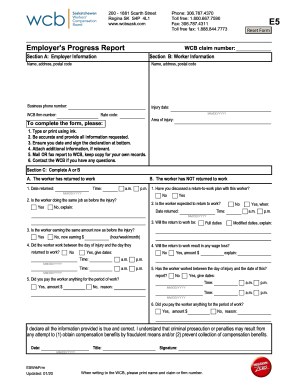
Wcb progress report
The document is an Employer's Progress Report for the Workers' Compensation Board (WCB) in Saskatchewan, Canada. It outl ...
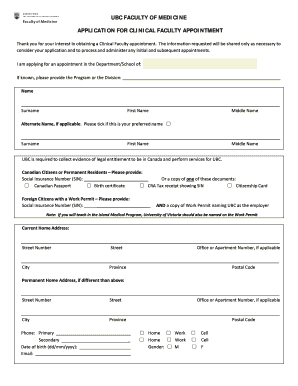
Application for Clinical Faculty Appointment April2016 draft 22 docx
The document is an application form for a Clinical Faculty appointment at the UBC Faculty of Medicine. It outlines the n ...
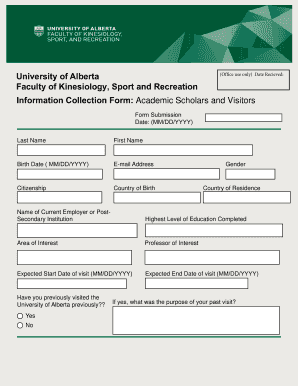
Leisure access application form
The document is an Information Collection Form for Academic Scholars and Visitors at the University of Alberta's Faculty ...

Supervised Exam Application - Thompson Rivers University - tru
The document is a Supervised Exam Application form for students at Thompson Rivers University Open Learning (TRU-OL). It ...
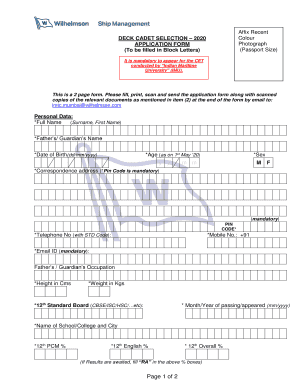
Wilhelmsen ship management online application
The document is an application form for the Deck Cadet Selection 2020, requiring candidates to provide personal and educ ...
Hdfc life group claim form
The document is a Group Claim Form for non-employer employees, detailing the process for claiming insurance benefits fol ...

Iisjed leave application form
The document is a Leave Application Form for students at the International Indian School in Jeddah. It includes fields f ...

Management Commitment and Responsibilities
The document outlines the Injury and Illness Prevention Program (IIPP) for the Little Lake City School District, emphasi ...