




01. Edit your form online
Type text, add images, blackout confidential details, add comments, highlights and more.

Type text, add images, blackout confidential details, add comments, highlights and more.

Draw your signature, type it, upload its image, or use your mobile device as a signature pad.

Send it via email, link, or fax. You can also download it, export it or print it out.
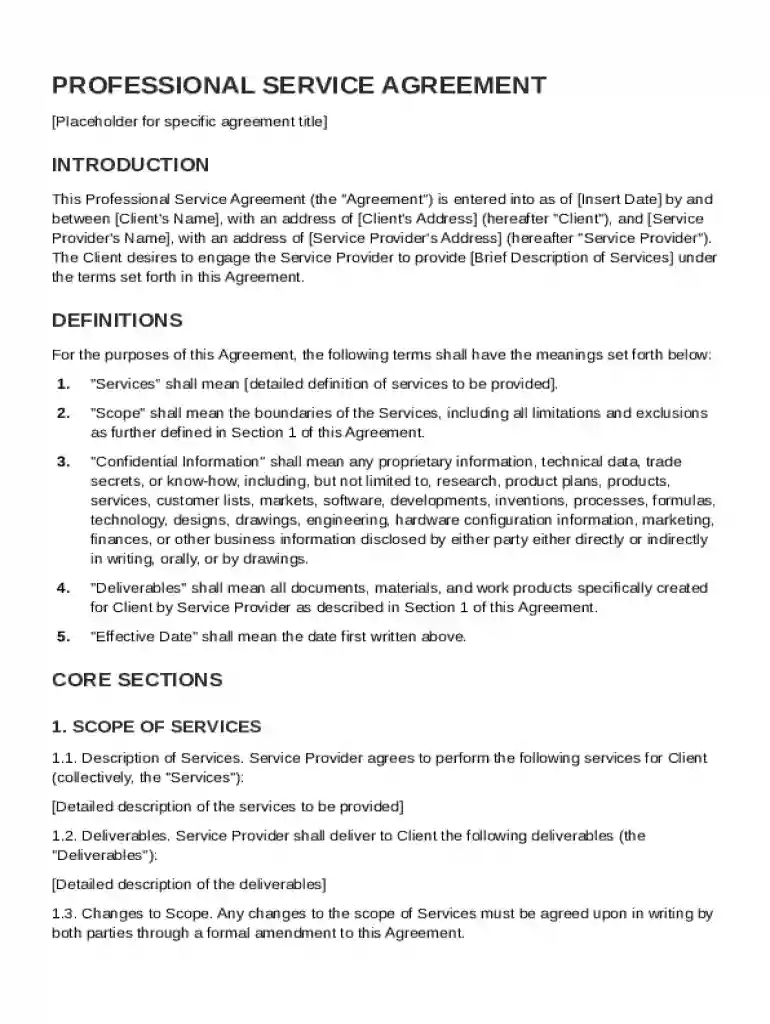
A Professional Service Agreement Template is a legally binding document used to establish the terms of a professional relationship between a client and a service provider. This template outlines obligations, rights, and responsibilities for both parties, ensuring clarity and legal protection. Commonly used in industries like consulting, IT services, and legal counsel, this agreement details essential components such as payment terms, scope of services, confidentiality clauses, and dispute resolution procedures. With the template as a foundation, parties can customize specific sections to suit the unique needs of their collaboration.
To ensure a comprehensive understanding, it's important to recognize the key elements that make up the Professional Service Agreement Template:
Scope of Services: Defines the specific services provided by the service provider, including deliverables, timelines, and performance standards.
Compensation Details: Specifies payment terms, methods, and schedules, addressing any variables like fees, charges, or additional expenses.
Confidentiality Obligations: Outlines what constitutes confidential information and establishes the obligations for protecting sensitive data.
Intellectual Property Rights: Clarifies the ownership of any materials or intellectual property produced during the partnership.
Indemnification Clauses: Details how liability will be managed and who will bear the burden of any claims or losses incurred.
Limitations of Liability: Caps the extent to which either party may be held responsible for damages or breaches of contract.
Dispute Resolution: Sets forth the procedure for resolving disputes, whether through mediation, arbitration, or litigation.
Governing Law: Identifies the legal jurisdiction under which the agreement will be interpreted and enforced.
Review Each Section: Carefully read through the entire template to understand the terms and language used.
Customize the Template: Modify sections as needed to reflect the specific requirements and stipulations of the arrangement.
Consult Legal Expertise: Engage with a lawyer to ensure that the agreement complies with applicable laws and comprehensively covers all necessary elements.
Obtain Agreement from Both Parties: Discuss and negotiate any necessary adjustments before the final signing.
Sign and Store Securely: Once agreed upon, sign the documents and retain copies in a secure location accessible to both parties.
Completing the Professional Service Agreement Template involves several detailed steps:
Identify Parties Involved: Accurately list the legal names of both the client and the service provider.
Define the Scope of Work: Clearly describe the services to be offered with detailed specifications.
Establish Payment Terms: Include not just rates, but also payment schedules and methods.
Outline Confidentiality Clauses: Define what information is considered confidential and the limitations on disclosure.
Clarify Ownership and Rights: Detail the rights related to intellectual property originated during the agreement’s term.
Set Indemnity Terms: Choose indemnity clauses that reflect the level of risk each party is willing to accept.
Include a Dispute Resolution Strategy: Decide on the preferred method of resolving any potential disputes.
Execute and Document: Get the agreement signed by all required participants and maintain a copy for your records.
This template is valuable for various professionals and businesses:
Consultants: Offering expertise in fields such as management, finance, or marketing.
Freelancers: From graphic designers to content writers, who provide creative services.
Legal Advisors: Attorneys who need to formally structure their terms of service.
IT Service Providers: Companies or individuals offering technology solutions or support.
Engineering Firms: Engaged in project-based services like design and construction oversight.


Legal use of this template involves adhering to both state and federal regulations. This includes ensuring the document doesn’t infringe on any statutory laws and that all parties have the legal capacity to enter into the agreement. It is often recommended to have the document reviewed by a legal professional to verify compliance and mitigate potential legal disputes.
In any Professional Service Agreement Template, it's important to be familiar with terms such as:
Force Majeure: Situations that prevent parties from fulfilling contractual obligations due to unforeseen events.
Non-Compete Clause: Conditions under which the service provider may not engage with competitors.
Termination Terms: Guidelines on how and when either party can end the agreement.
Amendments: Procedures for making changes to the agreement.
While the Professional Service Agreement Template can exist as a paper or digital form, various tools allow for enhanced management and editing:
DocHub: Provides a user-friendly interface for editing, signing, and sharing documents online.
Google Workspace Integration: Streamlines work for users who frequently use Google Drive to manage and store documents.
Document Editing Software: Programs like Microsoft Word or Adobe Acrobat for creating detailed, customizable contracts.
At DocHub, your data security is our priority. We follow HIPAA, SOC2, GDPR, and other standards, so you can work on your documents with confidence.
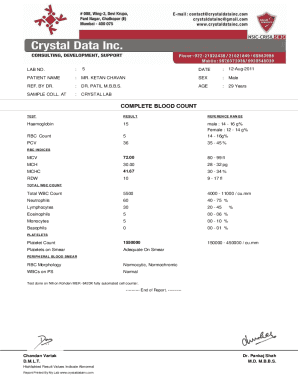
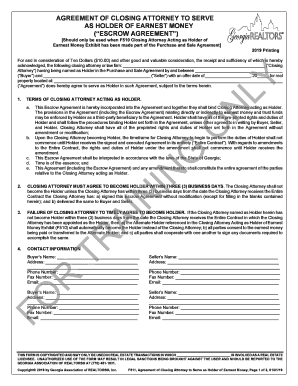



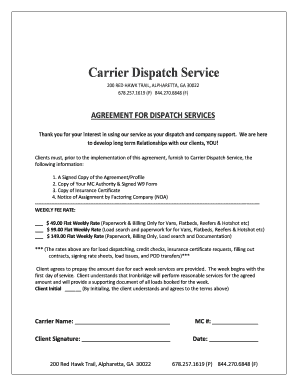
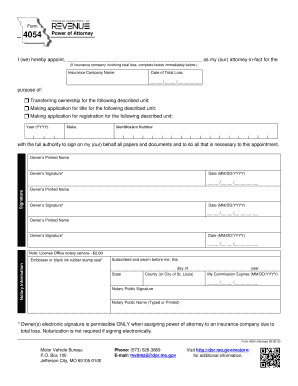
This Professional Services Agreement (Agreement) is effective as of the date of the last authorizing signature affixed hereto. The parties (Parties) to
General Purpose. The general purpose of this Agreement is to engage the services of Consultant to perform the services and provide the deliverables
Mar 24, 2022 Discover the essential components of a robust consulting agreement. Learn how to create a solid contract with these 12 key elements.


