




Here's how it works



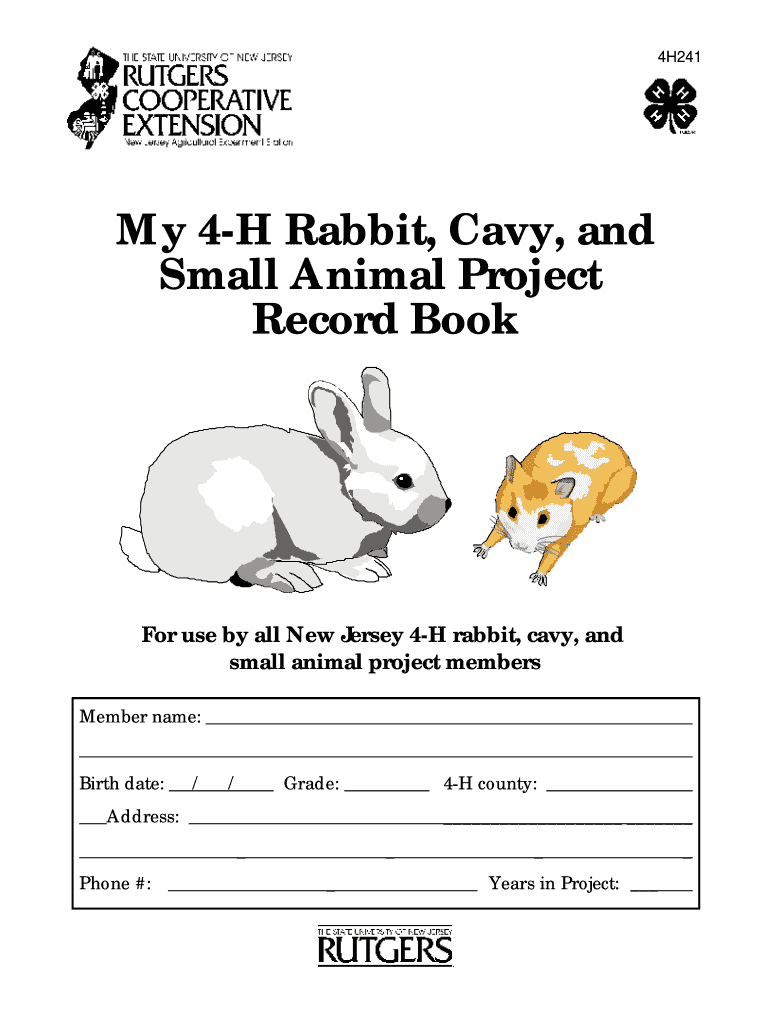
How to use or fill out My 4-H Rabbit, Cavy, and Small Animal Project Record Book. 4H241 - co hunterdon nj with our platform

- Click ‘Get Form’ to open it in the editor.
- Begin by entering your personal information in the designated fields, including your name, birth date, grade, county, address, and phone number.
- In the 'Starting Out' section, set at least three goals for the year. Write down what you need to do to achieve each goal.
- As you progress through the year, document your activities in the 'Along the Way' section. Record events participated in and animal care practices regularly.
- At the end of the year, complete the 'Looking Back' section by reflecting on your goals and summarizing what you learned throughout the project.
- Finally, outline your goals for next year in the 'Thinking Ahead' section to continue your growth in 4-H.
Start using our platform today to easily fill out and manage your project record book for free!
It's free
See more My 4-H Rabbit, Cavy, and Small Animal Project Record Book. 4H241 - co hunterdon nj versions
| Versions | Form popularity | Fillable & printable |
|---|---|---|
| 2002 | 4.8 Satisfied (124 Votes) |
Got questions?
How do I sign my 4h rabbit project record book without printing?
Electronic signatures are an excellent alternative to traditional signing, as they save time, effort, and costs people spend on printing, scanning, and paper delivery. You can eSign your 4h rabbit project record book utilizing a trustworthy and powerful online document processing services like DocHub. It complies with main eSignature policies (ESIGN and UETA), so all documents approved there are legally binding and have the same validity as manually signed ones.
How do you edit My 4-H Rabbit, Cavy, and Small Animal Project Record Book. 4H241 - co hunterdon nj from Google Drive?
If you store your files in Google Drive, there is no need to download your My 4-H Rabbit, Cavy, and Small Animal Project Record Book. 4H241 - co hunterdon nj on your computer and upload it back to our editor. A significantly easier way is to install a browser extension developed by DocHub to streamline this flow. The extension allows editing PDFs right in your browser. Alternatively, you may integrate your DocHub and Gmail accounts for more efficient modifying.
Security and compliance
At DocHub, your data security is our priority. We follow HIPAA, SOC2, GDPR, and other standards, so you can work on your documents with confidence.
Learn more


