Definition and Meaning of "Form Online"
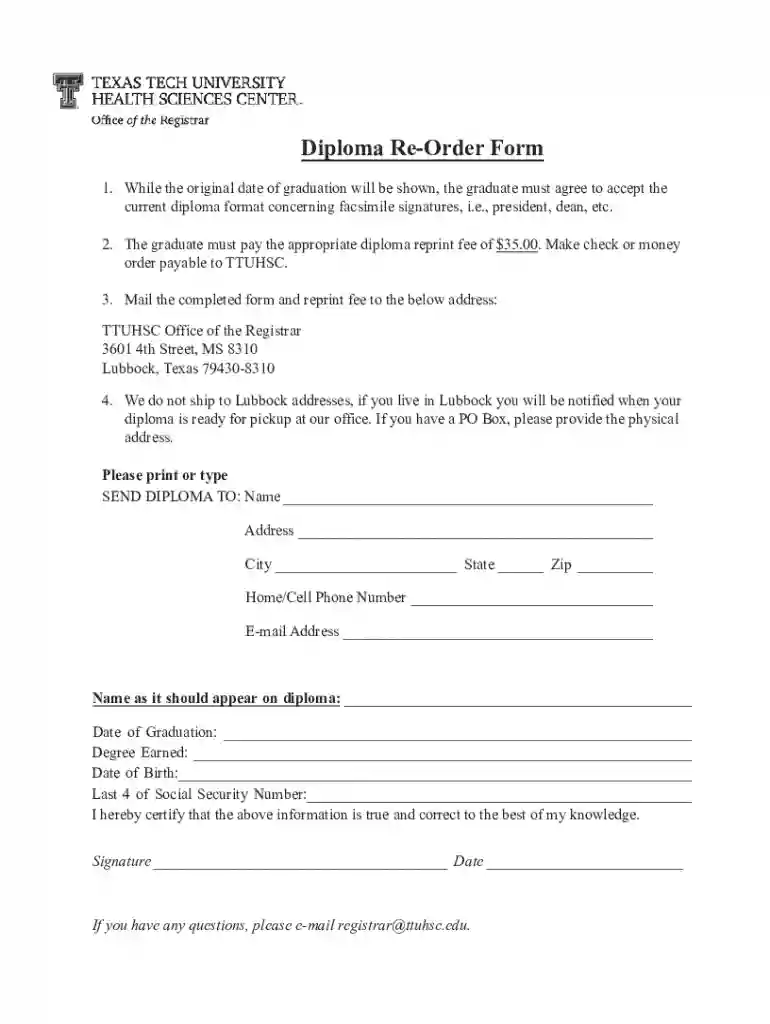
An online form is a digital version of a document that allows users to enter information electronically. These forms are often used to collect data, submit applications, or complete transactions online. By moving forms to an online format, organizations provide a more efficient way for individuals and businesses to interact, reducing the need for physical paperwork and streamlining processes. Online forms can vary widely in purpose, from simple registrations to complex multi-step applications, making them a versatile tool in today's digital environment.
Benefits of Using Online Forms
- Efficiency: Online forms can be filled out and submitted quickly, reducing processing time.
- Accuracy: Automated validation features ensure that only correctly formatted data is submitted.
- Accessibility: Forms can be accessed from any device with internet connectivity, improving reach.
Examples of Online Forms
- Job Applications: Candidates enter their personal information and qualifications to apply for positions.
- Customer Feedback: Surveys collect opinions and feedback on products or services.
- Registration Forms: Event or course sign-ups via easy-to-fill forms.
How to Use the Form Online
The use of online forms can enhance simplicity in data collection and user interaction. Here are steps you typically follow to use an online form effectively:
- Access the Form: Visit the website where the form is hosted. This usually involves clicking on a link provided in an email or found on a web page.
- Input Information: Enter all required information into the designated fields. This can include personal details, selections from dropdown menus, or file uploads.
- Review Details: Check the accuracy of the data entered to ensure everything is correct and complete.
- Submit: Click the submit button once all necessary fields are filled out. A confirmation message or email usually follows this action.
Tips for Efficient Usage
- Have Documents Ready: Gather all necessary documents before starting.
- Save Progress: If possible, save your progress in case you need to stop and return later.
Steps to Complete the Form Online
Completing an online form involves several straightforward steps, designed to simplify and streamline user interaction:
- Log In or Register: If the form requires authentication, create an account or log in using existing credentials.
- Navigate to Form Section: Reach the segment of the platform dedicated to form completion.
- Enter Required Information: Fill in necessary fields, taking care to input accurate and current details.
- Complete Optional Fields: If the form has optional sections, decide if you want to provide additional information.
- Submit Documentation: Attach any required documents, ensuring they meet specified formats and size limitations.
- Review and Confirm: Go over the completed form to detect and correct any errors.
- Submit the Form: Finalize the submission by clicking the dedicated button, such as "submit" or "send."
Common Challenges and Solutions
- Error Messages: Correct any errors indicated by the form's validation system and retry submission.
- Connectivity Issues: Ensure a stable internet connection during the submission process.
Why Use Forms Online
Opting for online forms offers numerous advantages over traditional paper forms, which directly translate to improved business efficiencies and user satisfaction:
- Cost-effectiveness: They eliminate the need for printing and mailing, reducing expenses.
- Sustainability: Digital forms require no paper, making them an eco-friendly choice.
- Data Security: Most online forms use encryption methods, safeguarding submitted data.
Real-World Utilization
- E-Commerce: Online forms for order processing and payment transactions.
- Healthcare: Patient information and consent forms for medical facilities.
Important Terms Related to Forms Online
Understanding the terminology related to online forms is essential for effective use:
- SSL Encryption: A security mechanism that protects data during transmission.
- OAuth 2.0: A protocol for secure account access and authentication.
- Form Fields: Specific areas where users input data, such as text boxes, checkboxes, and dropdowns.
Examples in Context
- Signature Fields: Used in legal documents for digital signing.
- Dropdown Menus: Allow selection from predefined options, simplifying user input.
Legal Use of the Form Online
Legal considerations are paramount when using online forms, especially in scenarios where sensitive data is involved:
- ESIGN Act Compliance: Ensures that electronic signatures are legally binding.
- Data Privacy Laws: Adherence to regulations such as GDPR or CCPA, pertinent in the handling of personal data.
Common Legal Applications
- Contracts: Agreements completed and signed electronically.
- Licenses: Applications for various permits and certifications.
Key Elements of the Form Online
Key features contribute significantly to the functionality and user experience of an online form:
- User-Friendly Interface: Intuitive design that guides users through the form completion process.
- Validation Rules: Checks that ensure the data entered is valid and complete before submission.
Technical Integration
- APIs: Enable forms to interface with other software systems, such as CRM platforms.
- Cross-Platform Compatibility: Forms are accessible on various devices and operating systems.
State-Specific Rules for the Form Online
State laws can influence how forms are implemented and managed online. These regulations vary and can affect the design and requirements of online forms:
- State Tax Forms: Different states may have unique tax form requirements that must be adhered to.
- Licensing Applications: Application procedures and required forms can vary significantly between states.
Example Variations
- Driver's License Renewal: Forms and requirements differ significantly from one state to another.
- Business Registration: Each state may have distinct processes involving specific forms.
By keeping these facets in mind, utilizing online forms can become an effective, streamlined part of personal or business workflow, adhering to legal and functional requirements.