




01. Edit your form online
Type text, add images, blackout confidential details, add comments, highlights and more.

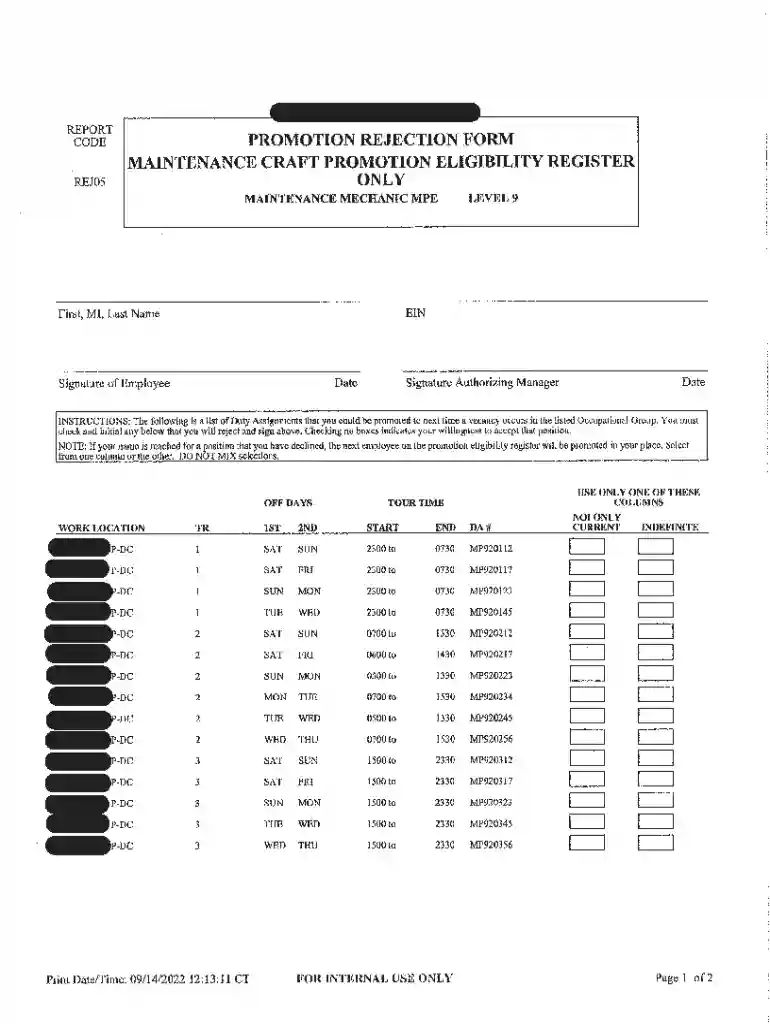
Type text, add images, blackout confidential details, add comments, highlights and more.

Draw your signature, type it, upload its image, or use your mobile device as a signature pad.

Send it via email, link, or fax. You can also download it, export it or print it out.
DocHub offers a comprehensive suite of tools designed to streamline document workflows. These tools facilitate editing, sending, and signing documents online across various formats, including PDF, DOC, PPT, XLS, and TXT. Users can import files from multiple sources such as their computer or cloud storage services, including Google Drive and Dropbox. This eliminates conversion steps and improves accessibility, enabling users to manage documents on desktop and mobile web browsers without needing specialized applications. The platform focuses on user-friendly operation, allowing seamless editing and review processes without geographical constraints.
Security is a critical aspect of DocHub, ensuring user data protection through robust methods. The platform implements 256-bit SSL encryption for safeguarding documents during transfer and storage. Authentication protocols like OAuth 2.0 support secure account access. Users can also add password protection for sensitive documents, offering an extra security layer before sharing or exporting files. These measures provide users with peace of mind, knowing their documents and data remain secure throughout use.
The editing capabilities of DocHub enable users to make comprehensive modifications to their documents, enhancing clarity and accuracy. The platform facilitates adding text, inserting images, and using annotation tools to highlight or comment on specific sections. Users can easily navigate the intuitive interface to find the required tools quickly. The ability to add logos, graphics, or typographical content enhances creative and professional document presentation without difficulty.
DocHub supports collaborative workflows by allowing multiple users to work on the same document simultaneously. Users can leave comments and set permissions for viewing, editing, or signing, making it beneficial for team projects. Real-time synchronization keeps documents updated, ensuring all collaborators access the most current version, thereby reducing errors and enhancing team collaboration efficiency.
DocHub excels at managing fillable forms, supporting the creation of interactive templates or converting existing documents into forms. The Form Fields manager provides options for inserting diverse fillable fields, such as text boxes and signature fields. This capability streamlines data collection processes and makes it simple for recipients to provide information in a structured format. Ensuring certain fields are required helps capture all necessary information before final submission.
When forms require input from multiple contributors, DocHub allows field assignments to specific recipients. This organizes the process of gathering information, ensuring that each participant understands their responsibilities and contributes accordingly. The streamlined process significantly reduces errors and improves the efficiency of collecting complex data.
DocHub offers a compliant solution for creating legally binding electronic signatures. The platform adheres to the ESIGN Act, providing confidence in the legal standing of signatures. Users have flexibility in creating signatures, choosing from options such as drawing, typing, or uploading an image. Signatures can be saved for future use, streamlining document finalization processes.
To further aid document authorization, DocHub allows for sign request feature utilization. Users can add multiple signers, define signing order, and track document status throughout the process. Automated reminders ensure timely completion, supported by an audit trail that records each document interaction. This enhances accountability and reduces administrative workload for document processing.
DocHub integrates deeply with Google Workspace, enhancing productivity for users within this ecosystem. Users can directly import files from Gmail or Google Drive into DocHub, make necessary modifications, and export back without leaving the Google environment. This seamless connection eliminates redundant file handling, fostering a fluid workflow and supporting continuous productivity in teams relying on Cloud-based tools.
DocHub provides essential features that support efficient document management and workflow optimization. Users benefit from:
These components collectively offer a comprehensive solution for modern document needs, balancing functionality with usability to support diverse business requirements effectively. Users experience improved workflow, security, and professional collaboration using the DocHub platform.
We've got more versions of the Docs form. Select the right Docs version from the list and start editing it straight away!
At DocHub, your data security is our priority. We follow HIPAA, SOC2, GDPR, and other standards, so you can work on your documents with confidence.




Google Docs is an online version of a word processor, similar to Microsoft Word or Apple Pages. Using all of Google Docs functionality requires a Google accountRead more
Explore our resources and powerful data engine to build your projects confidently. Everything you need in one platform. Instant APIs REST, GraphQL, and SDKs
Edit and organize Google Docs, Sheets, Slides, Microsoft Office files, and PDFs in real-time. Plus, access over 100 other file types! A logo cloud ofRead more


