




Here's how it works

01. Edit your christian life school of theology online
Type text, add images, blackout confidential details, add comments, highlights and more.

02. Sign it in a few clicks
Draw your signature, type it, upload its image, or use your mobile device as a signature pad.

03. Share your form with others
Send it via email, link, or fax. You can also download it, export it or print it out.
How to use or fill out Christian Life School of Theology with our platform

- Click ‘Get Form’ to open the Transcript Request form in the editor.
- Begin by entering your Full Name in the designated field. Ensure that it matches your official documents for accuracy.
- If applicable, provide any Other name(s) which may have been used, such as a maiden name, to help locate your records.
- Fill in the Name of School Last Enrolled and your Address (number and street), along with City, Town or Post Office, State, and Zip Code.
- Enter your Student E-mail Address for correspondence regarding your transcript request.
- Input your Social Security Number for identification purposes. This is crucial for processing your request efficiently.
- Indicate the Number of Copies Requested and specify where to Send Transcript if different from the address provided above.
- If you are holding for grades on a pending exam, include the name of the course in the appropriate field.
- List the Name and dates of CLEN schools attended to provide a complete academic history.
- Finally, ensure you sign in the Student’s Signature Required field. If necessary, include the Signature of Chancellor of Current School.
- Remember to enclose payment details as specified: $15.00 for an Official Transcript or $10 for a Course Record. Make checks payable to Christian Life School of Theology Global; do not send cash.
Start filling out your transcript request today using our platform for free!
Fill out christian life school of theology online
It's free
It's free
See more christian life school of theology versions
We've got more versions of the christian life school of theology form. Select the right christian life school of theology version from the list and start editing it straight away!
| Versions | Form popularity | Fillable & printable |
|---|---|---|
| 2016 | 4.7 Satisfied (45 Votes) |
Security and compliance
At DocHub, your data security is our priority. We follow HIPAA, SOC2, GDPR, and other standards, so you can work on your documents with confidence.
Learn more


Related forms

Degree audit sheet
The document is a Degree Audit Application Form (DAAF) for Bachelor of Arts students at Hunter College, specifically for ...

Marshall university parking pass
The document is a Student Parking Permit Application for Marshall University, detailing the process for students to appl ...

2005W Residential Roofing Proposal - Complyability.com
The document is a Residential Roofing Proposal Form outlining the terms and conditions between a contractor and an owner ...

Florida Supreme Court Approved Family Law Form 12.903(c)(1 ...
The document provides instructions for using Florida Supreme Court Approved Family Law Form 12.903(c)(1), which is the A ...
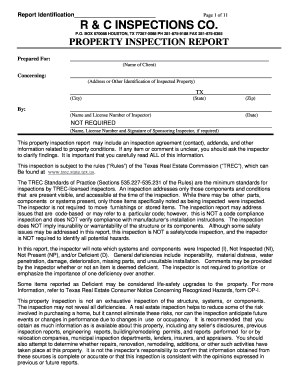
Mechanical inspection report format
The document is a property inspection report prepared by R & C Inspections Co. for a client, detailing the condition of ...
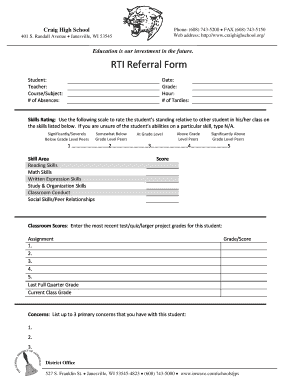
RTI Referral Form - Craig High School
The document is a referral form for students at Craig High School in Janesville, WI, designed to assess student performa ...