







Definition and Meaning of ADP Solutions Mobiles
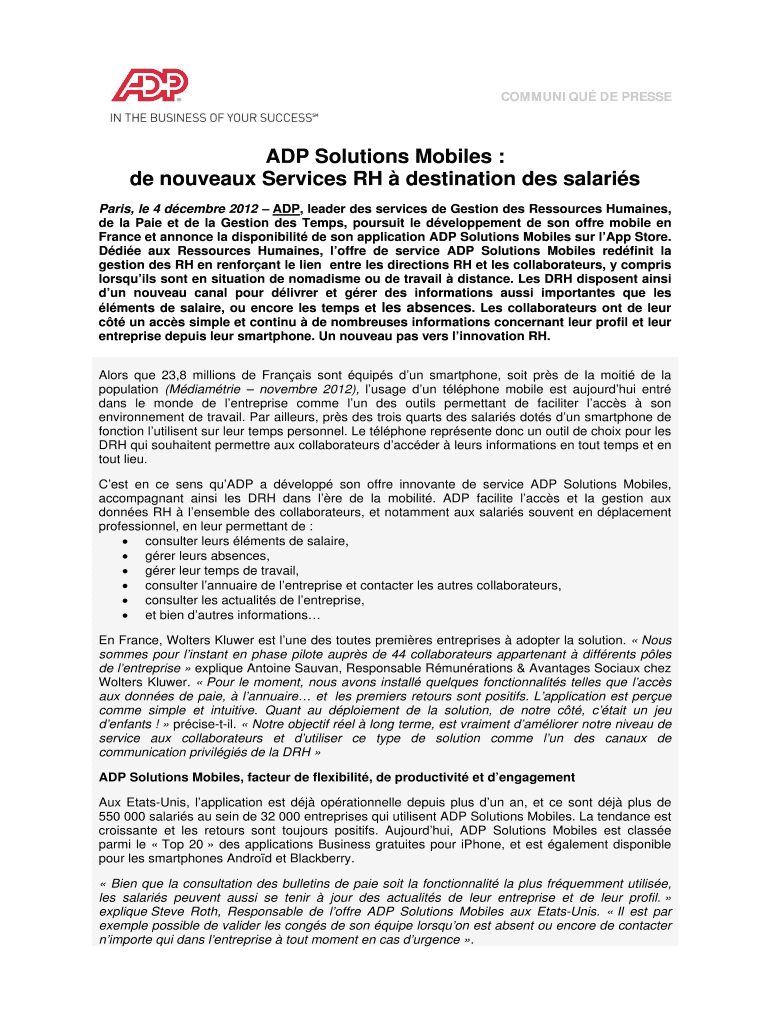
ADP Solutions Mobiles is a mobile application developed by ADP to improve human resource services for employees. This app allows HR teams in organizations to effectively communicate with their employees through their smartphones. Key functionalities include accessing salary details, managing absences, and receiving company news instantly. This technological solution is designed to enhance flexibility, productivity, and employee engagement, making it a vital tool for both organizations and their workforce.
Key Features
- Access to salary details and pay slips.
- Absence management including leave requests and approvals.
- Instant access to company news and updates.
Utilizing the app streamlines HR processes, centralizing several functions into one mobile interface, making it easier for employees to stay informed and for HR departments to manage administrative tasks.
How to Use the ADP Solutions Mobiles
To effectively use ADP Solutions Mobiles, users need to install the application on their smartphones. Once installed, the app requires user authentication, usually through an employee ID and password provided by the employer.
Key Steps to Get Started
- Download and Install: Obtain the app from Google Play Store or Apple’s App Store.
- Log in: Use credentials provided by your employer.
- Explore Features: Access various features like salary details, absence management, and company announcements.
Users should familiarize themselves with the app’s interface to fully utilize its features, helping them manage their work-life details efficiently anywhere, anytime.
Steps to Obtain the ADP Solutions Mobiles
Obtaining ADP Solutions Mobiles is a straightforward process, aimed at making it accessible to any organization looking to enhance its HR functions.
Step-by-Step Guide
- Contact ADP: Reach out to ADP’s sales department to discuss needs and acquire the solution.
- Customization: Work with ADP to tailor the app to your organization’s specific HR requirements.
- Deployment: Allow ADP to assist in rolling out the app to employees, ensuring a smooth transition and adoption.
The process emphasizes ease of access for organizations and seamless integration with existing HR systems.
Importance of ADP Solutions Mobiles
ADP Solutions Mobiles brings vast benefits, particularly in streamlining HR tasks and improving communication between HR departments and employees.
Key Benefits
- Flexibility: Employees can access information from anywhere, enhancing work-life balance.
- Efficiency: Automates routine HR tasks, freeing HR personnel for strategic roles.
- Engagement: Provides a platform for timely and effective communication between employees and HR.
Implementing such solutions leads to an optimized workflow, promoting a productive workplace culture.
Who Typically Uses ADP Solutions Mobiles
ADP Solutions Mobiles is primarily targeted at organizations looking to improve their HR processes. However, it is designed to benefit both HR professionals and end users (employees).
Typical Users
- HR Departments: Utilize the app to manage and streamline HR operations.
- Employees: Access personal information, enhancing their experience and engagement with the organization.
The dual-user focus ensures that both administrative and personal aspects of HR are addressed efficiently.
Key Elements of ADP Solutions Mobiles
The app’s design is centered on user-friendliness and comprehensive functionality, ensuring ease of use and extensive applicability.
Notable Features
- User Interface: Simple and intuitive, making navigation straightforward.
- Integration: Works seamlessly with existing HR systems to provide a cohesive solution.
- Security: Utilizes authentication and encryption to safeguard personal data.
Each element has been carefully crafted to provide maximum utility while maintaining security protocols to protect sensitive information.
Legal Use of ADP Solutions Mobiles
Legal compliance is crucial when handling employee data, and ADP Solutions Mobiles ensures adherence to all relevant standards.
Compliance Features
- Data Protection: Implements measures like encryption to secure data.
- Regulatory Adherence: Ensures operations within legal frameworks, particularly concerning data privacy laws in the United States.
These features provide peace of mind to organizations, assuring them that employee data is managed and protected in accordance with legal requirements.
Software Compatibility of ADP Solutions Mobiles
To enhance its usability, ADP Solutions Mobiles is designed to be compatible with various software systems, including popular accounting and payroll software.
Compatible Systems
- Accounting Software: Integrates with systems like QuickBooks to facilitate smooth payroll processing.
- HR Management Systems: Works alongside existing HR systems to provide a unified interface.
The compatibility ensures organizations can implement ADP Solutions Mobiles without the need for significant changes to their current technological infrastructure.




