01. Edit your form online
Type text, add images, blackout confidential details, add comments, highlights and more.

Type text, add images, blackout confidential details, add comments, highlights and more.

Draw your signature, type it, upload its image, or use your mobile device as a signature pad.

Send it via email, link, or fax. You can also download it, export it or print it out.
The term "form online" refers to a digital version of a document or template that can be completed and submitted over the internet. These forms are designed to streamline processes by allowing users to fill them out electronically, often with the capability to include interactive fields such as text boxes, checkboxes, and signature areas. Online forms are commonly used for applications, registrations, surveys, and data collection, making it easier for individuals and businesses to gather and process information without needing to handle physical paperwork.
Using an online form typically involves accessing the document through a web platform that facilitates digital completion. Users can interact with various fields, such as entering information into text boxes, selecting options from dropdown menus, or marking checkboxes. Many online forms also feature designated areas for digital signatures, ensuring that submissions are not only efficient but also legally compliant. Upon completing the form, users can submit it electronically, often receiving confirmation of receipt. This digital process is seamless and usually requires no specific software installations.
Acquiring an online form can be achieved through several methods, depending on its purpose and availability. Commonly, forms are accessible from websites of organizations or government agencies that require information submissions. Users might receive a direct link via email or find forms through a relevant web portal. Platforms like DocHub simplify this process by allowing the import of documents from cloud services like Google Drive and Dropbox, ensuring that forms are easily obtainable and conveniently located.
Filling out forms online offers several benefits, including increased efficiency, accuracy, and accessibility. It eliminates the need for physical paperwork, reducing the risk of loss or damage. Online forms can be completed remotely, providing flexibility for individuals and businesses. Additionally, digital forms often include built-in validation checks, helping to ensure that all required fields are completed correctly. This minimizes errors and expedites processing, making it an ideal solution for time-sensitive submissions.
Understanding key terms associated with online forms is crucial for effective use. Terms such as "digital signature," referring to an electronic means of signing a document, and "interactive fields," which are elements that enable user interaction, are foundational. Other important terms include "form validation," which ensures data accuracy, and "submission confirmation," an acknowledgment of successful form completion. Familiarity with these terms aids users in navigating and utilizing online forms efficiently.
Different states may have specific regulations and requirements for online forms, especially concerning legal documents or submissions to state agencies. For example, states might vary in their acceptance of digital signatures or require additional forms of verification. It is crucial to understand local laws and obtain the necessary guidelines before completing online forms to ensure compliance. Users can usually find state-specific instructions on official websites or through contact with the relevant agency.
Online forms are utilized across numerous scenarios, including:
This variety of applications demonstrates the versatility and essential role of online forms in modern digital interactions.
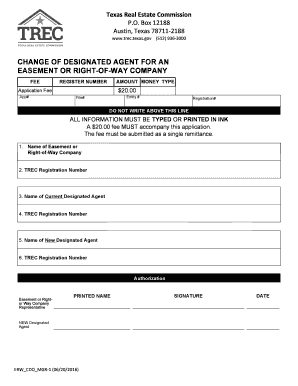
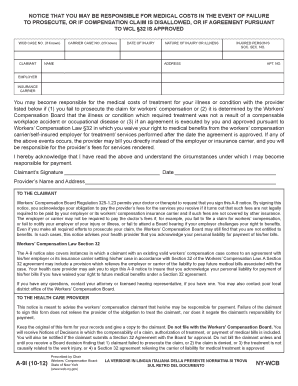
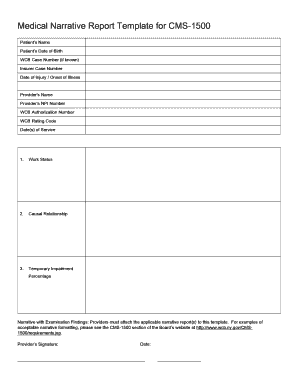
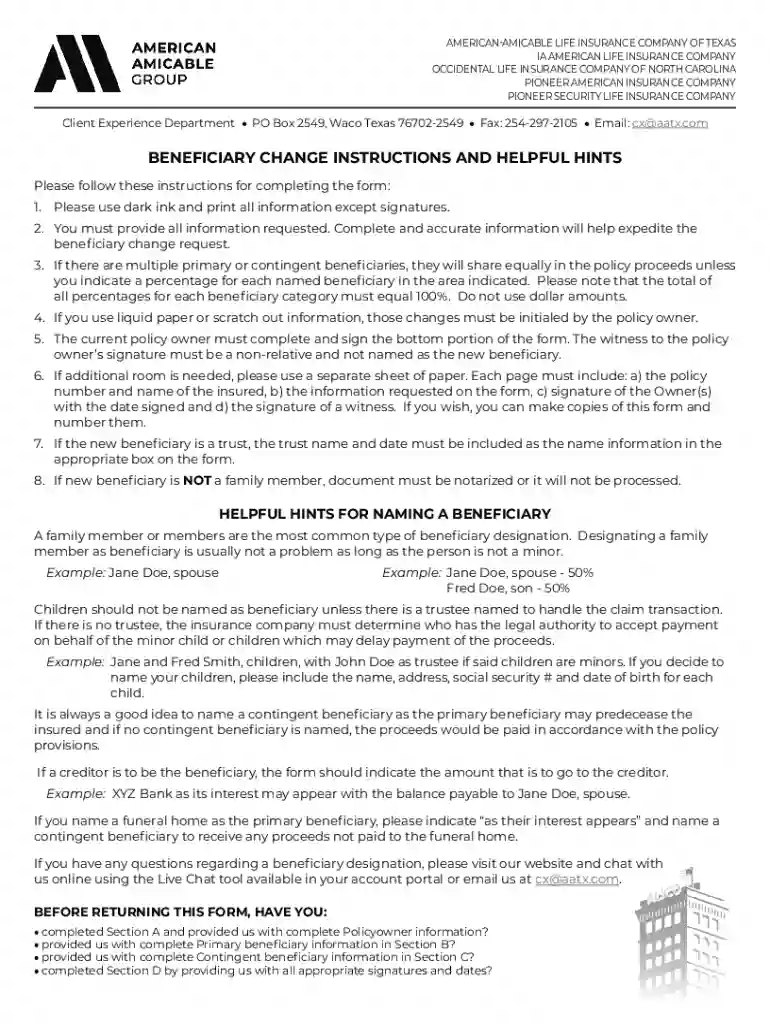
We've got more versions of the Beneficiary Change Request Form form. Select the right Beneficiary Change Request Form version from the list and start editing it straight away!
At DocHub, your data security is our priority. We follow HIPAA, SOC2, GDPR, and other standards, so you can work on your documents with confidence.